Anime Generator from Photo
The Anime Generator from Photo redraws one photo as an anime illustration, with every person and the setting kept, in about a minute.
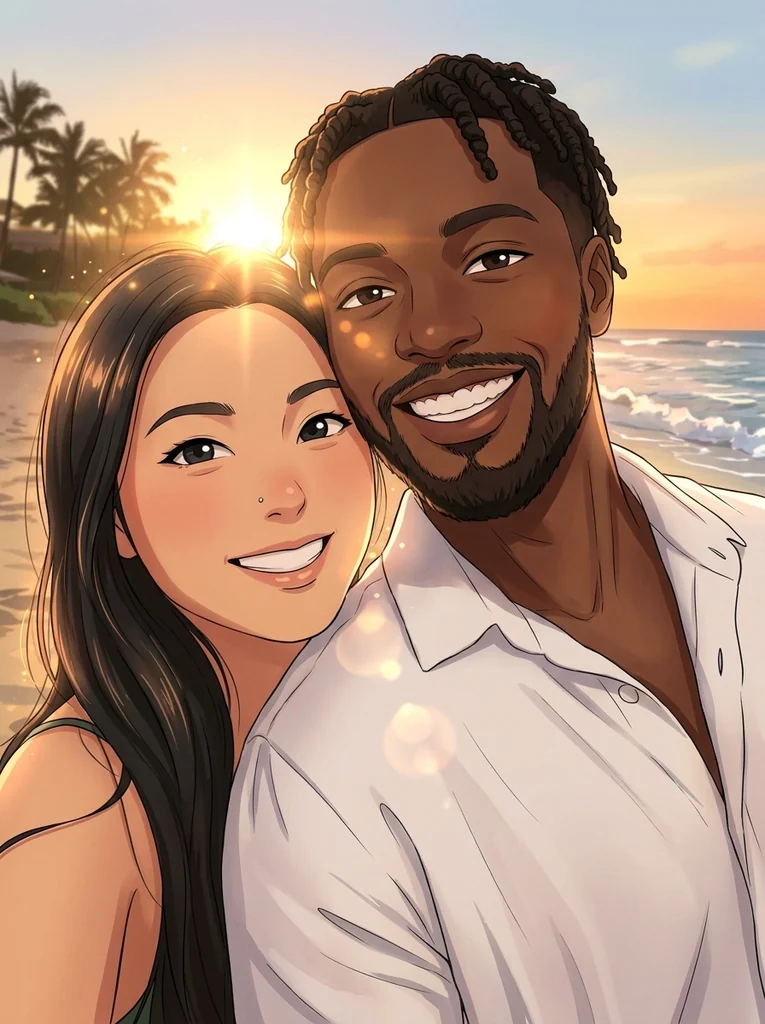
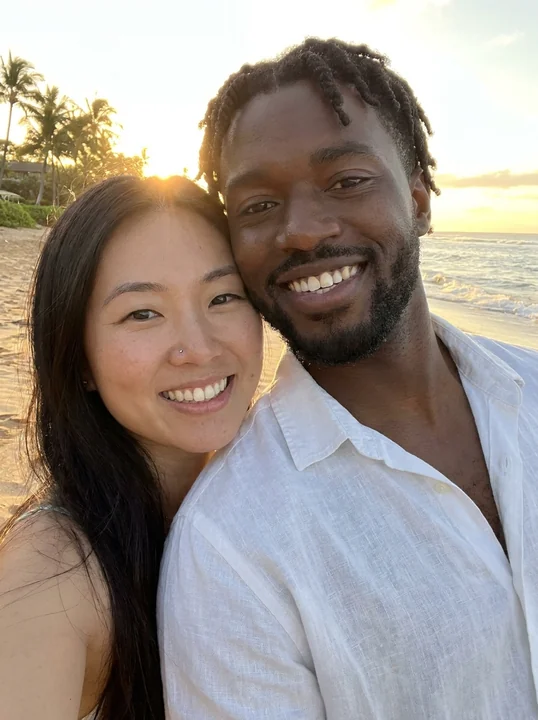
- Same shape as your photo
- 1K · 2K · 4K, from 1 credit
- PNG (4K as JPG)
- About a minute
- Kept 30 days
AI-generated results may change details of faces, hands or accessories and are not guaranteed to match the input photos exactly.
Start with one photo
Five photos in anime style
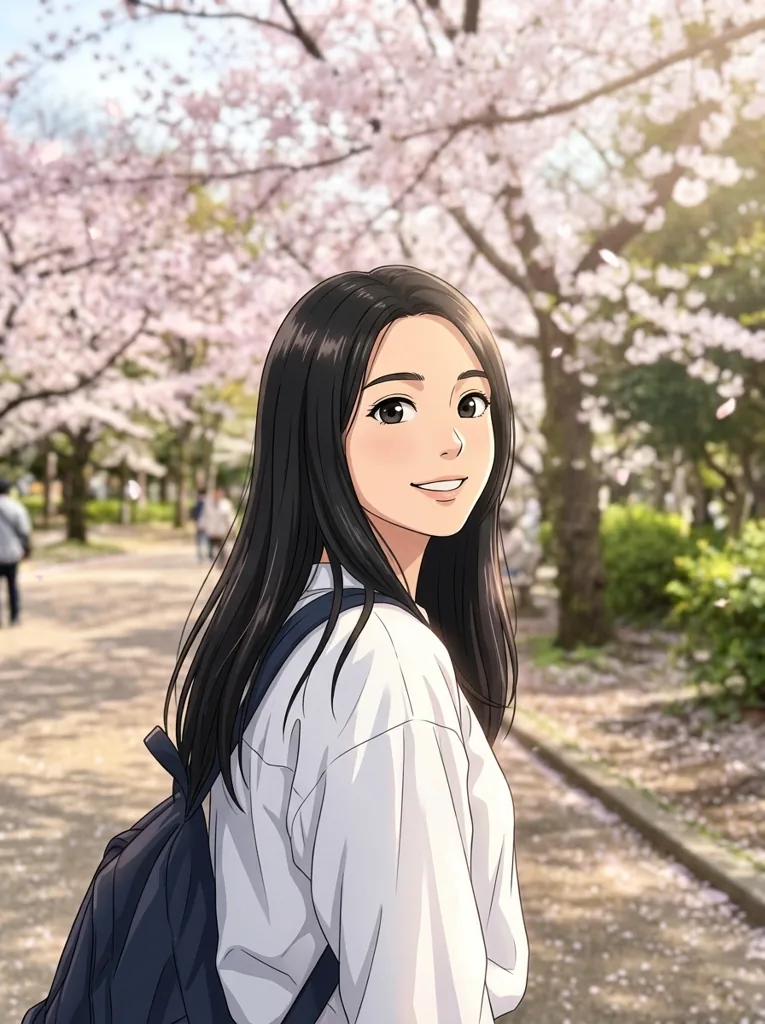
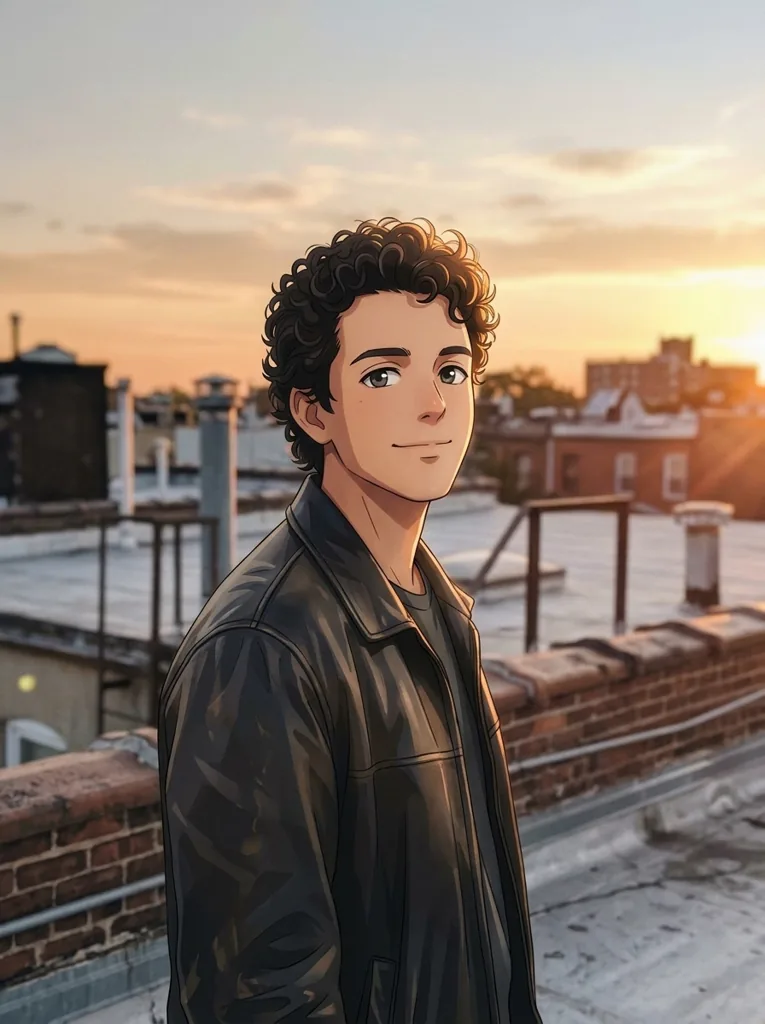
Selfies, a rooftop portrait and a picnic of three friends, each redrawn by this page. The setting stays and becomes part of the illustration.
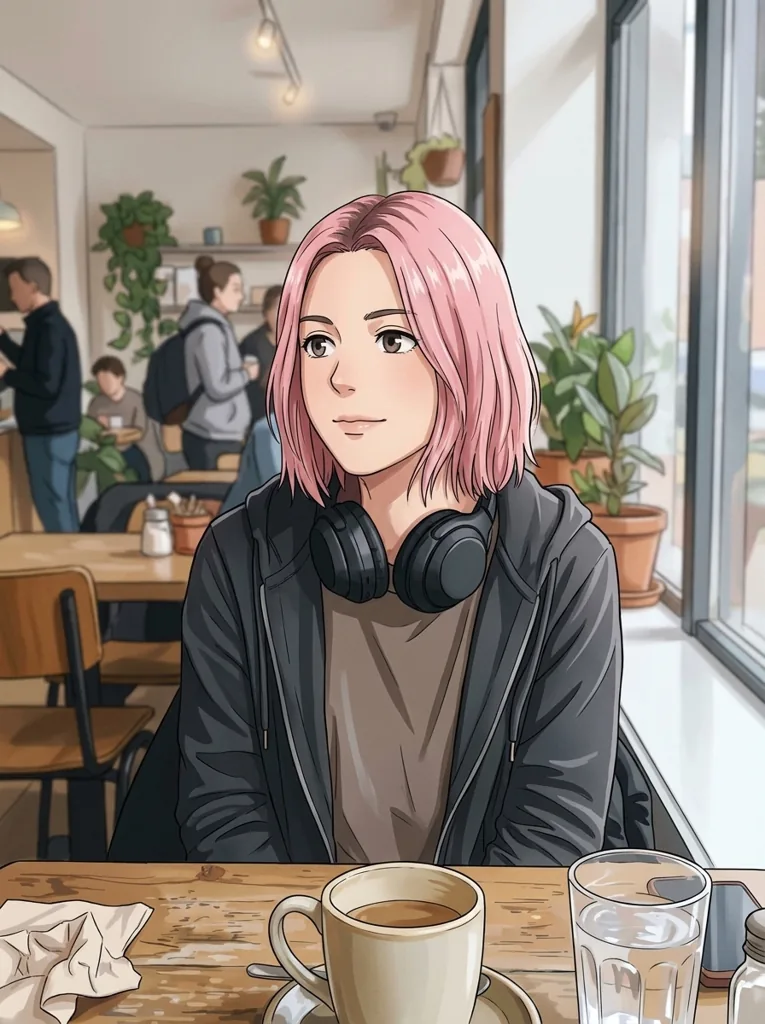
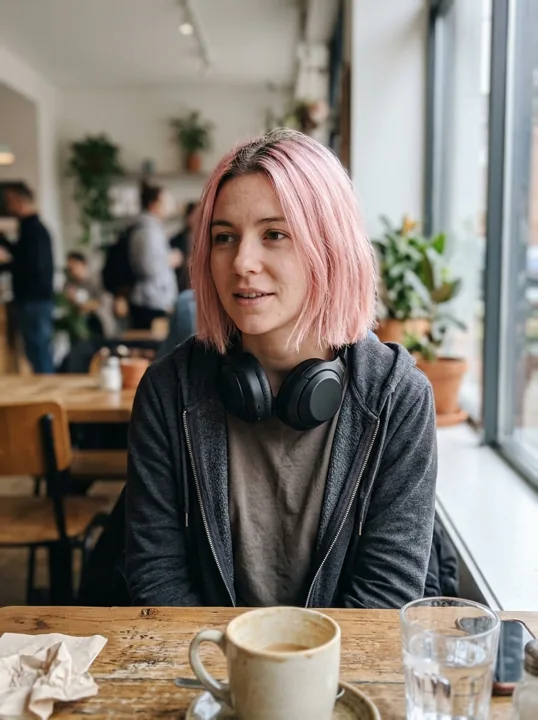
Three friends, three anime faces
A group photo keeps everyone: each person gets their own hairstyle, skin tone and smile, in the same places as in the photo.
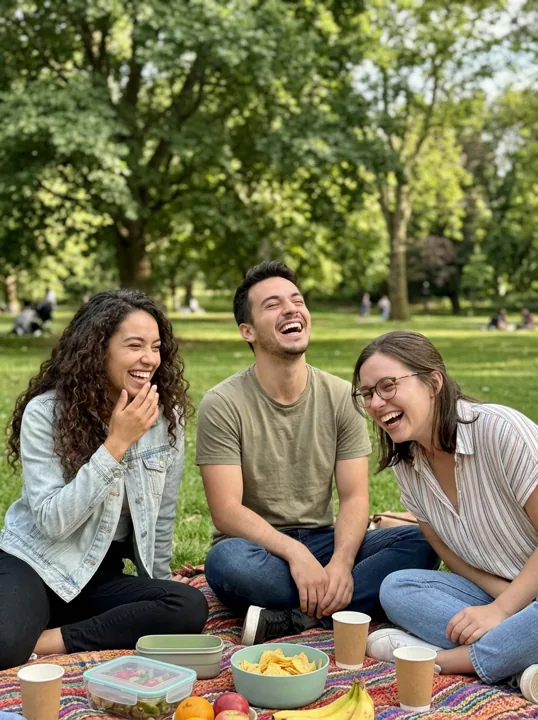
The photo: three friends on a picnic blanket. 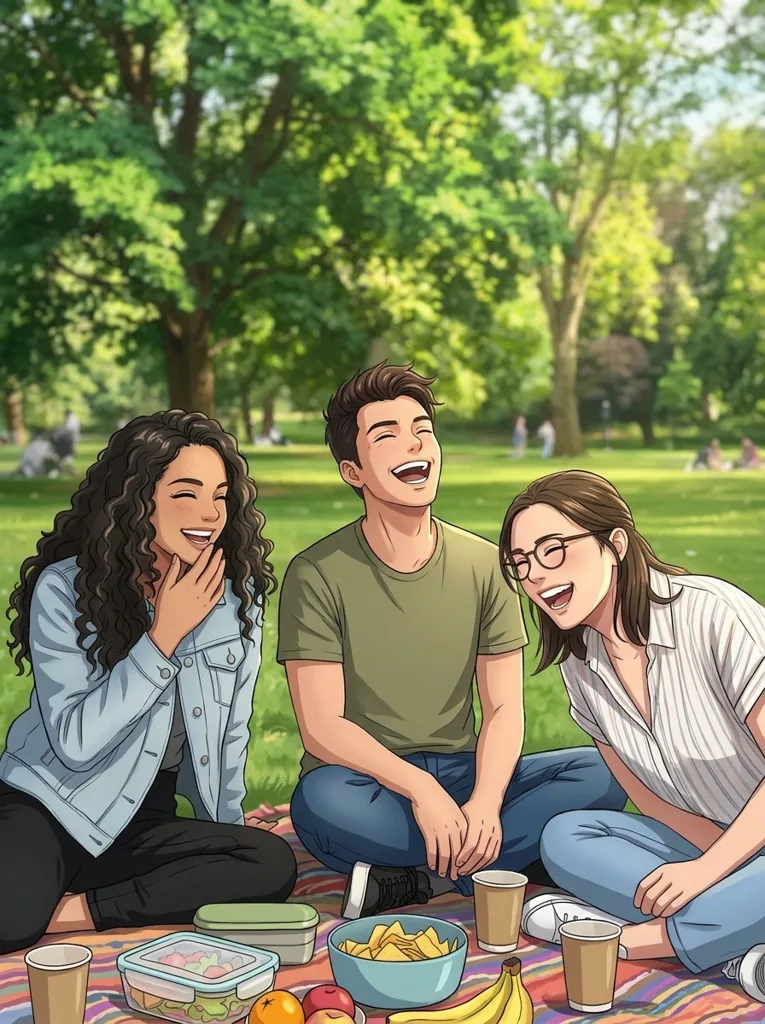
Anime: all three kept, each with their own hair and expression.
Picture to anime: which shots hold up
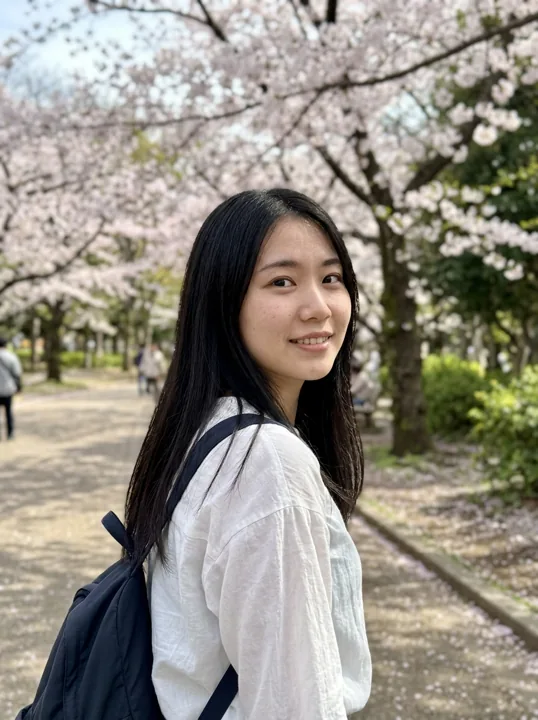 One face, soft light
- Every face in view
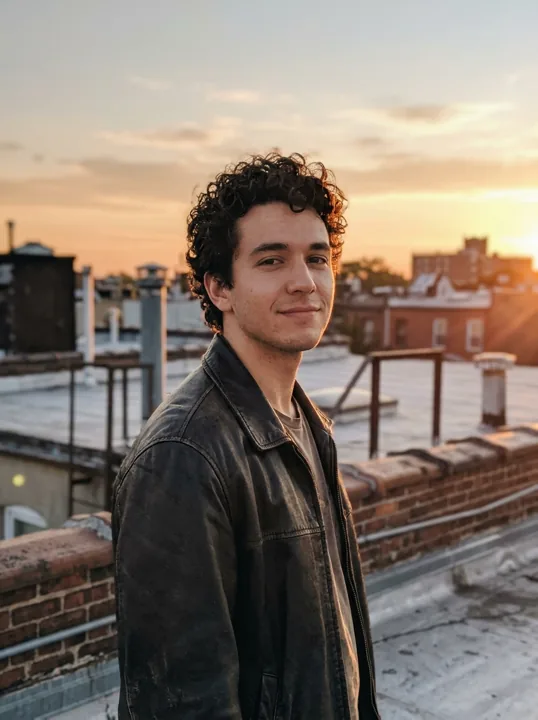 A setting worth keeping
 Person too far away
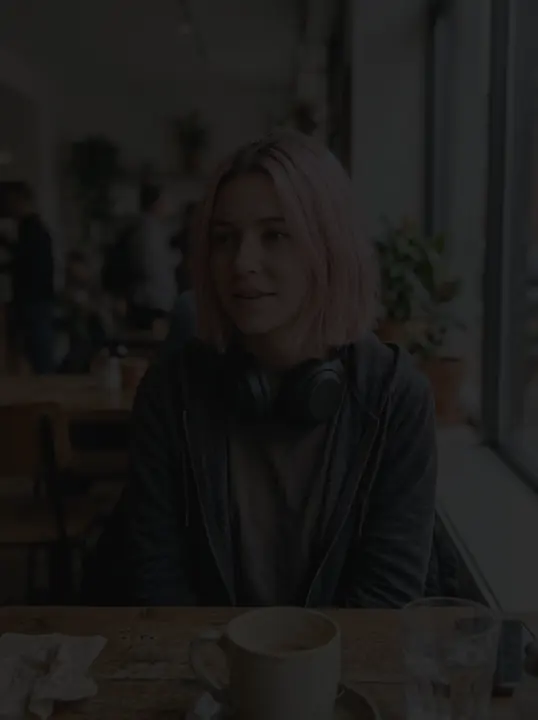 Face in the dark
 Out of focus
Anime yourself from a single upload
- 1. Add one photoA selfie, a portrait or a small group with faces in view.
- 2. Pick a size1K for a wallpaper or avatar; 2K or 4K to print or crop.
- 3. Download the illustrationSame shape as your photo, in your library about a minute later.
- Same shape as your photo
- 1K · 2K · 4K, from 1 credit
- PNG (4K as JPG)
- About a minute
- Kept 30 days
Anime avatar maker and beyond
- Anime avatar Crop a face from the illustration for a profile picture.
- Couple and friend pictures One photo of two or three people becomes one shared anime scene.
- Phone wallpaper The illustration keeps the shape of your photo, so a tall photo gives a tall wallpaper.
- Prints and gifts At 2K or 4K it prints on a poster or a card.
What does it mean to turn a photo into anime?
Anime here means the drawing style of Japanese animation: crisp outlines, big expressive eyes and flat shading in a few tones. The Anime Generator from Photo redraws your own photo in that style instead of inventing a new character.
Read more
In Japanese, anime is a short form of the borrowed word for animation, and at home it covers every kind of cartoon. Outside Japan the word took a narrower meaning: the look of Japanese animated series and films. When people ask to turn a photo into anime, they mean that look applied to themselves, so the picture should feel like a still frame from a show while the faces stay theirs.
That look has a handful of steady habits. Eyes are drawn much larger than in life, with a bright highlight and a colored iris that carries most of the emotion. Noses shrink to a small angle or a shadow. Hair is split into sharp, separate locks with a glossy band of light across them. Skin and clothes are filled with flat color and one hard-edged shadow instead of a smooth blend, and the background is painted more softly than the characters so they stand out.
The searches behind this page come in many forms: photo to anime, picture to anime, anime yourself, make myself anime, anime avatar maker. They share one wish, which is to see a real person rather than an invented character. That is why this page takes a photo and nothing else. It is not a character builder where you describe a hero in words; it draws the people who are already in your picture.
Why it is called cel shading
For most of the twentieth century, animation was painted by hand on clear plastic sheets called cels, laid over a painted background and photographed frame by frame. Painters filled each area with one flat color and added a single darker tone for shadow, because blending shades on thousands of sheets was impractical. Studios moved to digital painting long ago, but the clean, two-tone look stayed, and the term cel shading stayed with it. Your anime picture is drawn the same way: firm outlines, flat fills and shadows with a hard edge.
Keeping a real face inside the style
The style changes faces more than most cartoons do, so likeness has to come from other places. The recipe tells the model to hold on to what friends recognize first: where each person stands, the cut and color of the hair, skin tone, face shape and expression. Eyes grow and noses shrink, yet a person with a side parting, freckles and a lopsided grin keeps all three. The setting carries over as well: a beach becomes a painted beach, a kitchen a painted kitchen.
The beach selfie we tested
On 3 November 2026 we gave Nano Banana 2.1 the early anime prompt behind this recipe, together with a selfie of a couple at a beach at sunset. The test photo was generated with AI, not taken of real people. Both came back cel-shaded, each with their own skin tone, hair and smile, in front of a glowing sunset beach. The final version of the prompt holds for any photo, from a single selfie to a small group.
CartoonPix is independent and not affiliated with any animation studio, publisher, series or artist. Sources: the meaning of anime and the history of cel painting from reference works on animation, the search phrases people use, taken from our keyword research of November 2026, and the results we reviewed from our 3 November 2026 test. Updated .
Anime avatar maker questions, answered
Is the Anime Generator from Photo free, or is there a free photo to anime AI?
CartoonPix has no free credits or free trial. Each anime picture at 1K uses 1 credit, and the Starter pack is $9.99 for 20 credits. Credits you buy never run out, so any you have left work on every other style on the site.
Can the anime generator from photo draw two people or a whole group?
Yes. The recipe keeps everyone in the frame, in the same positions, with their own hairstyles, skin tones, face shapes and expressions. Our couple test came back with both people and their smiles intact. Small groups work best; with a crowd, faces get too small to keep.
Is this the same as an anime filter for photos?
Not quite. A live filter in a camera app lays an effect over your face in real time. Here the model draws a new illustration from your photo, so the outlines, shading, hair and background are all redrawn rather than painted on top.
How do I convert a photo to anime without writing a prompt?
Upload the photo, choose 1K, 2K or 4K and start. The page already holds one tested anime recipe, so there is no text box to fill in, no style list and no settings to tune. One photo gives one finished picture.
Will the result work as an anime avatar or profile picture?
It works well, especially from a selfie. Most apps crop avatars to a circle or a square, so pick a photo with your face near the middle and some room around it. Large anime eyes stay readable even at small sizes.
Why does my anime self look different from the real me?
The style redraws faces with bigger eyes, a tiny nose and smooth skin, so your likeness rests on your hair, skin tone, face shape and expression. If one of these is unclear in the photo, the model has less to hold on to.
If I upload the same photo twice, do I get the same picture?
Close, but not identical. In our tests the same photo run four times kept the face, glasses, beard and clothes each time, while small things such as background color, beard length and once the eye color shifted slightly. Each run uses credits.
Can I describe an anime character in words instead of uploading a photo?
No. This page only turns photos into anime; it is not a text-to-character tool. The model needs a real picture to work from, and it draws the people in that picture rather than someone made up from a description.
Is the picture good enough to print or use as a wallpaper?
At 1K it suits phones and social posts. For a poster, a framed print or a wide desktop wallpaper choose 2K or 4K, which keep the clean anime outlines sharp when the picture is shown large.