Cartoon Styles for Your Photos
Cartoon styles here are built in: each one is a tested recipe with its own page, examples and FAQ. There are 12 looks on 8 pages; Photo to Pixel Art, Photo to Sketch, Photo to Sticker and Pet Portrait from Photo each let you choose between two before you start. Every style takes one photo and gives back one picture.
8 tools, 12 looks
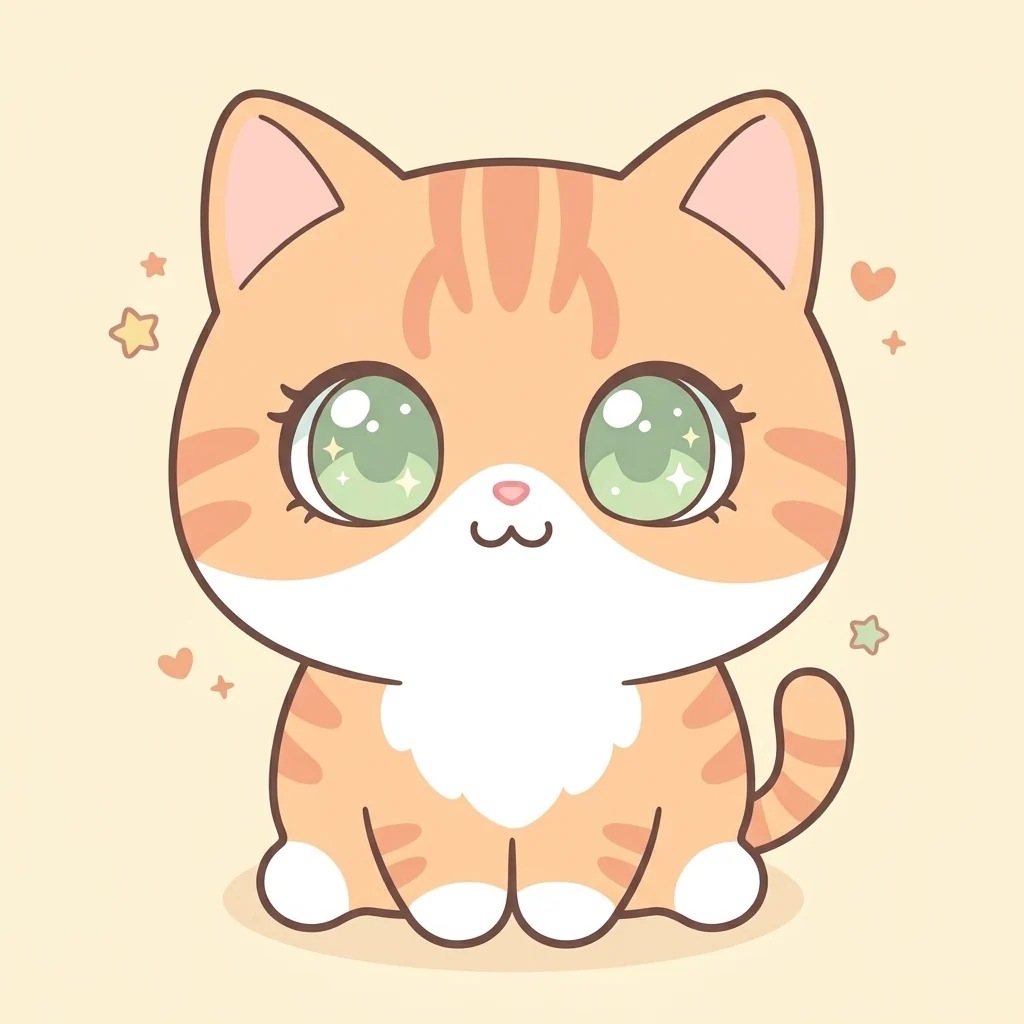 Chibi MakerBig head, tiny body, your own hair and outfitOpen Chibi Maker →
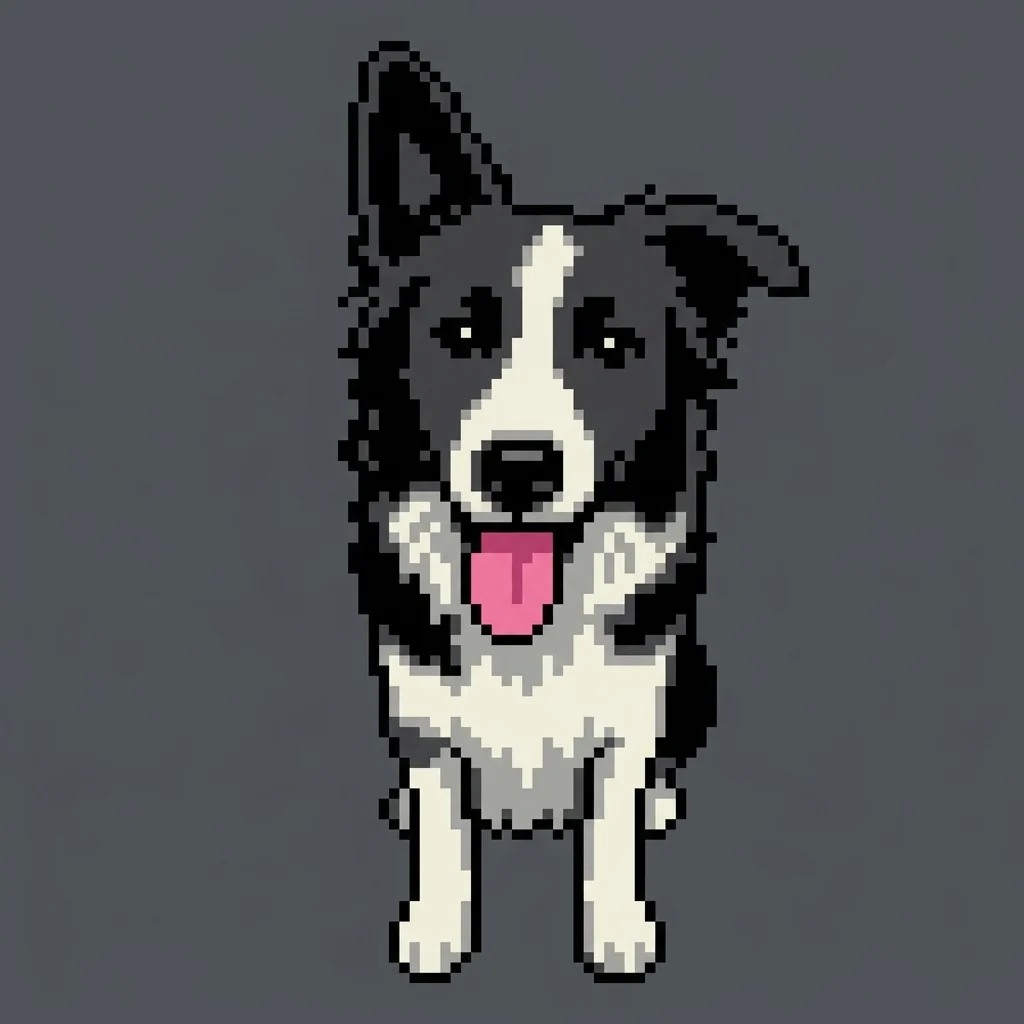
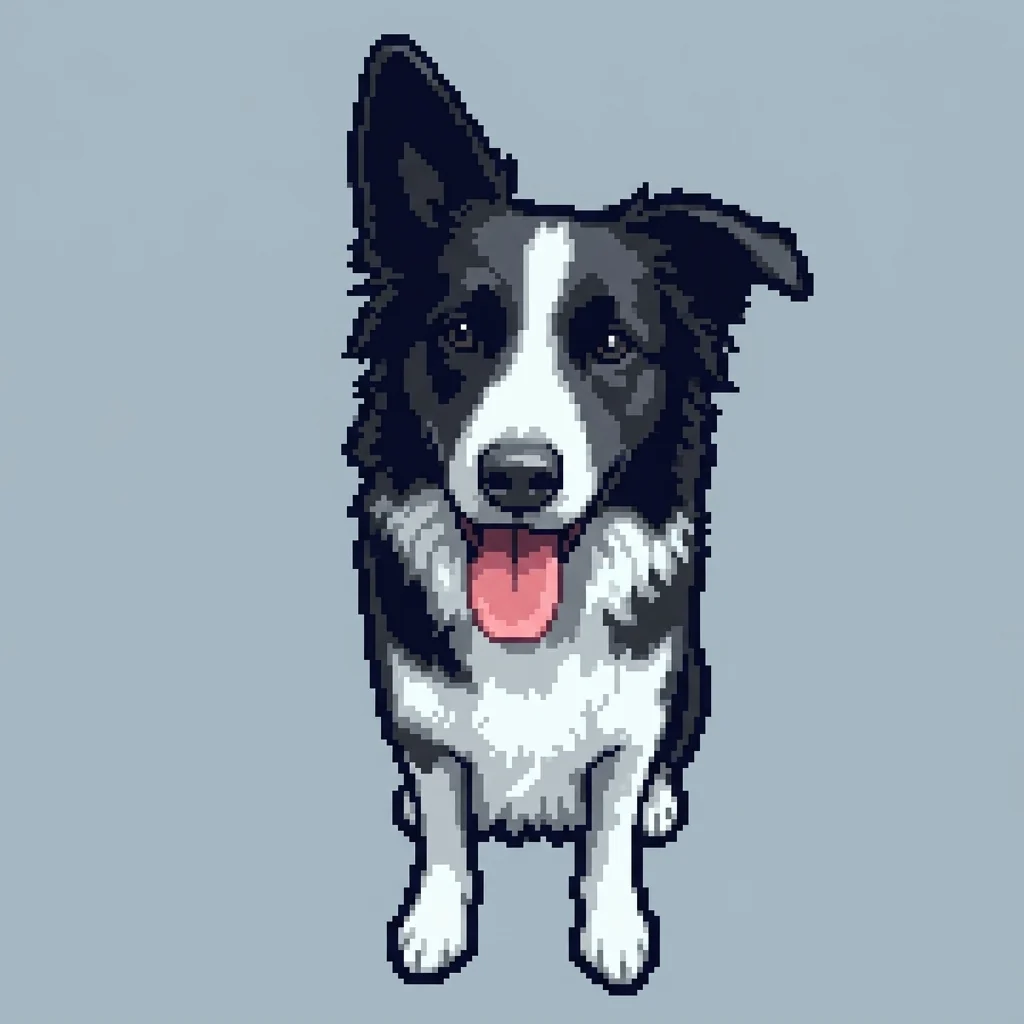 Photo to Pixel Art8-bit · 16-bitOpen Photo to Pixel Art →
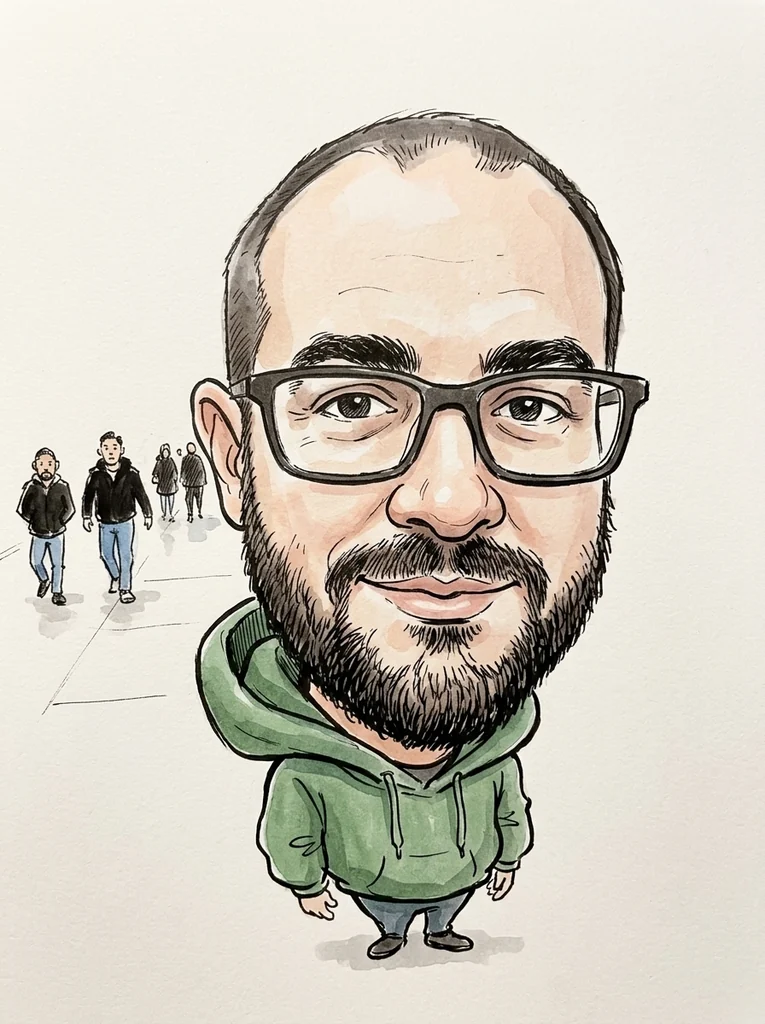 Caricature MakerA big head, a bigger grin and bold pen linesOpen Caricature Maker →
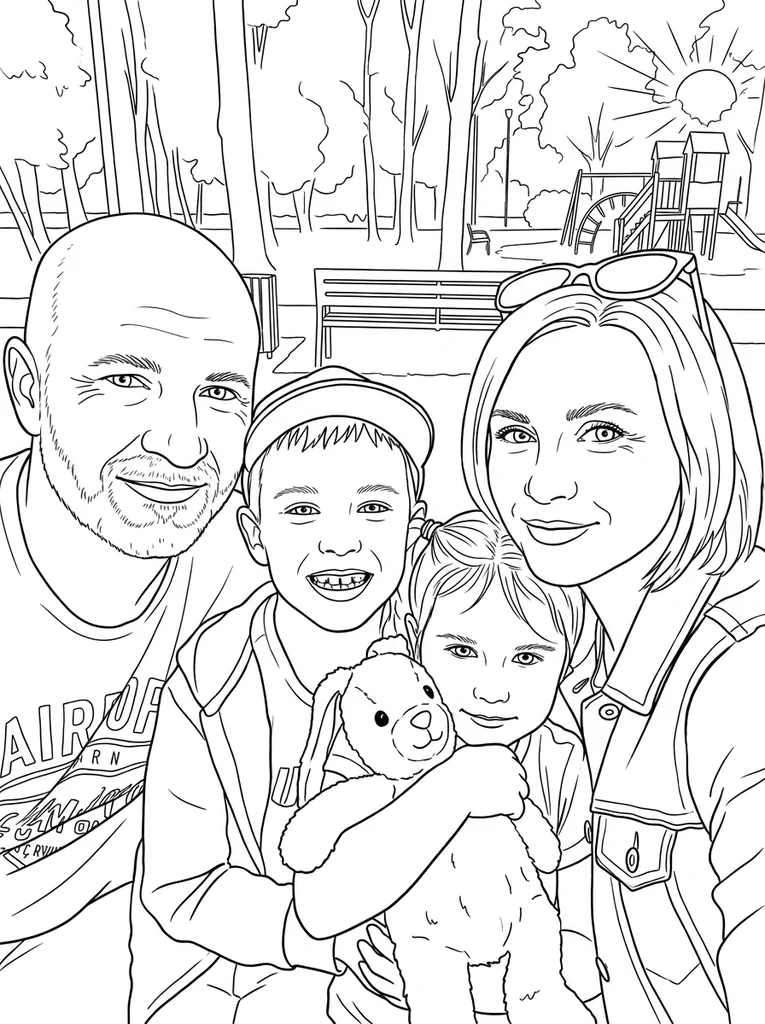 Photo to Coloring PageYour own photo as black lines, ready for crayonsOpen Photo to Coloring Page →
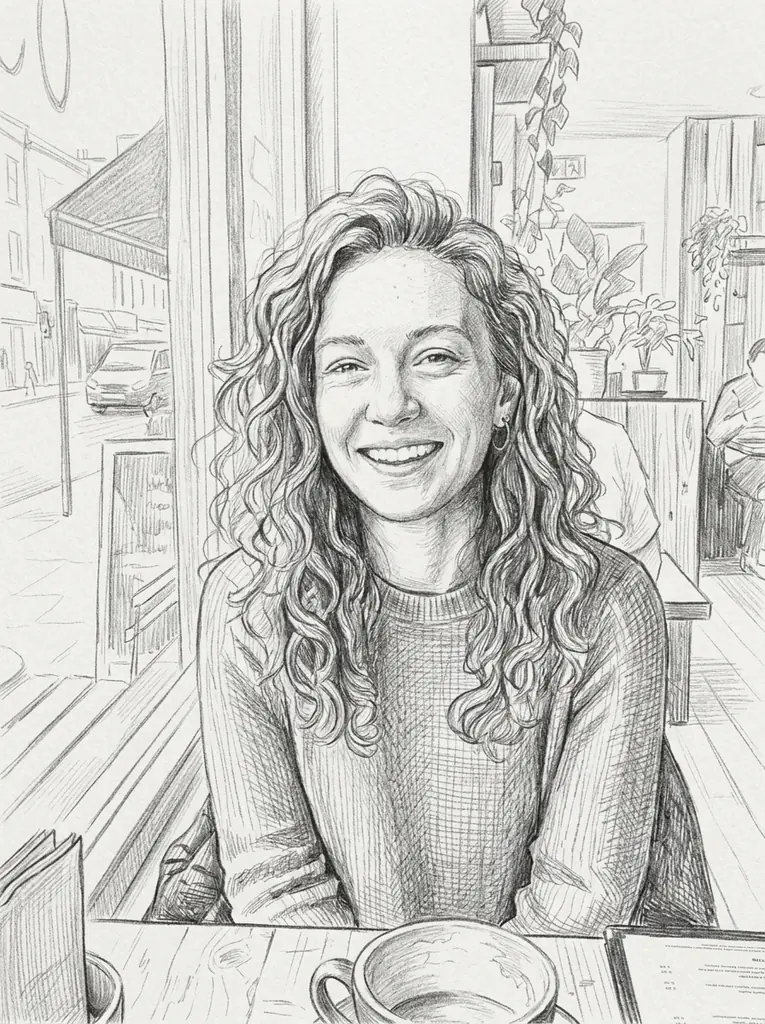
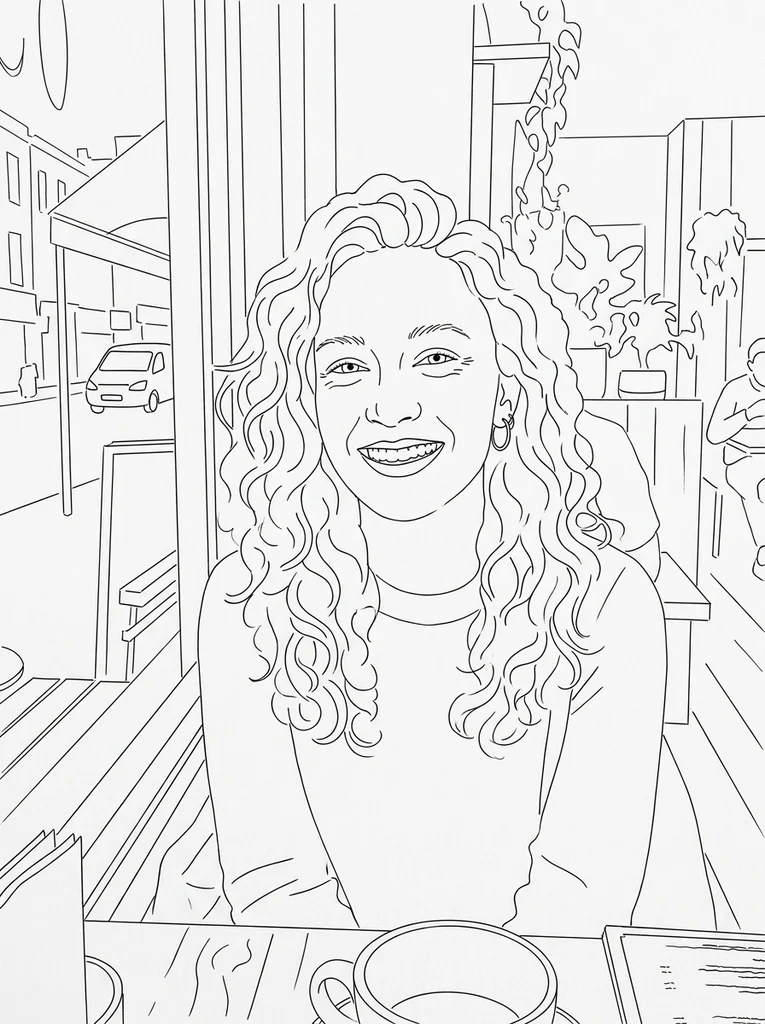 Photo to SketchPencil sketch · Line drawingOpen Photo to Sketch →
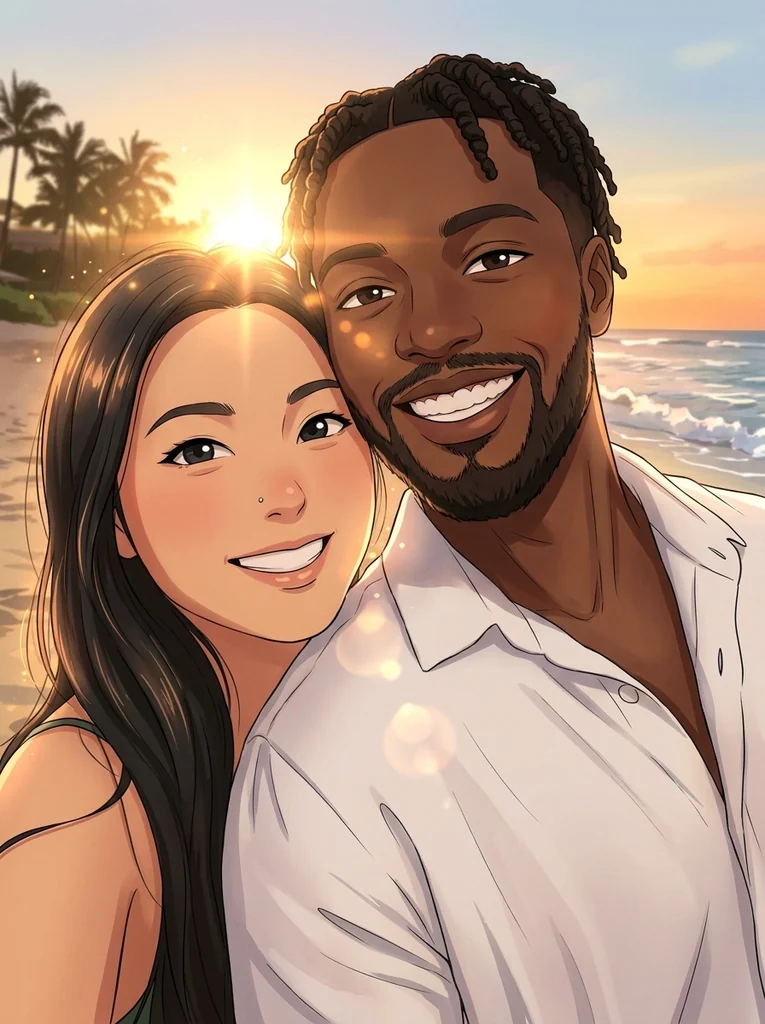 Anime Generator from PhotoBig bright eyes, cel shading, still clearly youOpen Anime Generator from Photo →
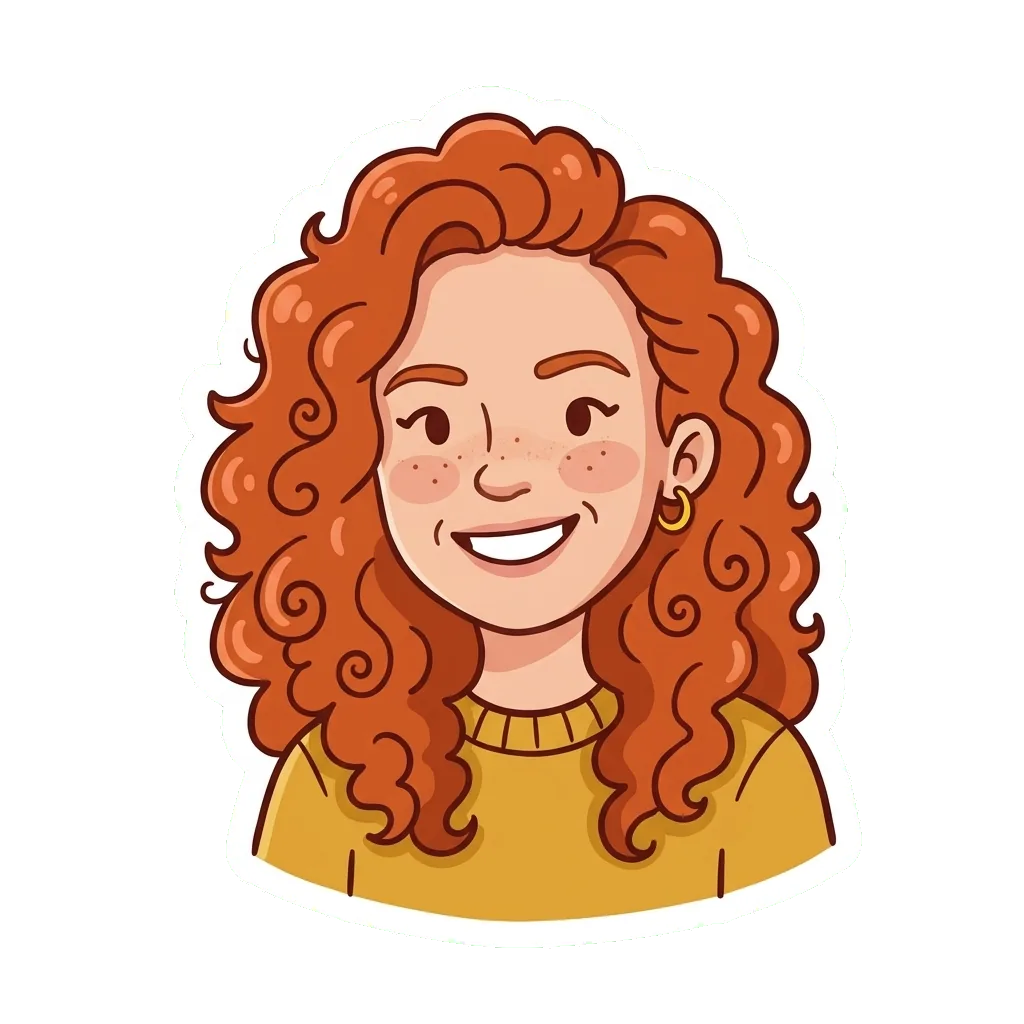
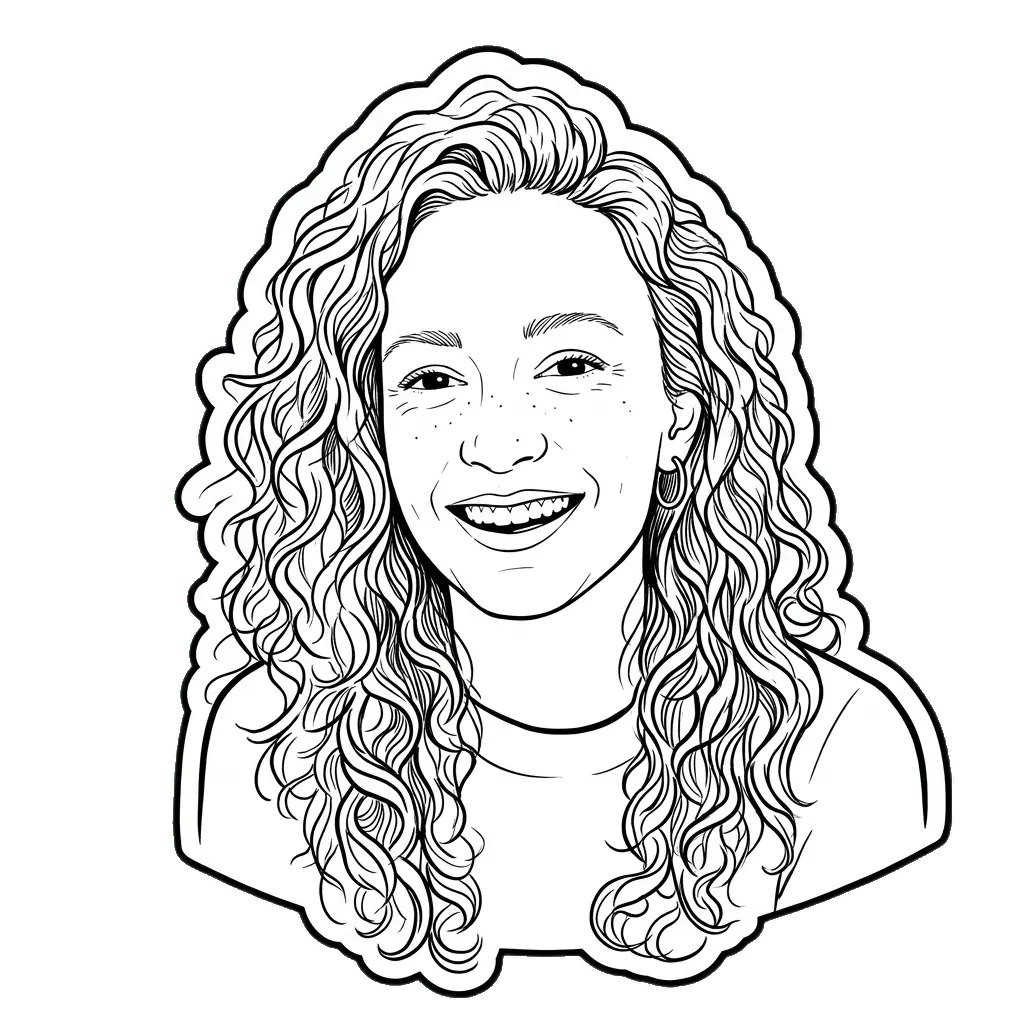 Photo to StickerCartoon · OutlineOpen Photo to Sticker →
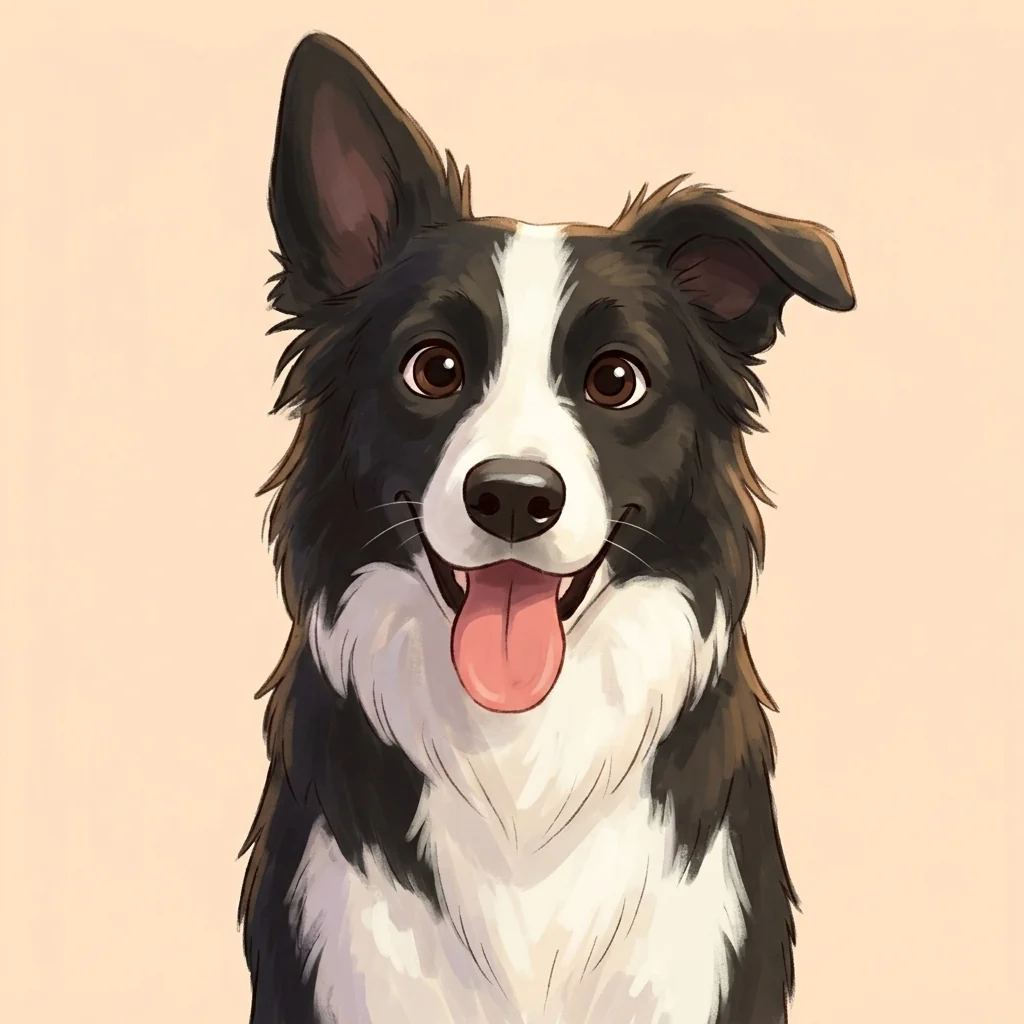
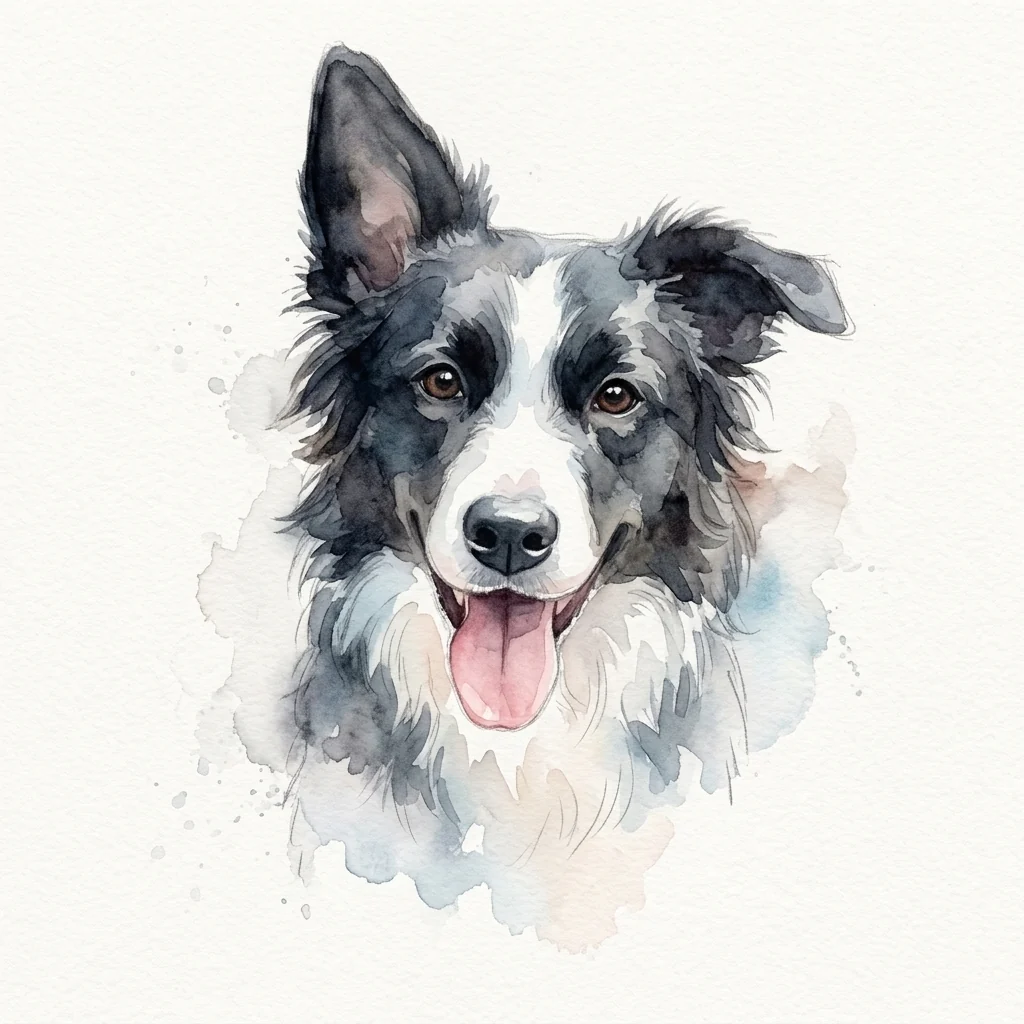 Pet Portrait from PhotoCartoon · WatercolorOpen Pet Portrait from Photo →
Pick a style by where the picture will go
The same photo can suit several styles. Start from what the picture is for.
- Avatars and chats
- Chibi Maker, Photo to Pixel Art and Photo to Sticker are square from the start, the shape profile pictures and chat stickers use.
- Gifts and prints
- Caricature Maker, Photo to Sketch and Pet Portrait from Photo at 2K or 4K make a card, a frame or a mug print.
- Kids and classrooms
- Photo to Coloring Page and Chibi Maker: a page to color in, or a cute version of the class pet.
- Pets
- Pet Portrait from Photo, Chibi Maker and Photo to Pixel Art were all tested on cat or dog photos.
Questions about the styles
How many cartoon styles are there?
12 looks on 8 pages. Photo to Pixel Art, Photo to Sketch, Photo to Sticker and Pet Portrait from Photo each offer two looks you pick between before you start; the other pages have one.
Which cartoon style should I choose?
Choose by where the picture will go: a chibi, pixel art or a sticker for avatars and chats; a sketch, a caricature or a pet portrait to print or give; a coloring page for children; anime for couples and friends.
Can I make two styles from the same photo?
Yes. Upload the photo again on the other style’s page, or switch to the second look on a two-look page. Each picture is made and charged on its own.
Do all cartoon styles cost the same?
Yes, the price depends only on the size: 1K 1 credit, 2K 2 credits and 4K 3 credits. Photo to Sticker stops at 2K. One credit balance pays for every style.
Does a style look the same every time I use it?
Each style is a frozen recipe, so every photo gets the same instructions. Small details still vary from run to run, and an improved style is released as a new version instead of changing the old one.
Which styles keep the background of my photo?
Photo to Sketch and Anime Generator from Photo redraw the place you were in. Chibi Maker and Pet Portrait from Photo use a plain or soft background, pixel art sits on one flat color, and a sticker has none at all.
Can I combine two styles in one picture?
No. One picture is drawn in one style. If you want a pixel art sticker or a sketch with color, make each picture on its own page and combine them in an editor afterwards.
Can I ask for a new cartoon style?
Yes, send it through the Feedback page. New styles are chosen from what people search for, and each one gets its own page with its own examples when it is released.