Photo to Sticker Maker
Photo to Sticker turns one photo into a cartoon sticker with a white border and a transparent background, ready to drop into any chat.
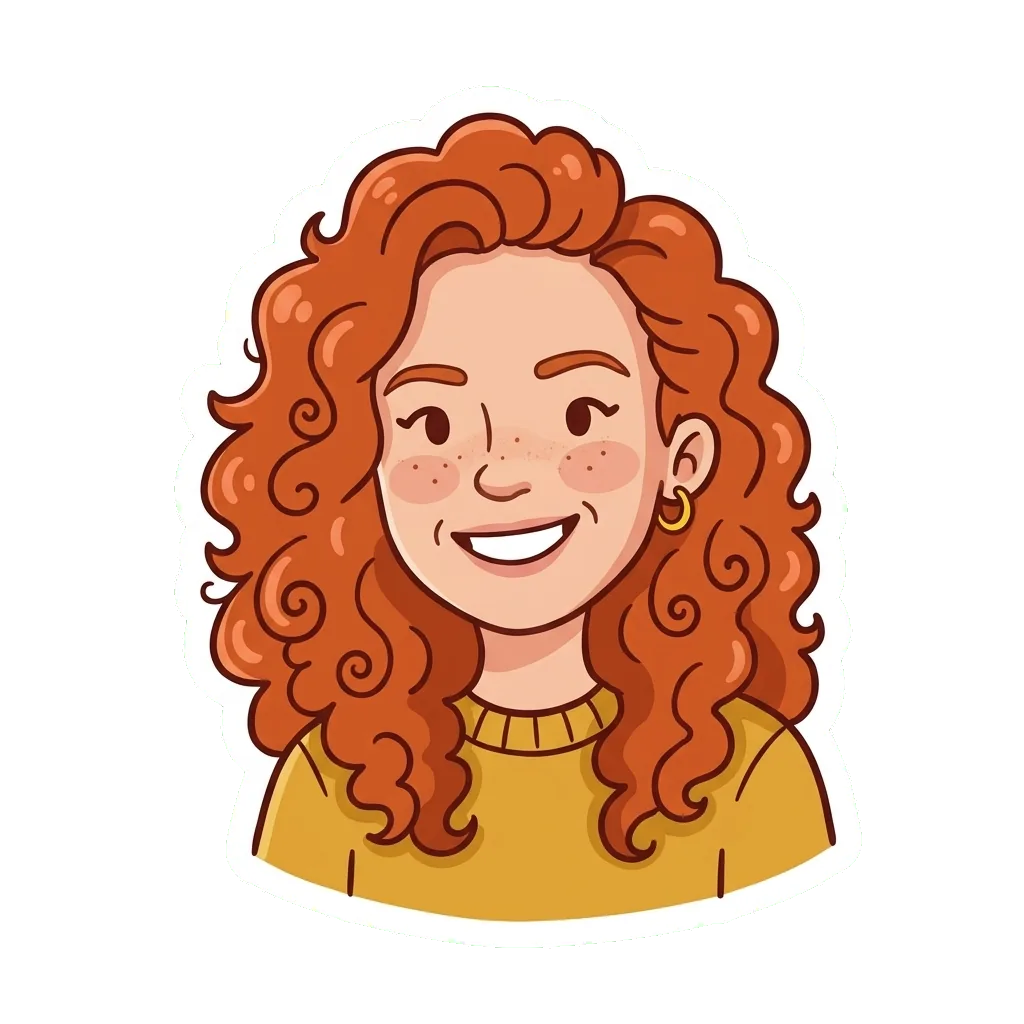
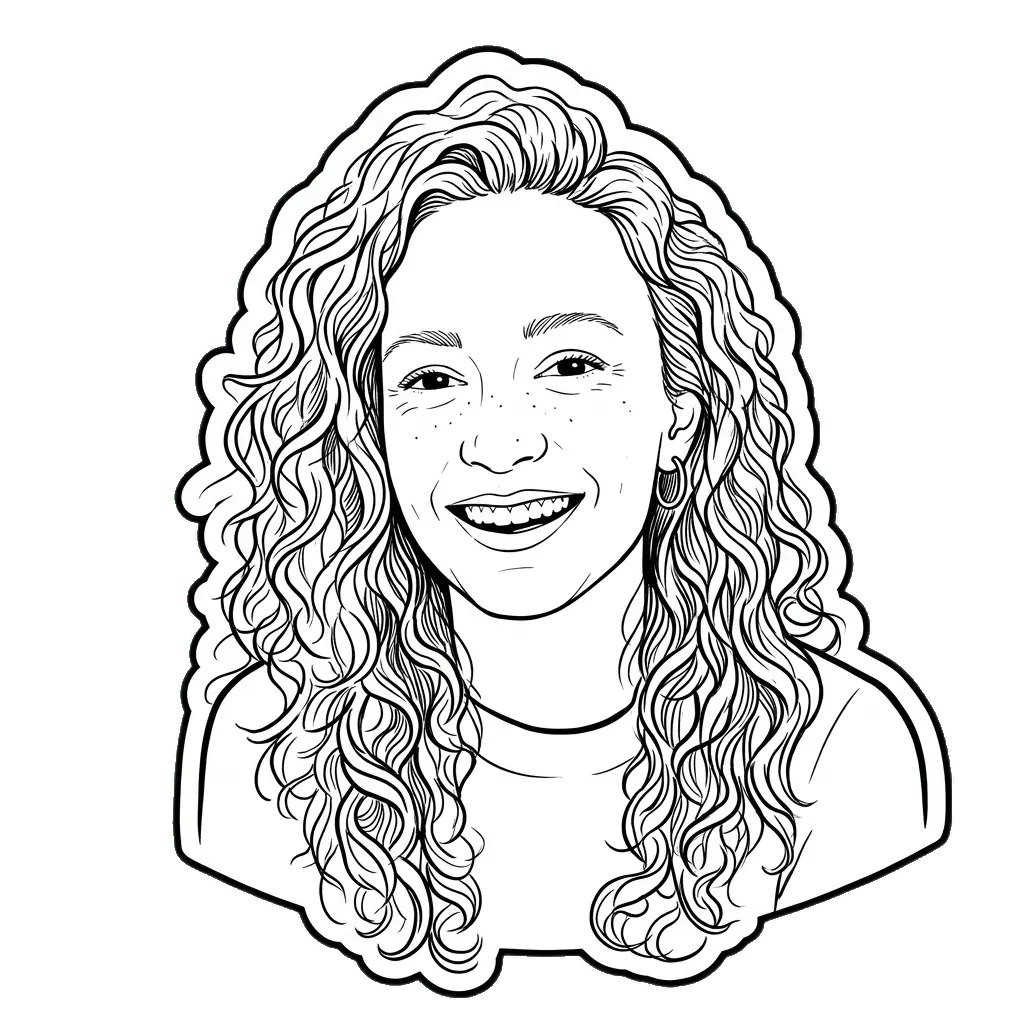

- Square picture
- 1K · 2K, from 1 credit
- PNG
- About a minute
- Kept 30 days
AI-generated results may change details of faces, hands or accessories and are not guaranteed to match the input photos exactly.
Start with one photo
Six photos as stickers
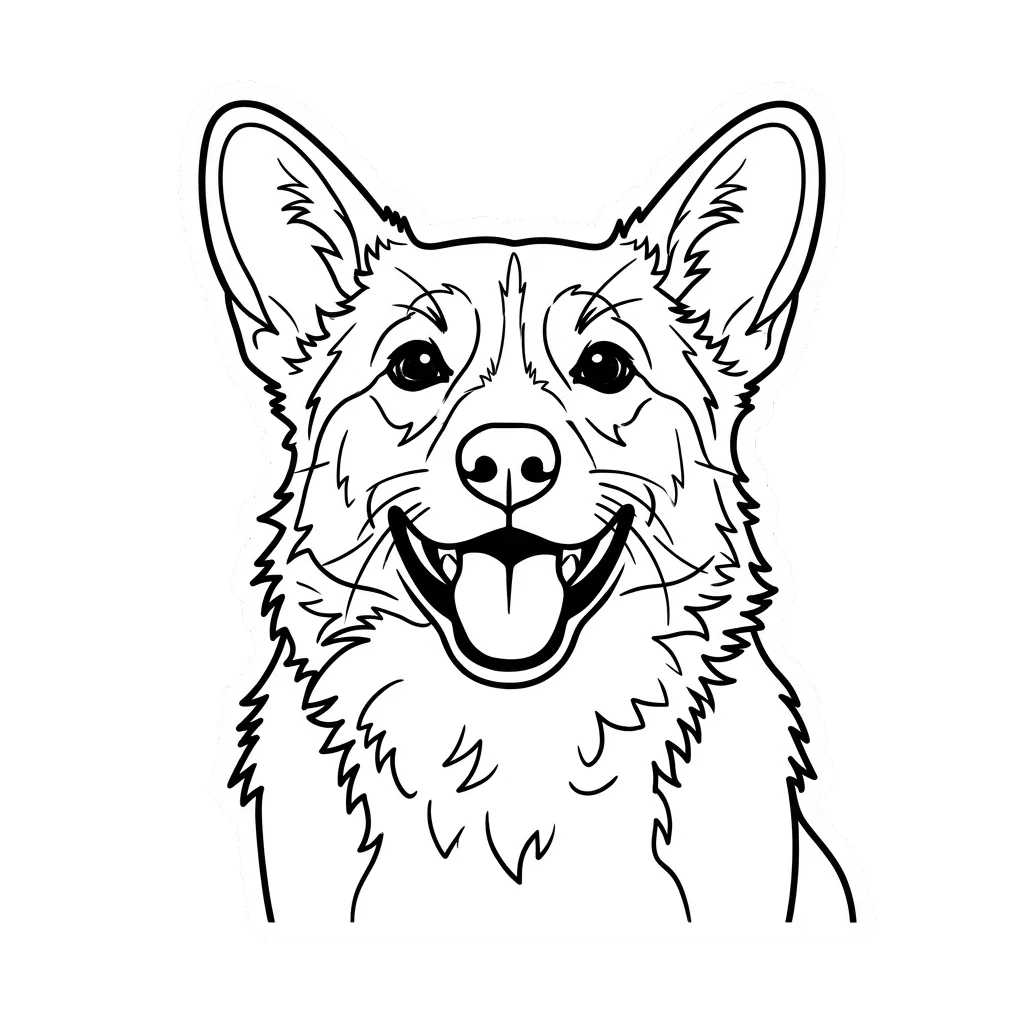
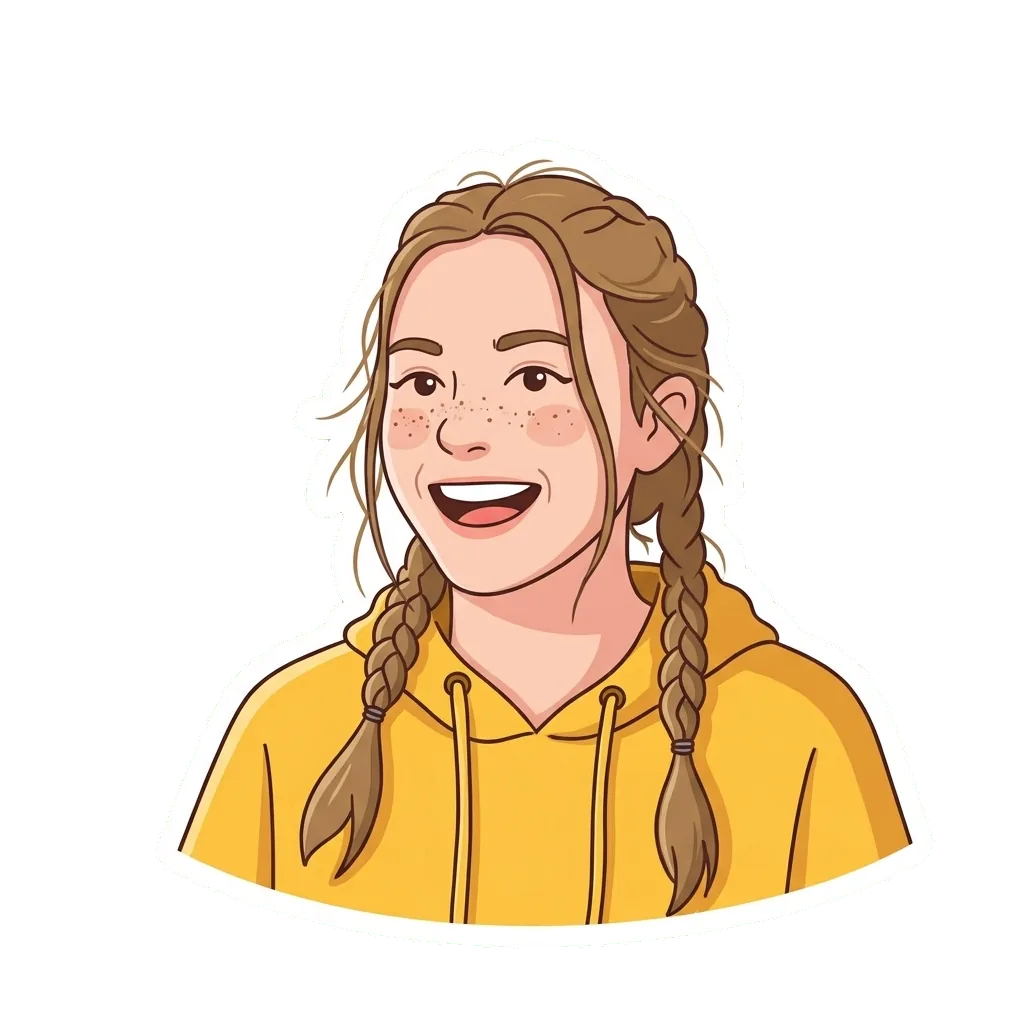
Selfies with a thumbs up, a wink and a laugh, a corgi and a portrait against a plain wall, each cut out by this page. Switch between Cartoon and Outline to see the same photo both ways; the last one was made in Cartoon only.
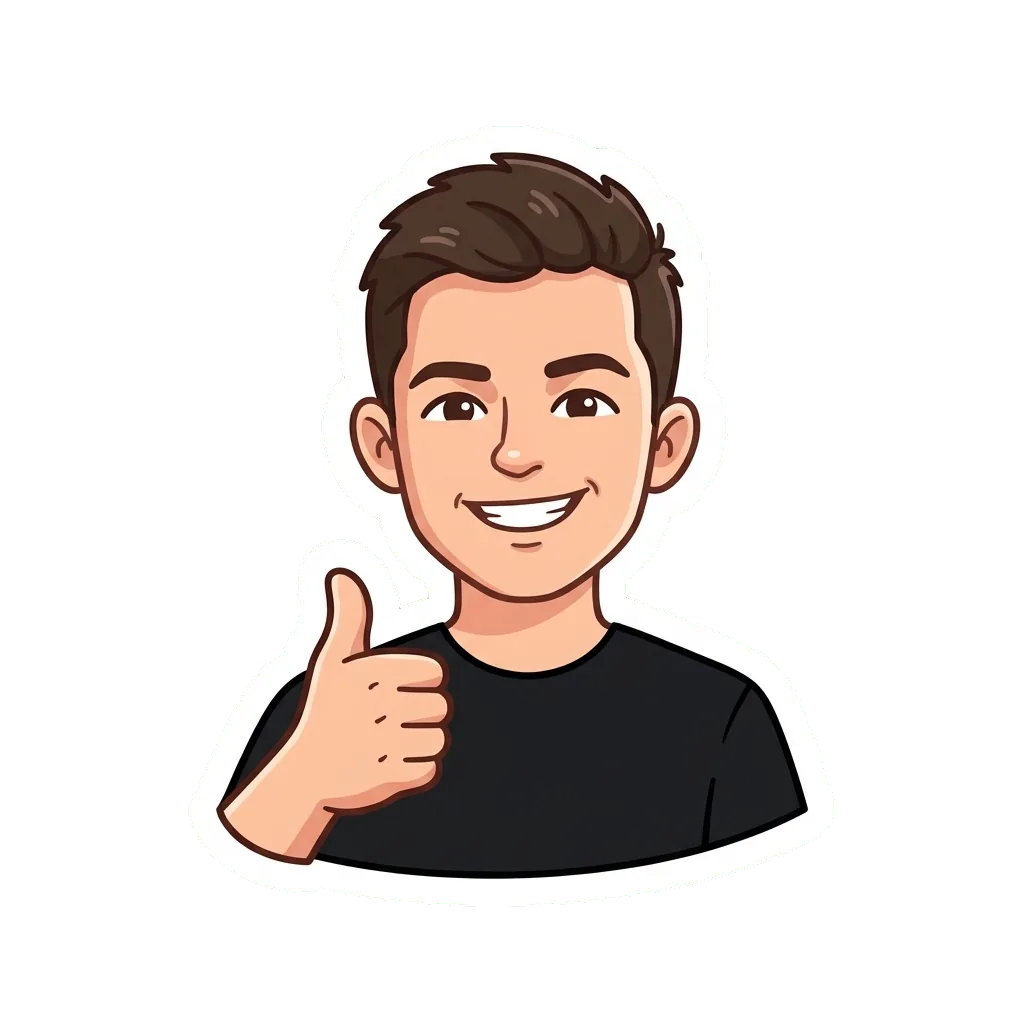
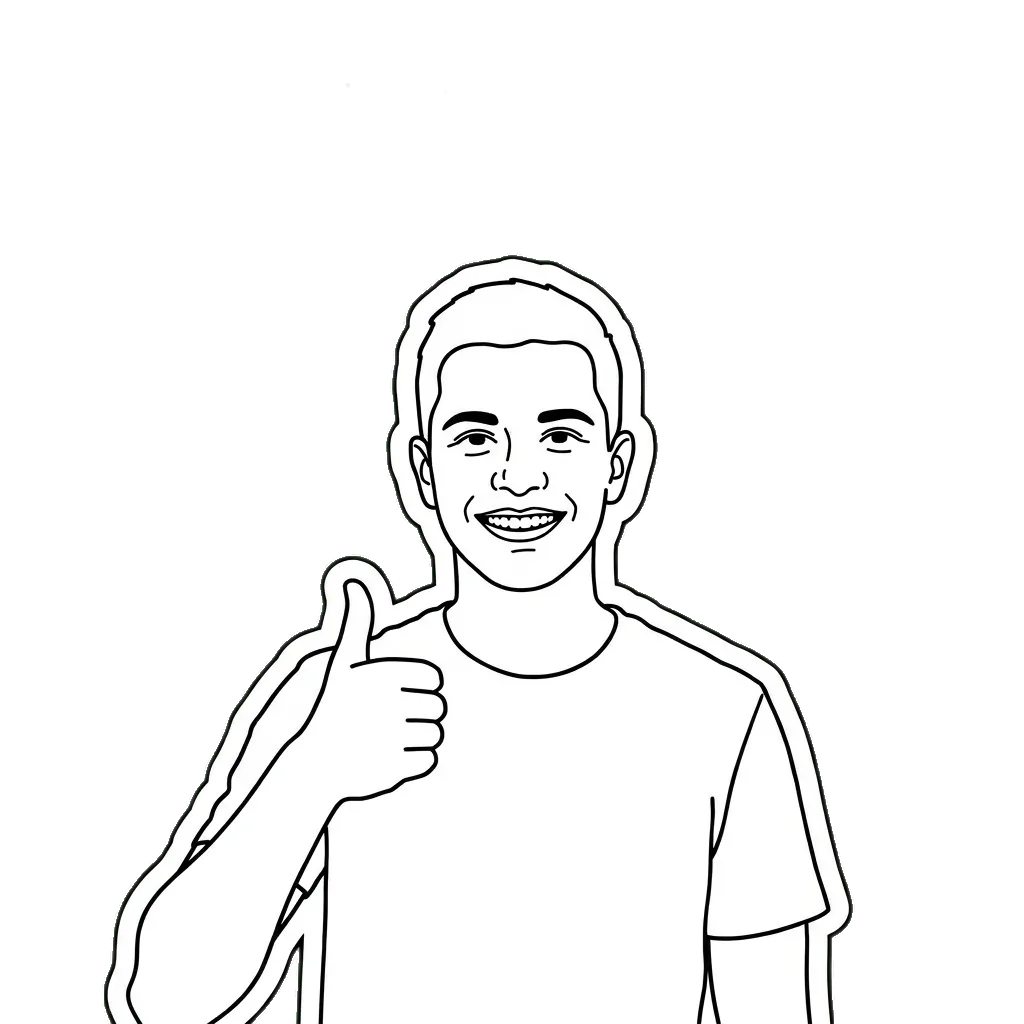

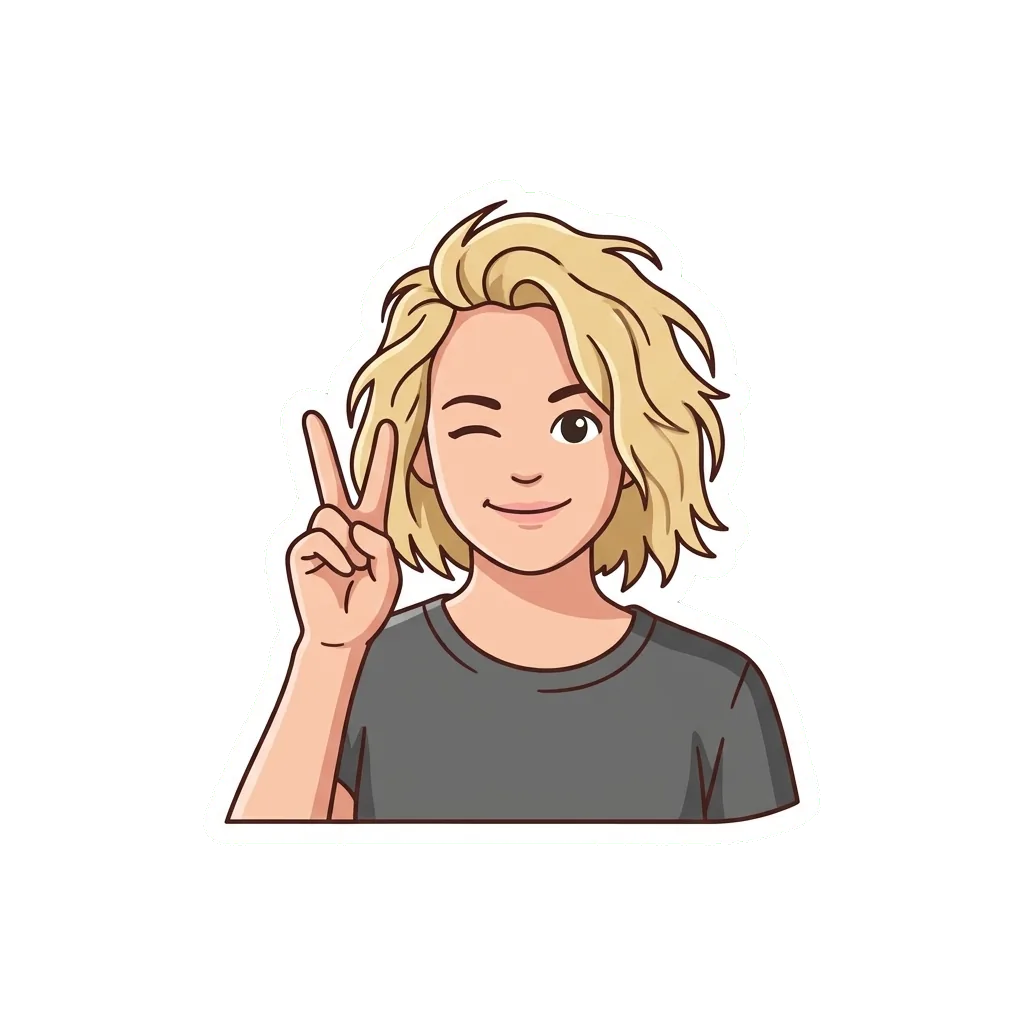
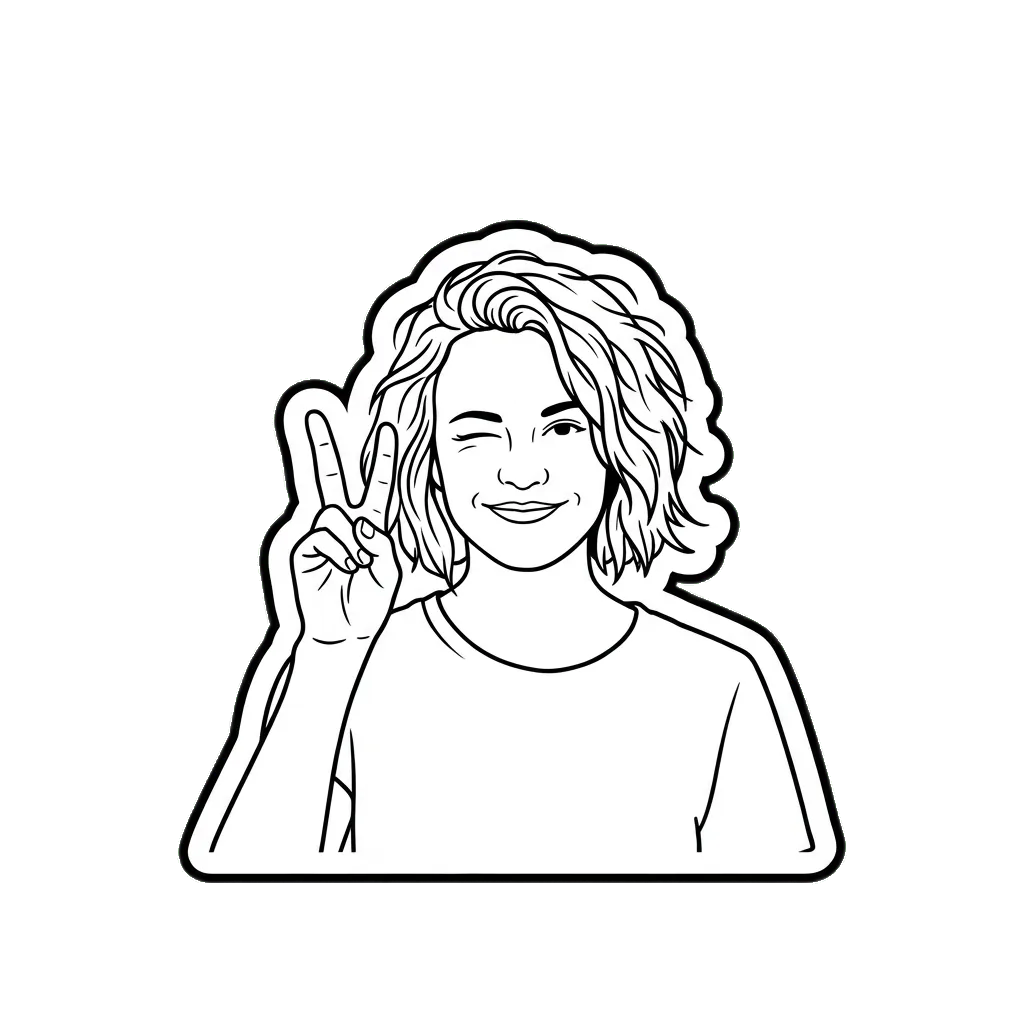
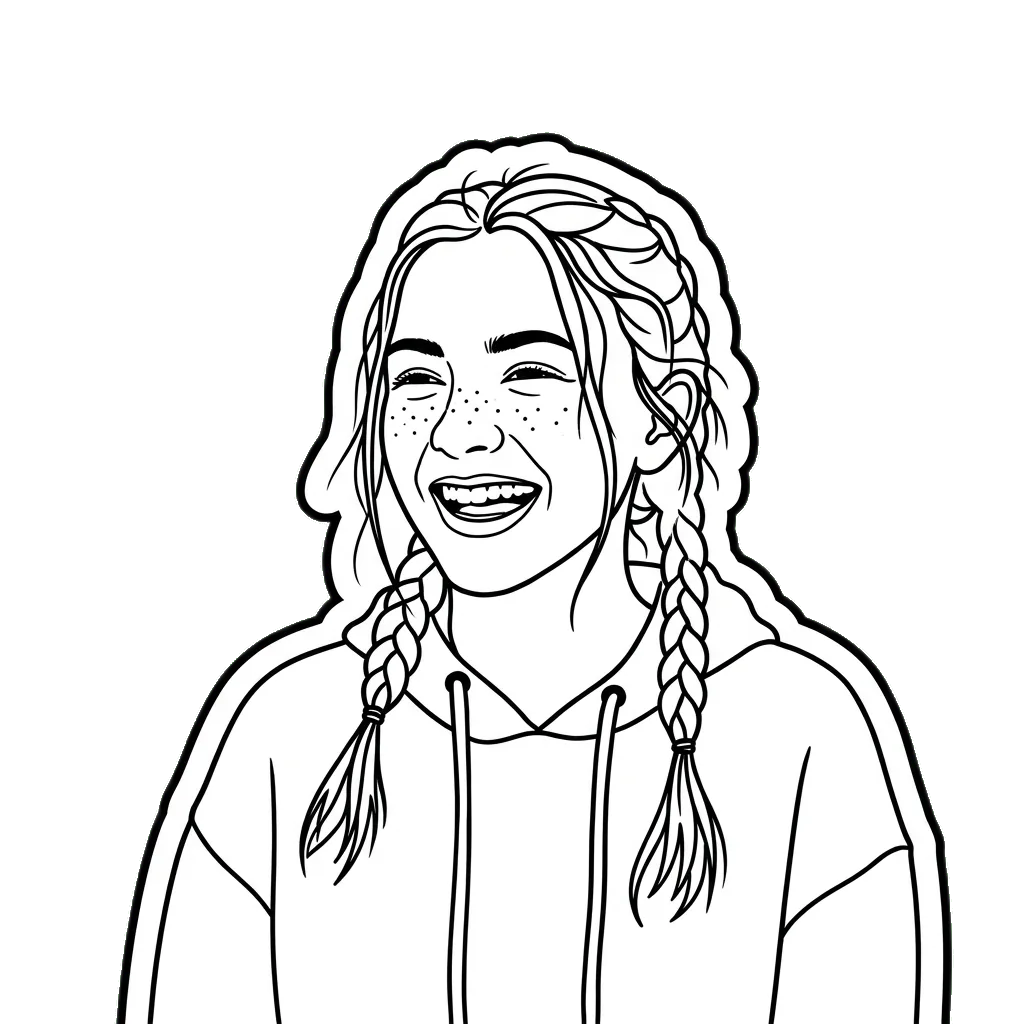
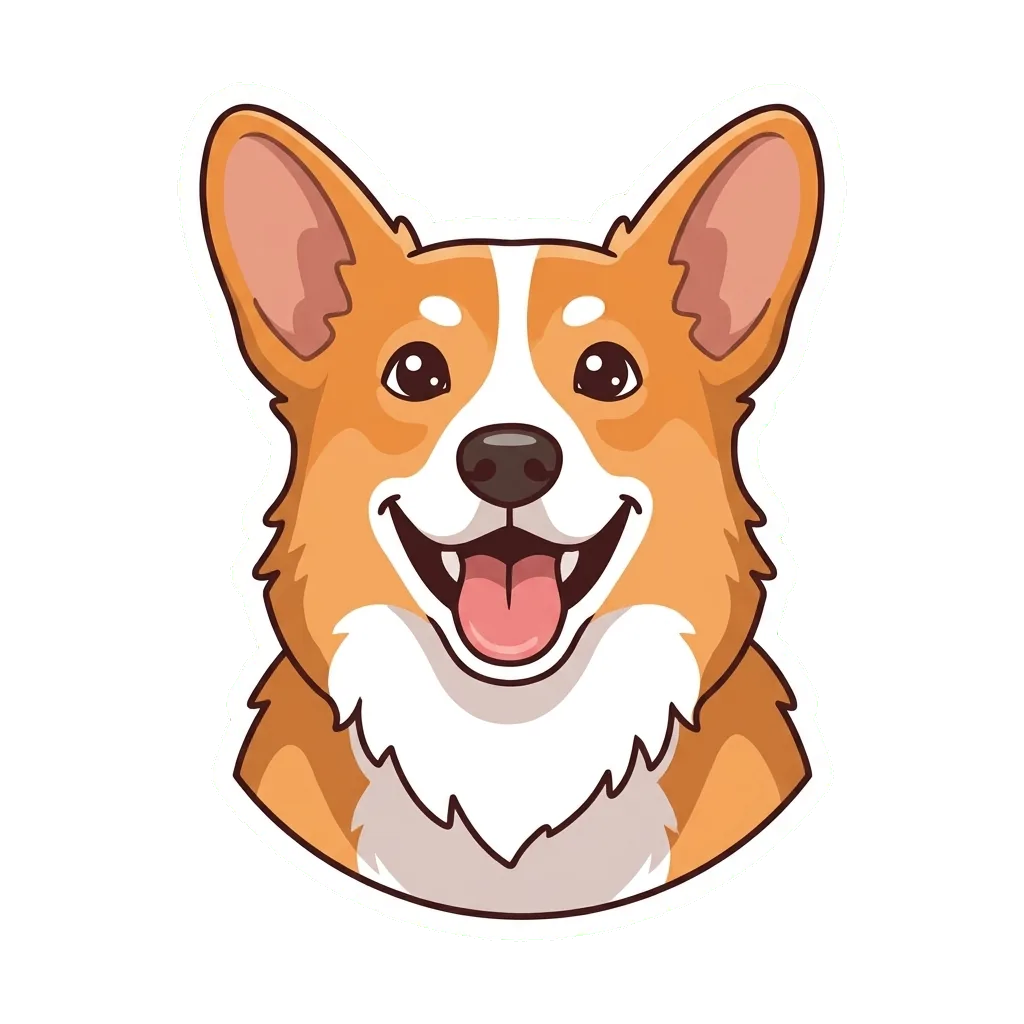


One sticker on any background
The PNG has no box around it: the white border is the edge, and whatever is behind it shows through.
In a light chat On a dark theme Transparent around the border
Turn photo into emoji, a pack or a reply
- WhatsApp, iMessage and Telegram Add the PNG to a sticker pack and reply with your own face.
- A set from one shoot A few selfies with different faces make a whole emoji set.
- Pet stickers Your dog or cat cut out with a white border.
- Print and cut At 2K the sticker prints on sticker paper for laptops and notebooks.
Turn photo into sticker in three steps
- 1. Add one photoHead and shoulders, ideally on a plain background.
- 2. Pick cartoon or outlineFull color or black and white line art; 1K or 2K.
- 3. Download the PNGA square sticker with a transparent background.
- Square picture
- 1K · 2K, from 1 credit
- PNG
- About a minute
- Kept 30 days
Selfies that cut out cleanly
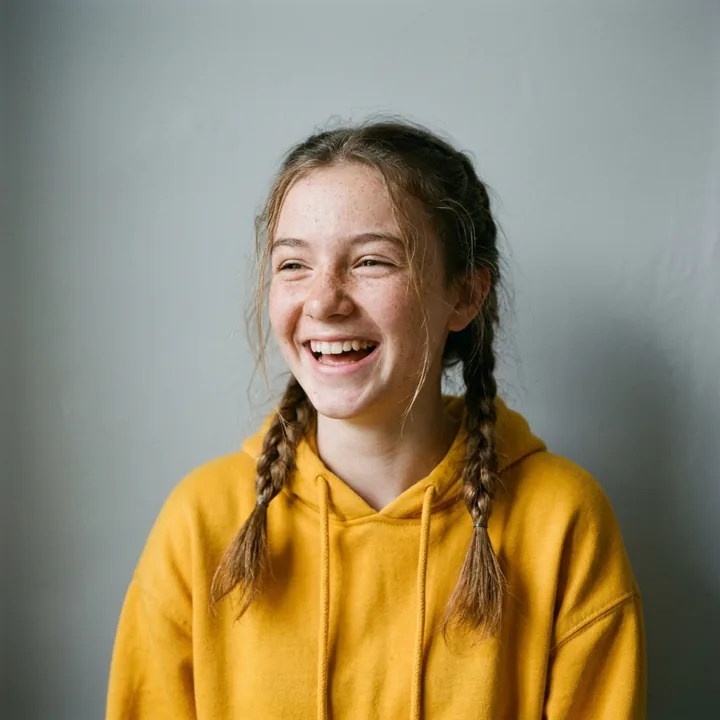 Plain wall behind you
 A clear expression
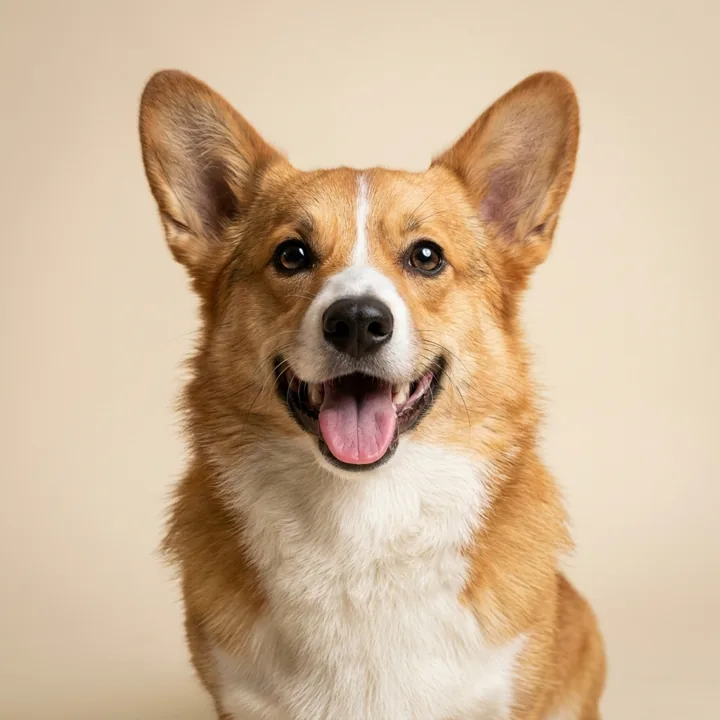 A pet, plain backdrop
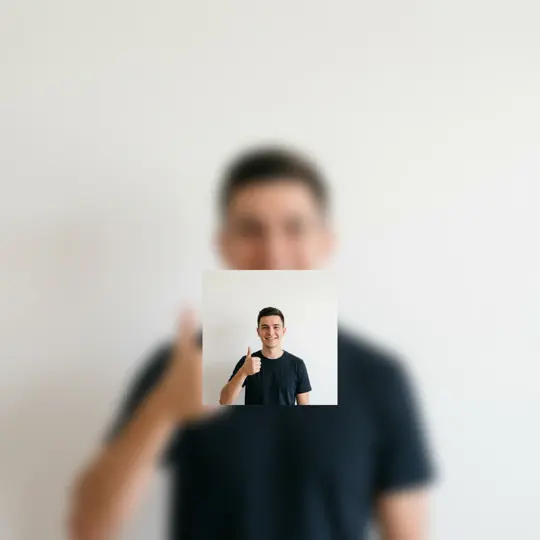 Too far away
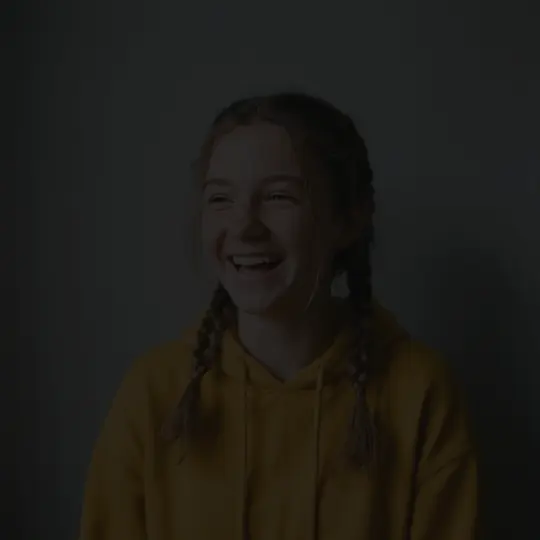 Too dark
 Blurred face
What is a cartoon sticker maker, and what does it draw?
A photo sticker is a cartoon of a person or pet cut along its outline with a white border and saved with no background. Photo to Sticker draws it from your photo and removes the background, so it sits on any chat.
Read more
A photo sticker is a small cartoon cut out along its own outline, so it sits on a chat, a note or a slide without a box around it. The look comes from die-cut stickers on paper and vinyl: a drawing with heavy outlines, flat colors and a thick white margin that follows the shape of the figure. On a screen that margin does the same job it does on a laptop lid. It keeps the drawing apart from whatever is behind it, whether that is a dark chat theme, a bright photo or a plain white page.
People look for this under many names: photo to sticker, picture to sticker, make photo into sticker, and turn photo into sticker on an iPhone or for WhatsApp. This page is built for the digital kind. It does not print or ship anything. It gives you one transparent PNG of a cartoon version of you, which you can drop into a sticker pack, save as a custom emoji or paste straight into a message.
The style is fixed for every picture on this page. The recipe frames you from the head to the shoulders, redraws your face with bold dark lines, fills it with flat colors and light, soft shading, and wraps the whole figure in a white border. What makes it look like you is kept from the photo: the hairstyle and hair color, freckles, glasses, earrings and the top you are wearing.
Why a sticker keeps its white border
A die-cut sticker is cut along the outline of its art instead of as a rectangle. Printers leave a white band between the drawing and the cut so that a small slip of the blade lands in the white and never in the picture. Digital stickers kept the band even though nothing is cut, because it works as a frame: a white edge stands out on a dark background, a bold outline stands out on a light one, and the figure stays readable when the chat app shrinks it to the size of a thumbnail.
Painted on green, then cut out
Image models cannot draw real transparency. They return a full rectangle of colored pixels, and in our test the model simply painted a gray backdrop where the transparent area should be. So the recipe asks for the sticker on a plain, pure green background, the same idea as the green screen used in film and television, where green is chosen because it sits far from skin and hair colors. The site then reads the color in the four corners, clears the connected green area and softens the edge so the white border does not look jagged. If the four corners do not agree on one color, nothing is removed: you receive the picture with its plain background, and we say so rather than hand you a damaged cutout. A small patch of green fully closed in by the drawing also stays as it is.
The sticker test of 3 November
We tried the sticker prompt this recipe grew from on Nano Banana 2.1 with a test photo generated with AI: a woman with long curly red hair, freckles and a mustard sweater. The sticker kept her curls, her freckles, a small earring and the sweater, added the white border and a few little sparkles, and was clearly her. The background came back gray rather than transparent, which is the reason the current recipe asks for green and leaves the cutting to the site.
CartoonPix is independent and not affiliated with any chat app, sticker platform or sticker printer. Sources: reference works on printing and film for how die-cut stickers and green screens work, the search phrases people use as found in our November 2026 keyword research, and our own analysis of the sticker test of 3 November 2026. Updated .
Stickers, emoji and chat apps, answered
How do I make a photo into a sticker with the Photo to Sticker maker?
Sign in, upload one clear photo of a person, choose 1K or 2K and start the task. The model draws a cartoon sticker on green, the site removes the green, and the PNG appears in your library.
Can I turn a picture into a sticker without paying?
No. CartoonPix gives no free credits, so every sticker is paid for. A 1K sticker takes 1 credit; the Starter pack is $9.99 for 20 credits. Whatever you do not spend stays on your account with no end date, ready for more stickers or a different style.
Is a Photo to Sticker download really transparent?
Usually, yes. The site cuts away the plain green backdrop and saves a PNG with a real alpha channel. When the four corners of a drawing disagree on one color, the cut is skipped and the plain background stays.
How do I turn a photo into a sticker on my iPhone?
Make the sticker here and save the PNG to Photos. On iOS 17 or later, open it in Photos, touch and hold the drawing and choose Add Sticker; it then shows up in the sticker drawer of Messages.
Can I add the sticker to WhatsApp?
Yes. Recent versions of WhatsApp let you create a sticker from an image of your own, and sticker pack apps accept transparent PNG files and resize them to the square size that WhatsApp packs use.
Can I turn my photo into an emoji for a work chat?
Many work chat apps let you upload an image as a custom emoji. They shrink it to a tiny square, and a head-and-shoulders drawing with thick lines and a white edge stays readable at that size.
Can I get a black and white outline sticker instead of a colored one?
Yes. Pick the Outline style before you upload: the sticker is drawn as bold black line art on a white fill with a thick white border and a thin black edge, then cut out like the cartoon one. Both styles cost the same.
Why can I only pick 1K or 2K for a sticker?
The transparent cutout needs a PNG file. At 4K the model hands back a JPG, which has no way to store transparency, so the sticker page stops at 2K, already larger than chat stickers are shown.
Why does my sticker still have a green background?
The site removes the backdrop only when the four corners agree on one plain color. If the model shaded a corner or drew something into it, the cut is skipped, and you get the drawing with its background intact.
Can I print it as a vinyl sticker?
The page makes a digital file, not a printed sticker, and it does not sell prints. You can send the 2K PNG to a print shop yourself; the white border already gives the cutter a clear line to follow.