Photo to Pixel Art Converter
Photo to Pixel Art turns one photo of a person or a pet into a square sprite, in 8-bit or 16-bit, in about a minute.
- Square picture
- 1K · 2K · 4K, from 1 credit
- PNG (4K as JPG)
- About a minute
- Kept 30 days
AI-generated results may change details of markings, ears or accessories and are not guaranteed to match the input photo exactly.
Start with one photo
Five photos, two pixel styles
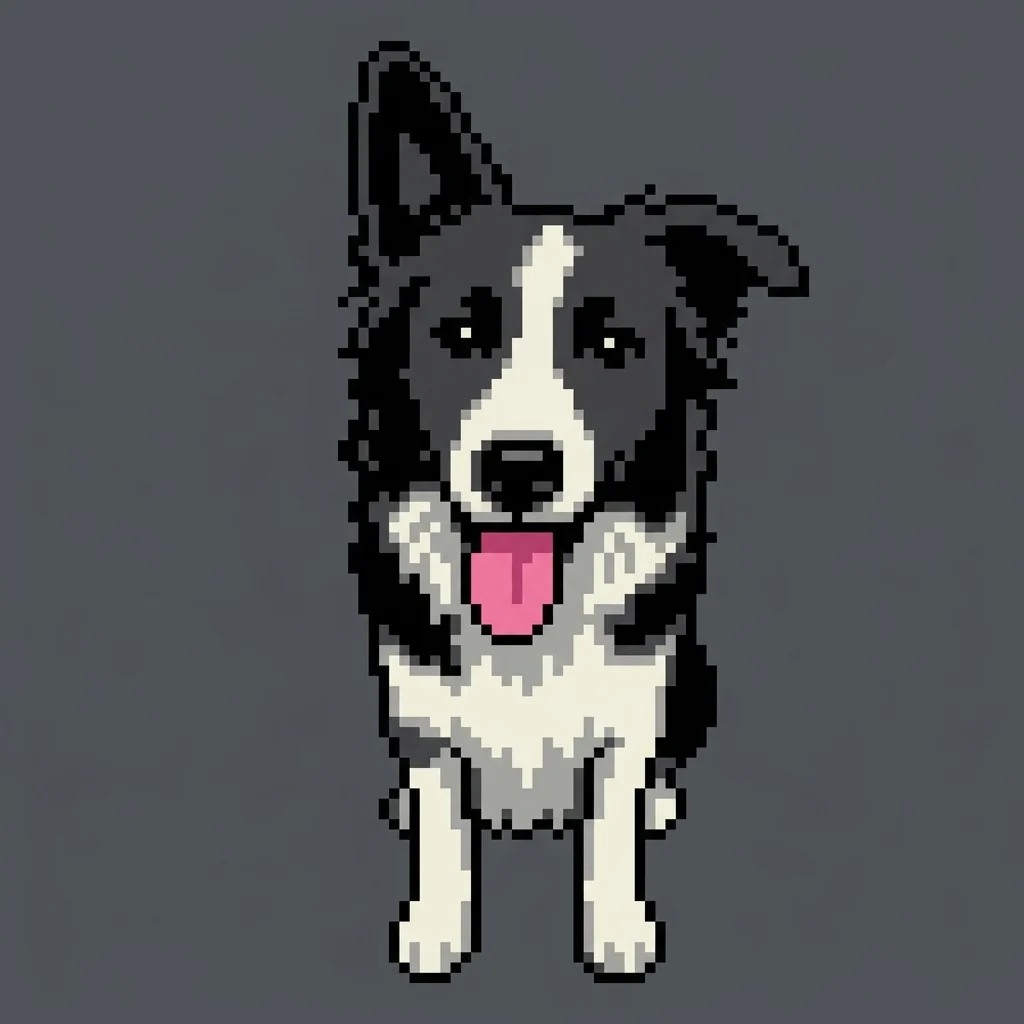
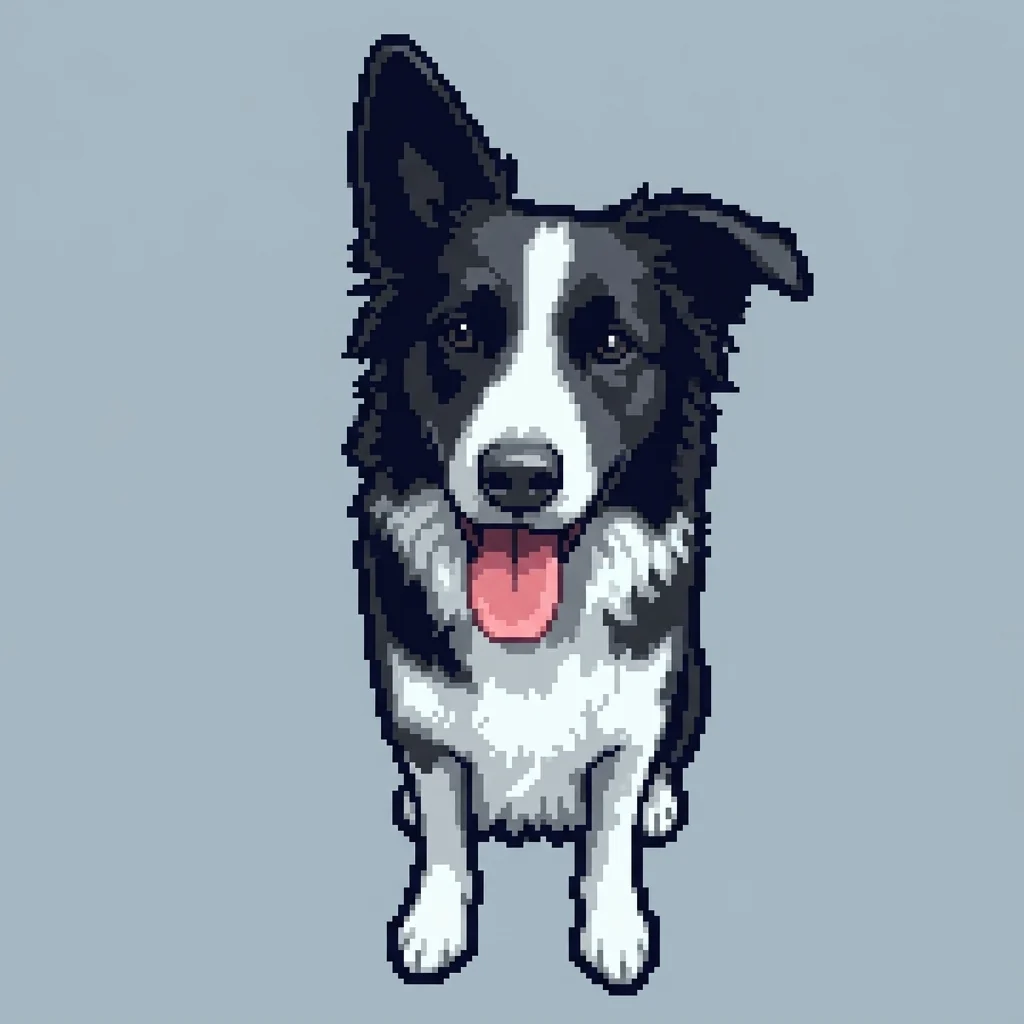
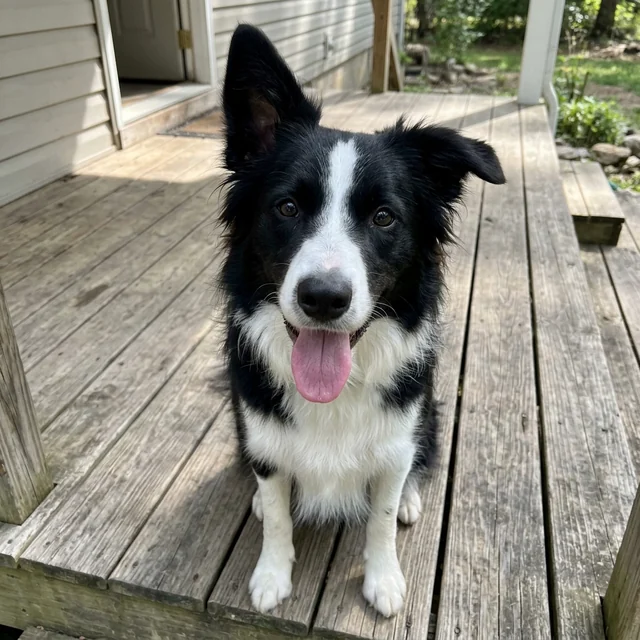
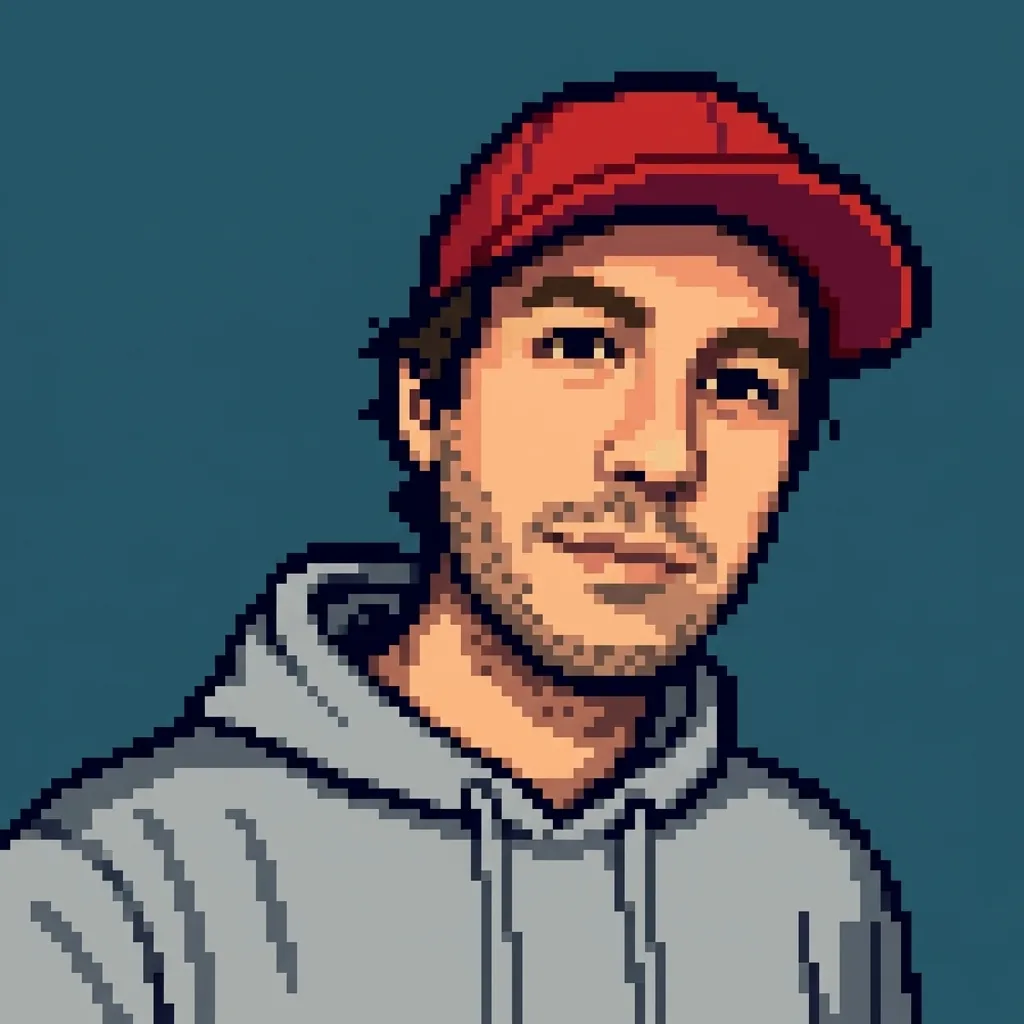
Every pair is one test photo and the sprite this page made of it, with no retouching. Switch between 8-bit and 16-bit to see the same photo in both.
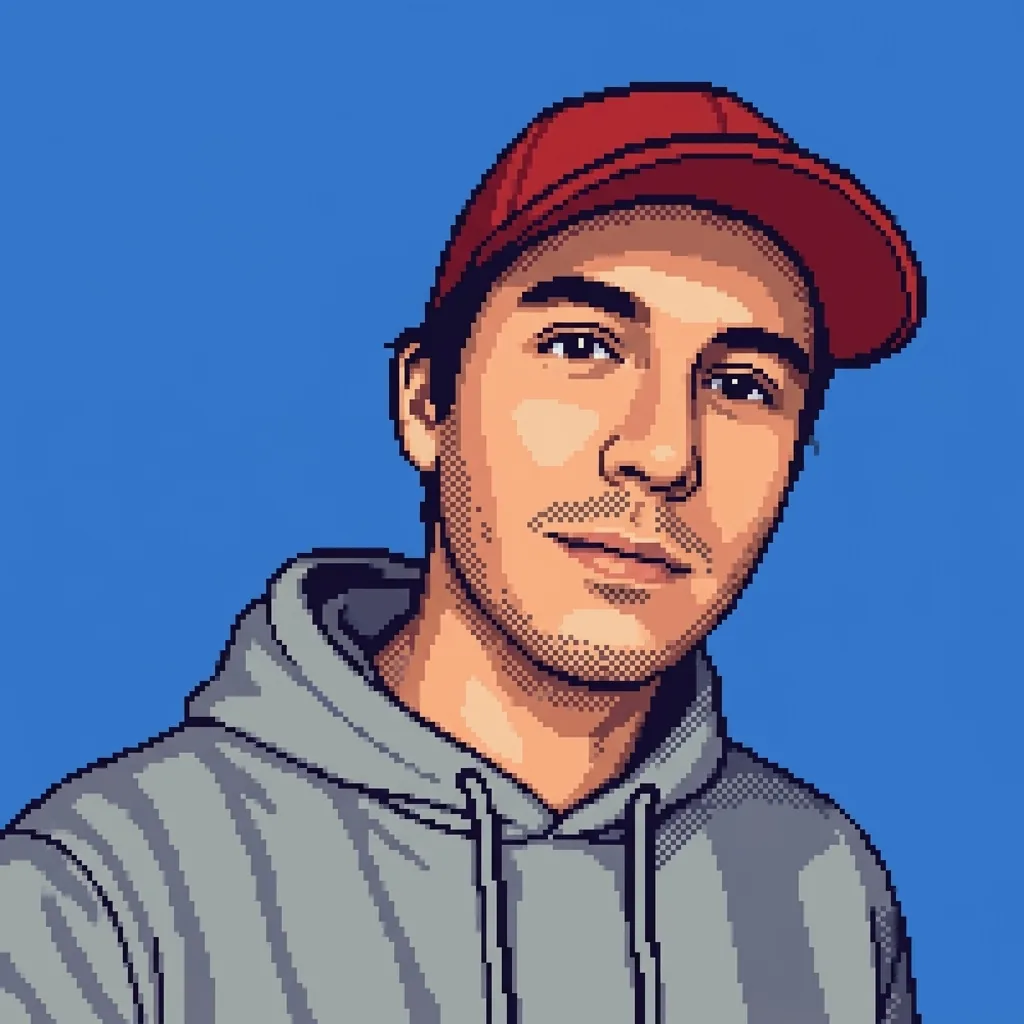
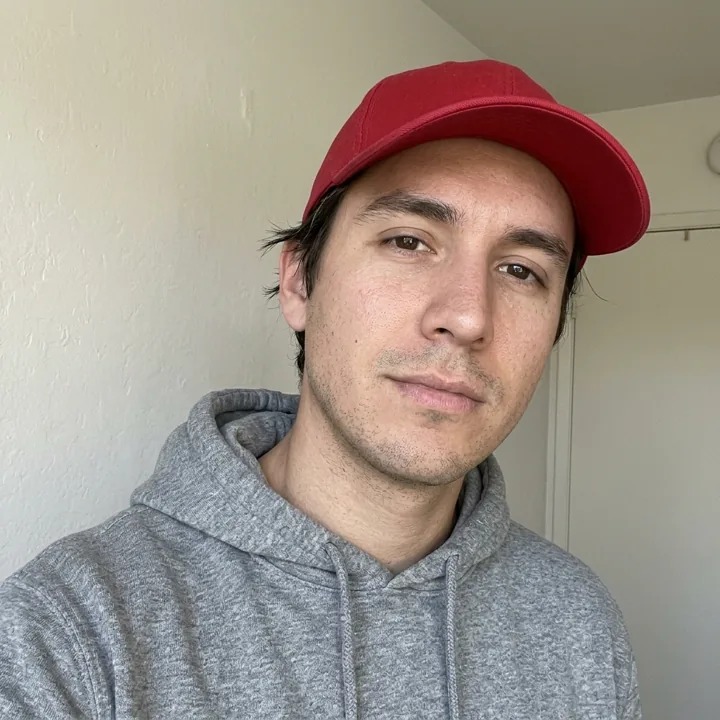

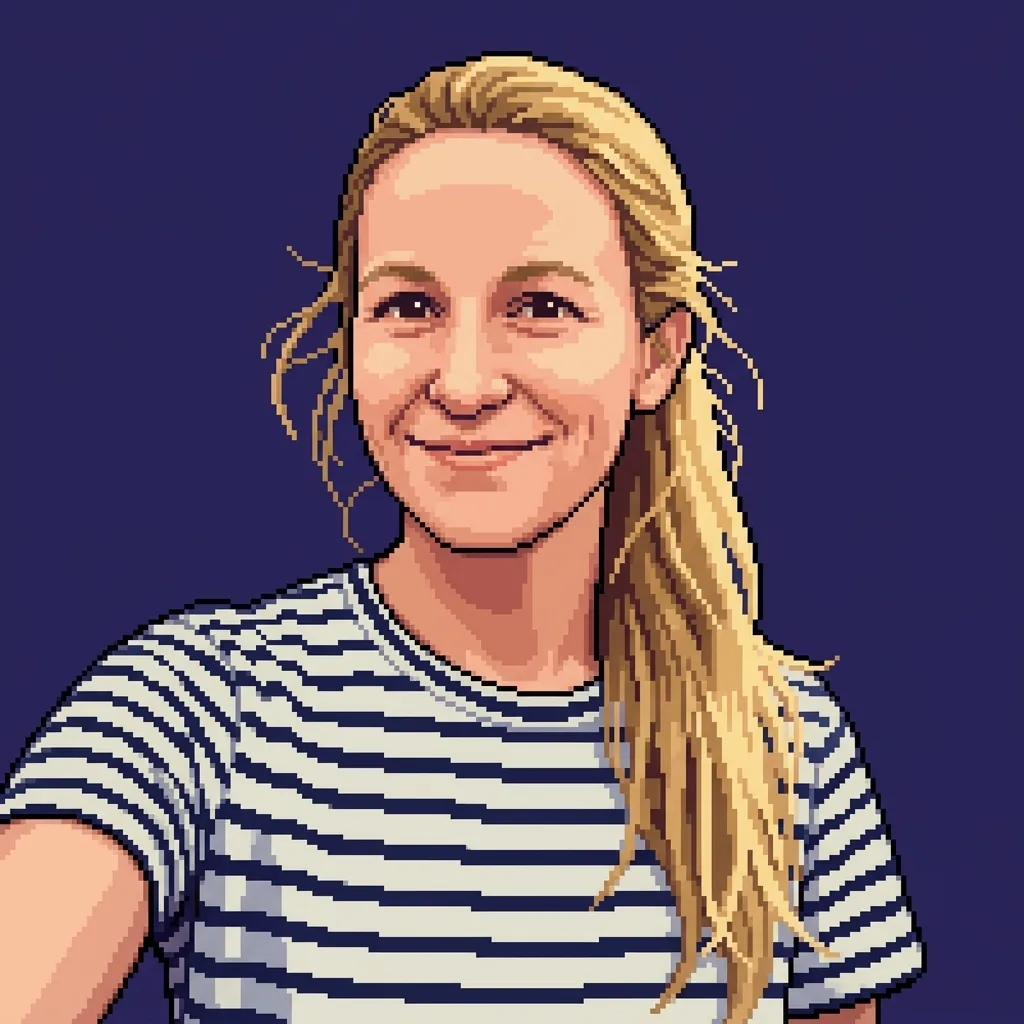

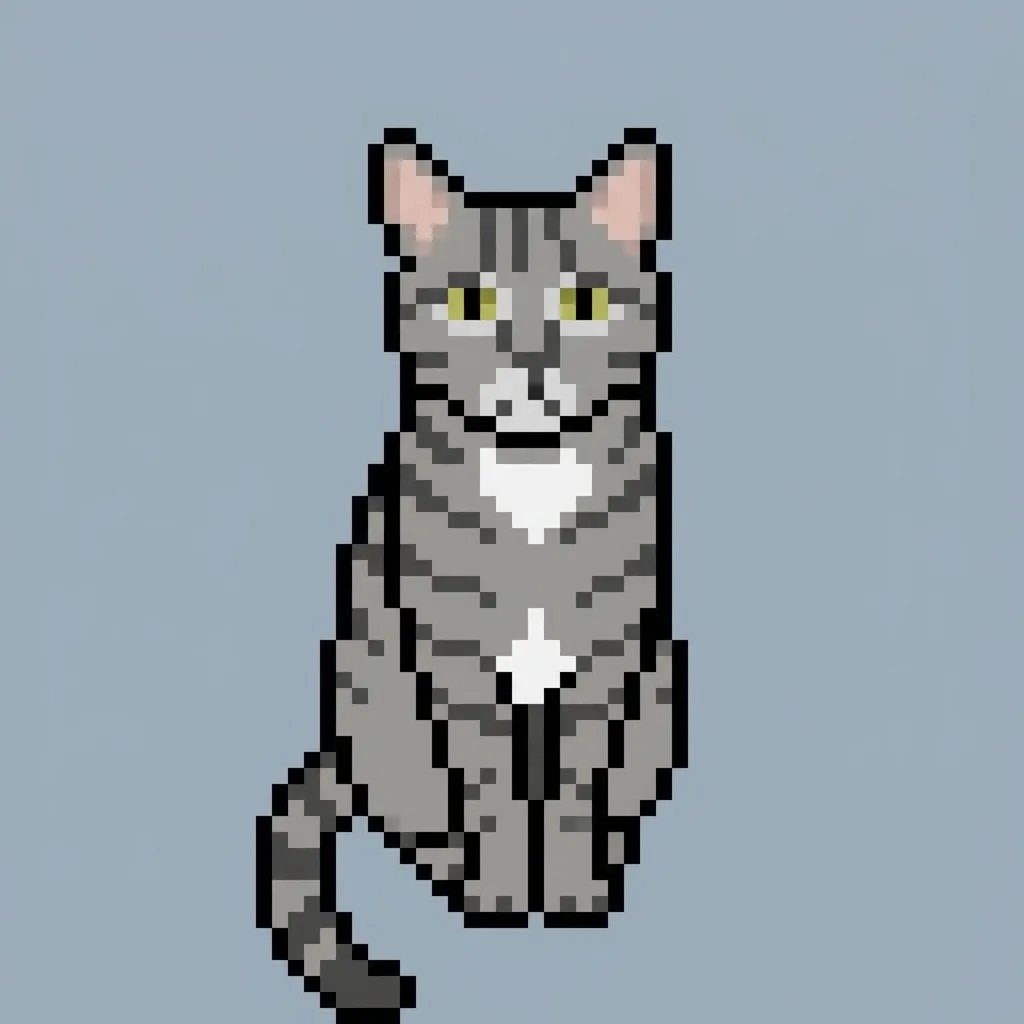
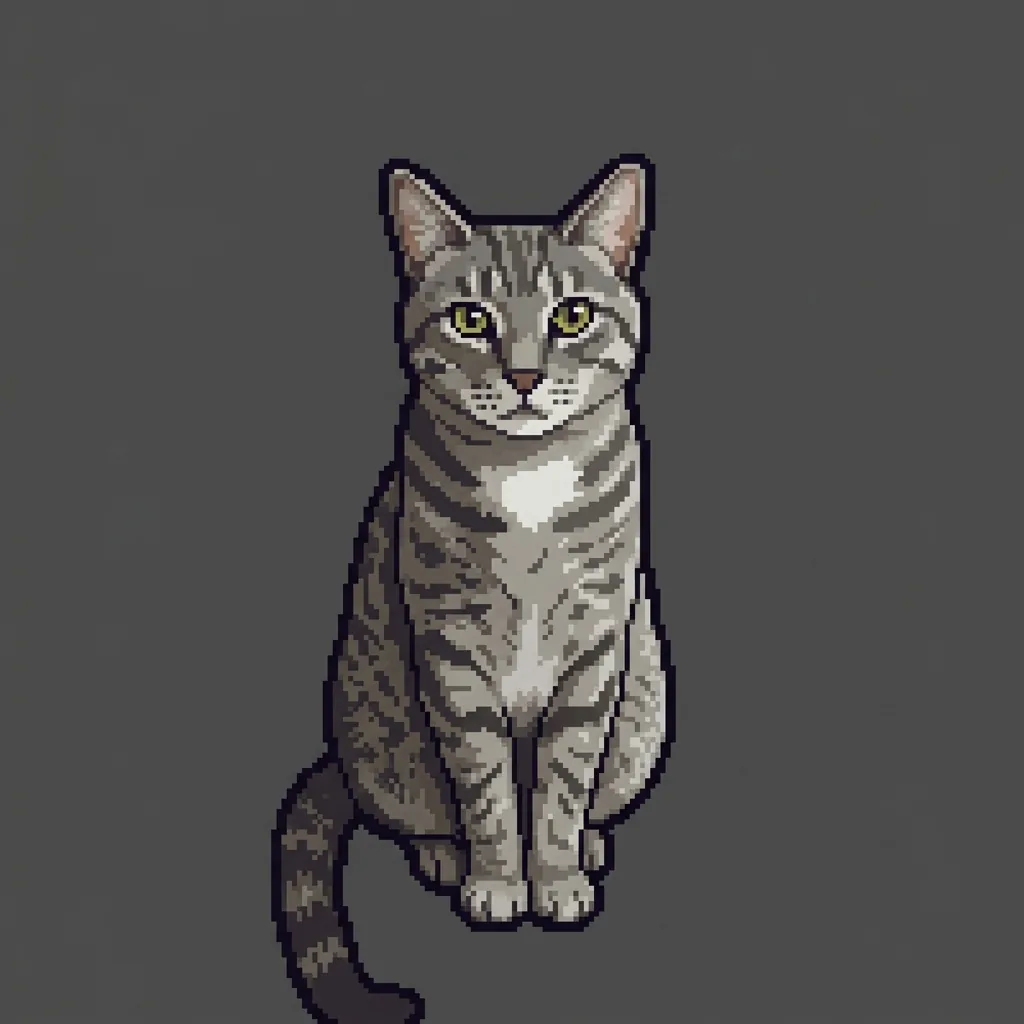
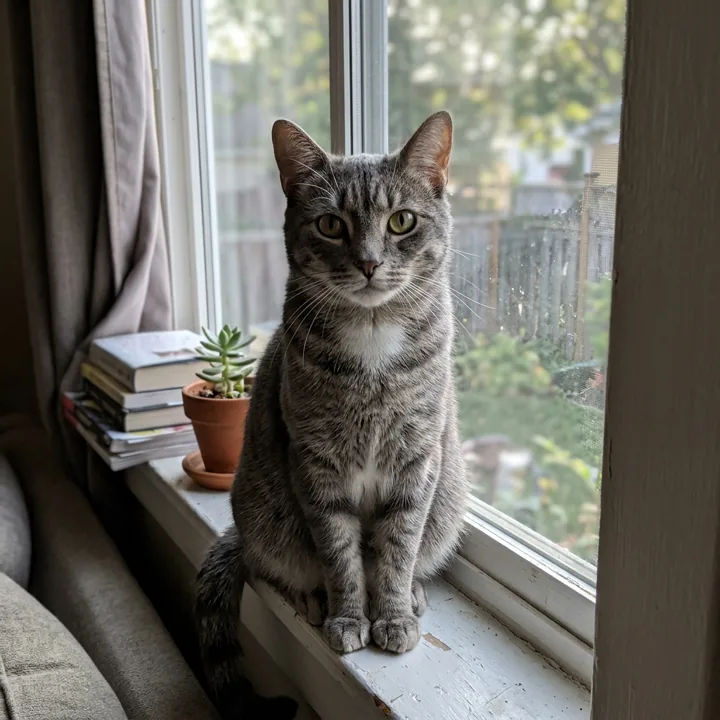
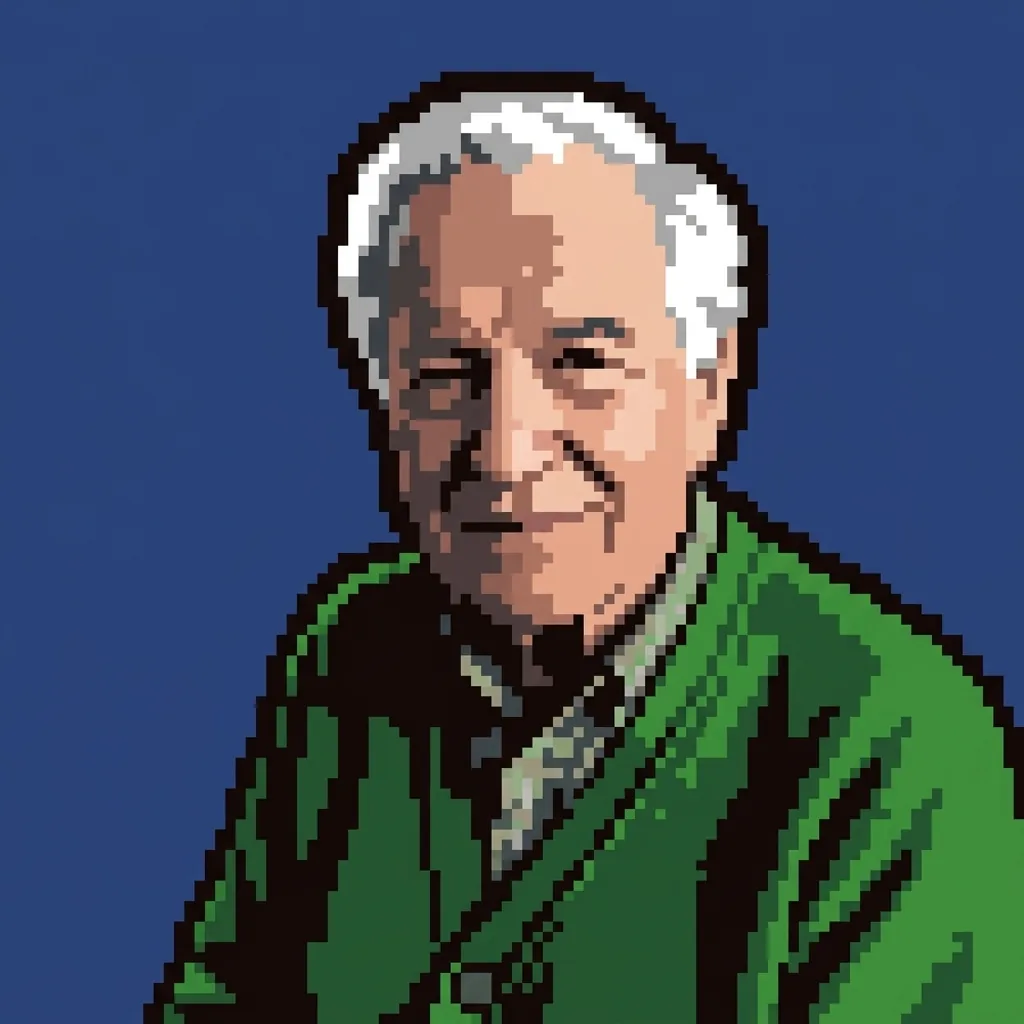
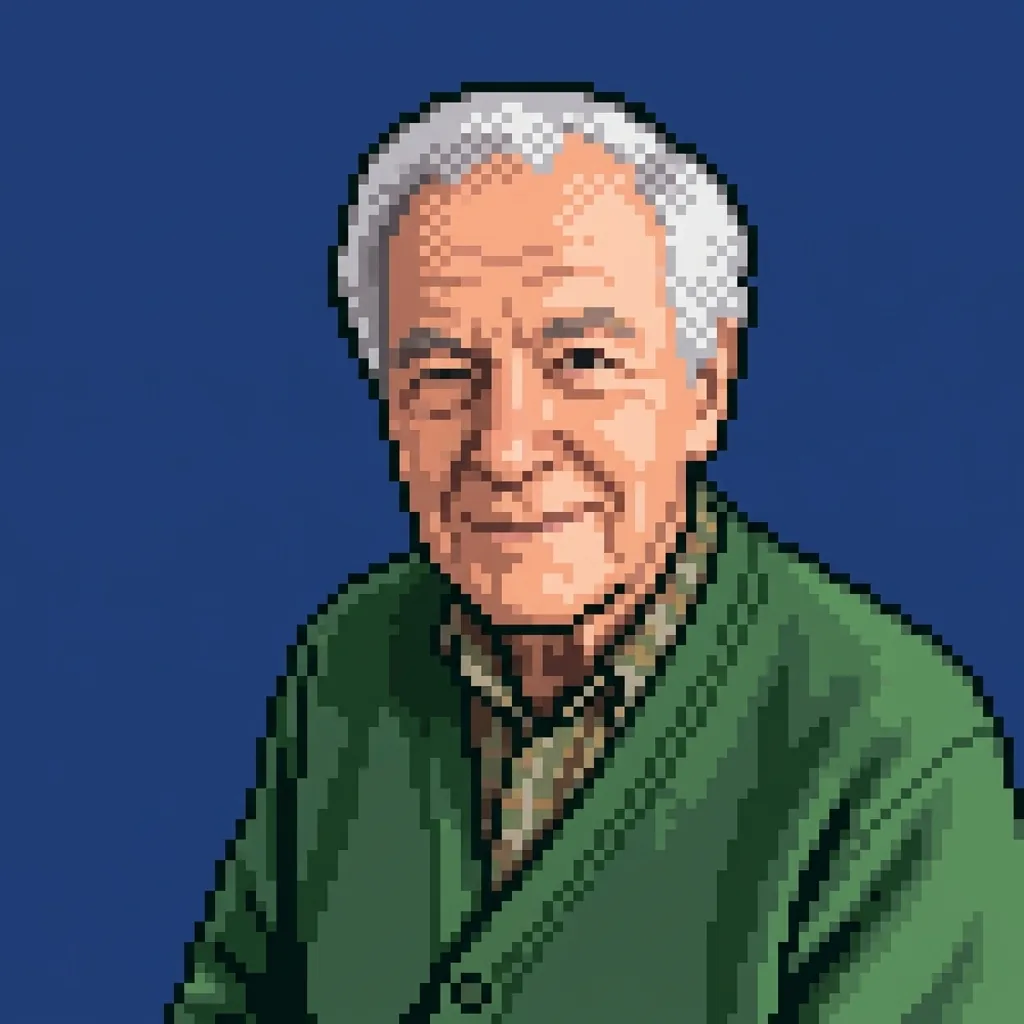

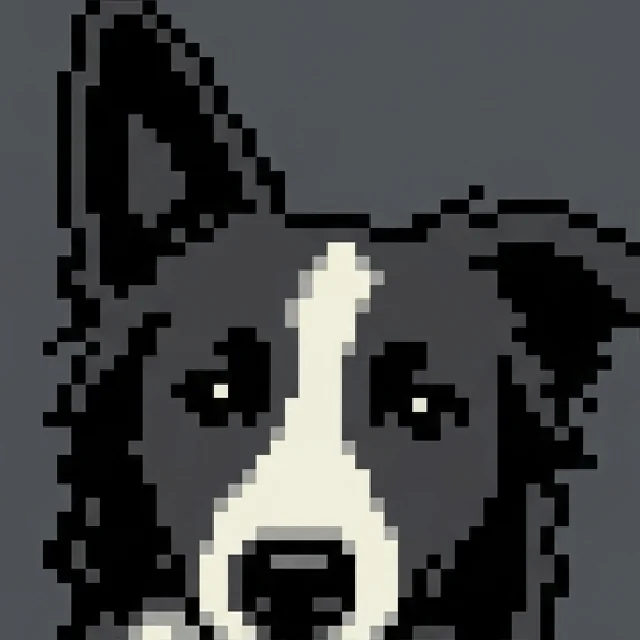 Close-upUp close every square shows: an ear, the white blaze and the tongue are a handful of pixels each.
From photo to sprite in three steps
- 1. Add one photoA person or a pet, close up. The background is replaced by one flat color.
- 2. Pick 8-bit or 16-bit8-bit has big blocks and about sixteen colors; 16-bit has finer pixels and more shading.
- 3. Download the spriteA square PNG lands in your library about a minute later.
- Square picture
- 1K · 2K · 4K, from 1 credit
- PNG (4K as JPG)
- About a minute
- Kept 30 days
Photos that survive a 64-block grid
- One face, close up
- A pet facing you
- Strong, simple colors
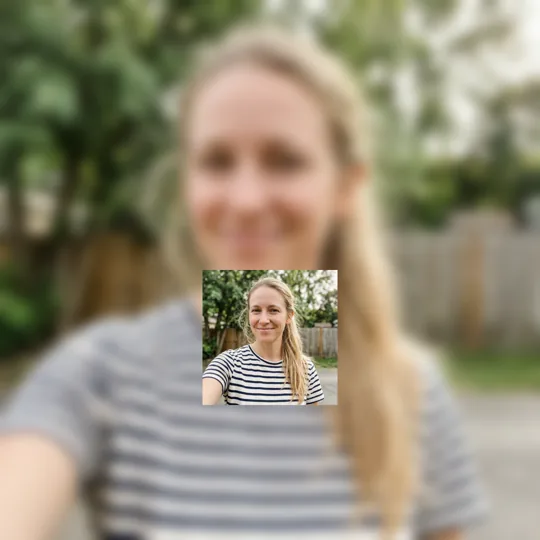 Too far away
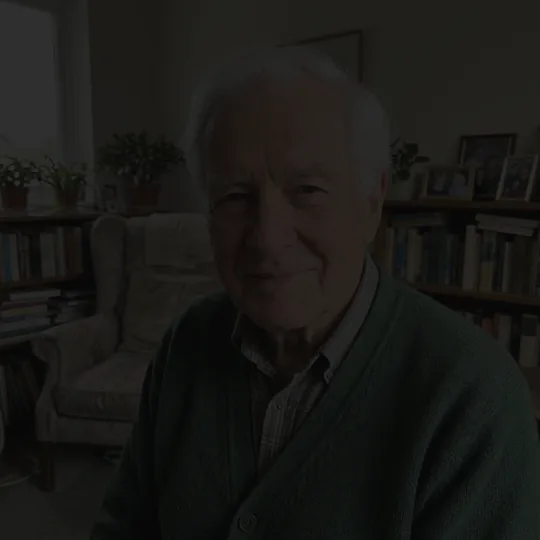 Too dark
 Blurred face
Where a pixel sprite goes
- A retro profile picture Square from the start, readable even as a tiny round avatar.
- A character for a game A sprite of you or your pet for a game jam, a stream overlay or a Discord server.
- Your pet in 8-bit Fur patterns become a few blocks of color that still read as your dog or cat.
- Prints, stickers and cross-stitch At 2K or 4K the squares stay sharp on a poster, a mug or a stitching chart.
What is pixel art, and what makes it 8-bit?
Pixel art is a picture built from visible square blocks and a short list of colors, the look of early home computers and consoles. Photo to Pixel Art draws a new sprite from your photo, deciding what each block shows, instead of shrinking the photo.
Read more
Pixel art is digital art in which each square of color is placed on purpose and stays visible. It grew out of a hardware limit. Early home computers and game consoles had low screen resolutions, little memory and only a handful of colors they could show at once, so artists drew characters square by square on a tiny grid. A face might get a few blocks for the eyes and one row for the mouth, and every block had to count.
The label 8-bit comes from the 8-bit processors inside many of those machines. Today people use it loosely for the whole look: chunky squares, a limited palette, flat areas of color and no smooth gradients. Artists still choose the style long after the limits are gone, because it reads clearly at small sizes, it feels playful and it carries a strong memory of the games many people grew up with.
The search for a photo to pixel art tool is about a finished picture, not a drawing program. People want to see themselves, a partner or a pet as a little game character, then use it as an avatar, a channel icon or a small print. This page answers that wish with two styles, 8-bit and 16-bit, that redraw your photo as a sprite instead of handing you a blank grid and a pencil tool.
Why pixel artists avoid smooth edges
Ordinary digital images hide their pixels. Smoothing, often called anti-aliasing, blends the colors where two shapes meet so a curve looks round. Pixel art does the opposite. Every edge is a clean step from one block to the next, and an artist decides by hand where each step goes. Where a shaded look is wanted, artists use a checkered mix of two colors, known as dithering, instead of a gradient. That discipline is what separates real pixel art from a photo that has simply been made smaller.
Drawing a sprite versus shrinking a photo
The quick trick of shrinking a picture and cutting down its colors does make blocks, but the blocks follow the light and noise of the photo, not the shapes of the face. The result looks like a blurry snapshot seen through frosted glass. A sprite artist simplifies first: the outline of the head, the dark of the eyes, the one highlight on the nose. Our recipe asks the model to work the same way, deciding what each block shows rather than averaging the pixels underneath it.
What our test runs showed
On 3 November 2026 we tried pixel prompts on test photos generated with AI, not photos of real people. The first prompt failed: it returned an outlined photo with no grid at all. Two new prompts then ran on Nano Banana 2.1. The one that asked for a grid of about 64 by 64 blocks, a sixteen-color palette and a plain background drew a true 8-bit sprite of a border collie, with its black and white markings, one ear up and one folded, its tongue out, on a plain background. A 32 by 32 version also worked but looked rougher, and a code-only version that shrank the photo and reduced its colors looked like a blurry photo, so neither was used.
CartoonPix is independent and not affiliated with any game studio, console maker, pixel artist or pixel art software. Sources: the history of pixel art and 8-bit graphics from reference works on computer and video game art, search interest from our keyword research (November 2026), and our own analysis of the 3 November 2026 test runs. Updated .
Asked before turning a photo into a sprite
How do I turn a photo into pixel art here?
Upload one photo, pick a size and start. The model redraws the subject as a square sprite made of large blocks with a small palette and a flat background, and the finished picture appears in your library to download.
Can I use Photo to Pixel Art online for free?
It works online in your browser, but it is not free: CartoonPix gives no free credits. A 1K sprite uses 1 credit; the Starter pack is $9.99 for 20 credits, and unused credits never run out, so they also work on the other cartoon styles.
8-bit or 16-bit: which does photo to pixel art make?
Both: you pick the style before you upload. 8-bit, the default, follows games and home computers built on 8-bit processors: big visible squares, about sixteen colors and no smooth shading, on a grid of roughly 64 blocks. 16-bit follows the consoles of the early 1990s: a grid of about 128 blocks, around 64 colors and pixel-drawn highlights and shadows.
Can I use the picture as a retro game sprite?
It works well as a character portrait, a title screen image or an icon. It is one still picture on a flat background, not an animated sheet of walking frames, so a moving game character would need more frames drawn by you.
Is the file really 64 by 64 pixels?
No. The file is a full-size square, about 1024 pixels wide at 1K, and each block of the sprite is drawn from many real pixels. The blocks are painted by the model, so they are close to even but may not line up exactly.
Is this a pixel art editor where I place each square?
No, this page makes the whole sprite for you from your photo and has no drawing tools. If you want to change single blocks afterwards, open the downloaded PNG in any image editor you already use.
Is this an AI pixel art maker or just a filter?
It is an image model that redraws the photo, not a filter. We tested a filter-style approach that shrinks the photo and cuts its colors, and it looked like a blurry photo, so the page uses the drawn sprite instead.
Will my dog or cat photo make a good sprite?
Pets suit the style because their markings are bold shapes. In our test a border collie kept its black and white patches, one raised ear and one folded ear, and its tongue. Choose a close photo where the face is clear.
Which size should I pick to print my sprite?
For a screen or an avatar, 1K is plenty. For a poster or a framed print choose 2K or 4K; the blocks get bigger with the file, and 2K stays a PNG with perfectly sharp edges.
Why does the sprite sit on one plain color?
Old sprites were drawn on simple backdrops, and a busy scene cannot fit on a coarse grid anyway. The recipe removes the setting of your photo and fills the space with one color, which is not transparent.