AI Christmas Photo Generator
AI Christmas Photo Generator turns one photo of people or pets into seven holiday looks, from 3D cartoon and watercolor card art to cozy fireplace portraits.
- Same shape as your photo
- 1K · 2K · 4K, from 1 credit
- PNG (4K as JPG)
- About a minute
- Kept 30 days
AI-generated results may change details of faces, hands or accessories and are not guaranteed to match the input photos exactly.
Start with one photo
Four photos across all seven Christmas styles
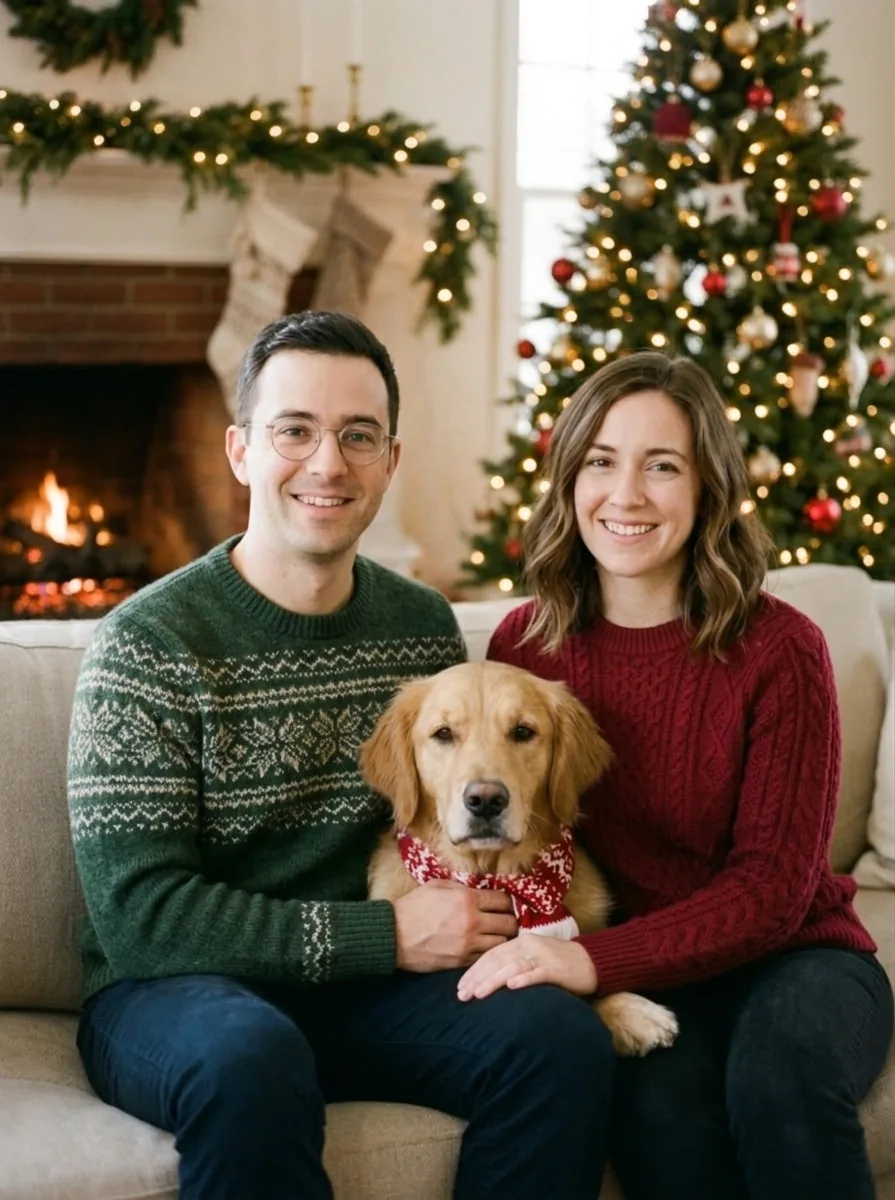
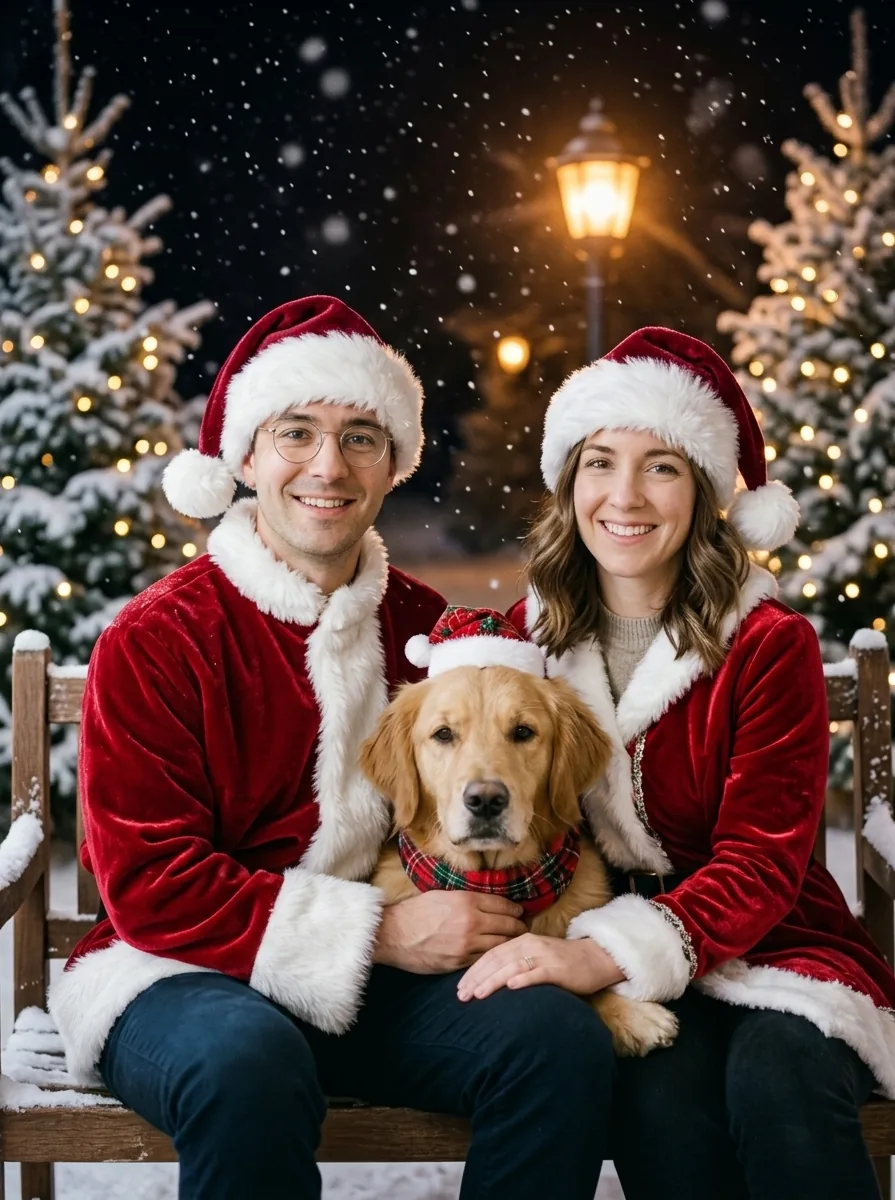
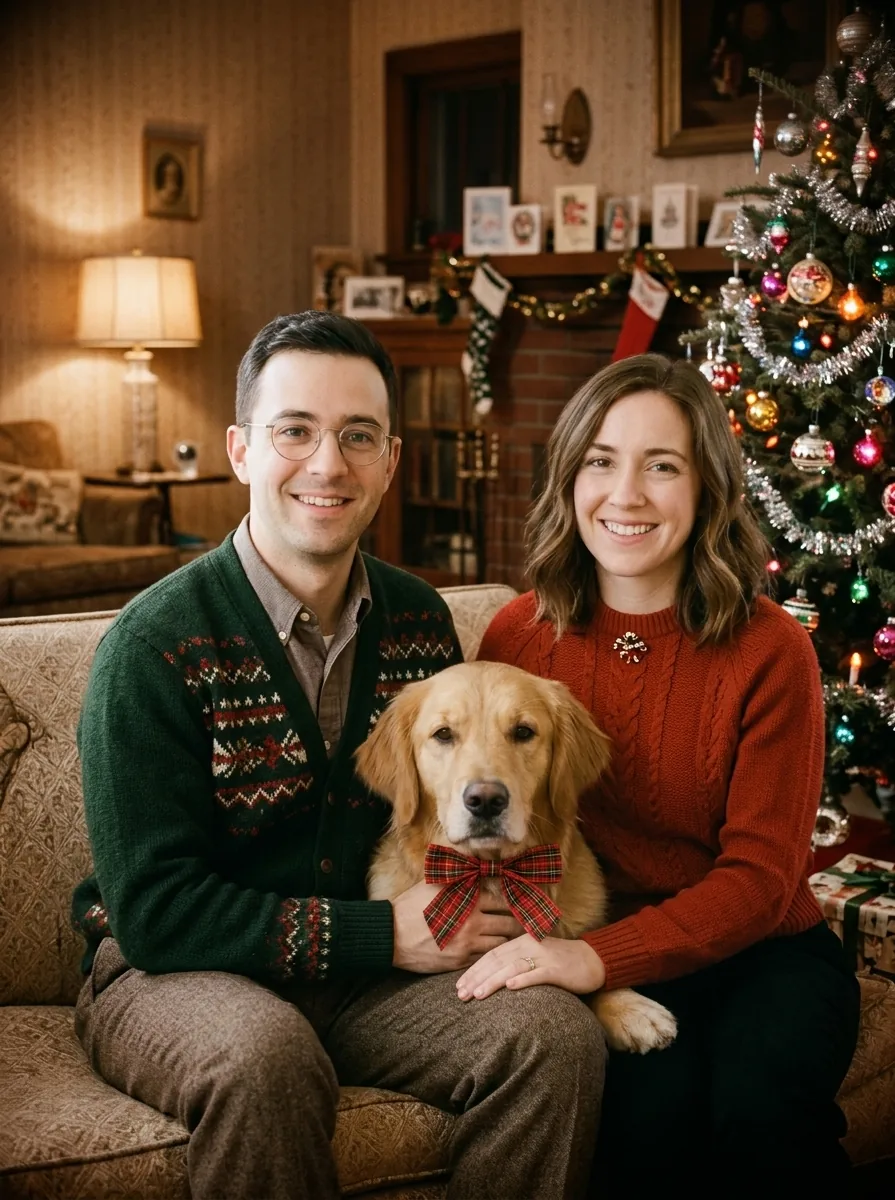
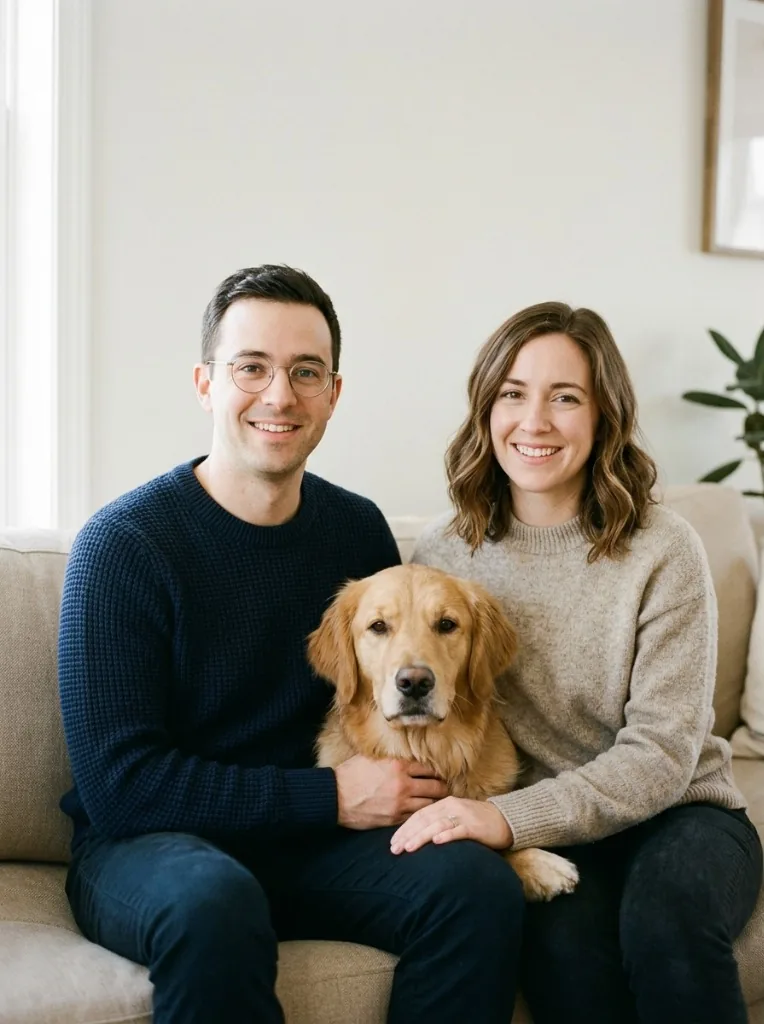
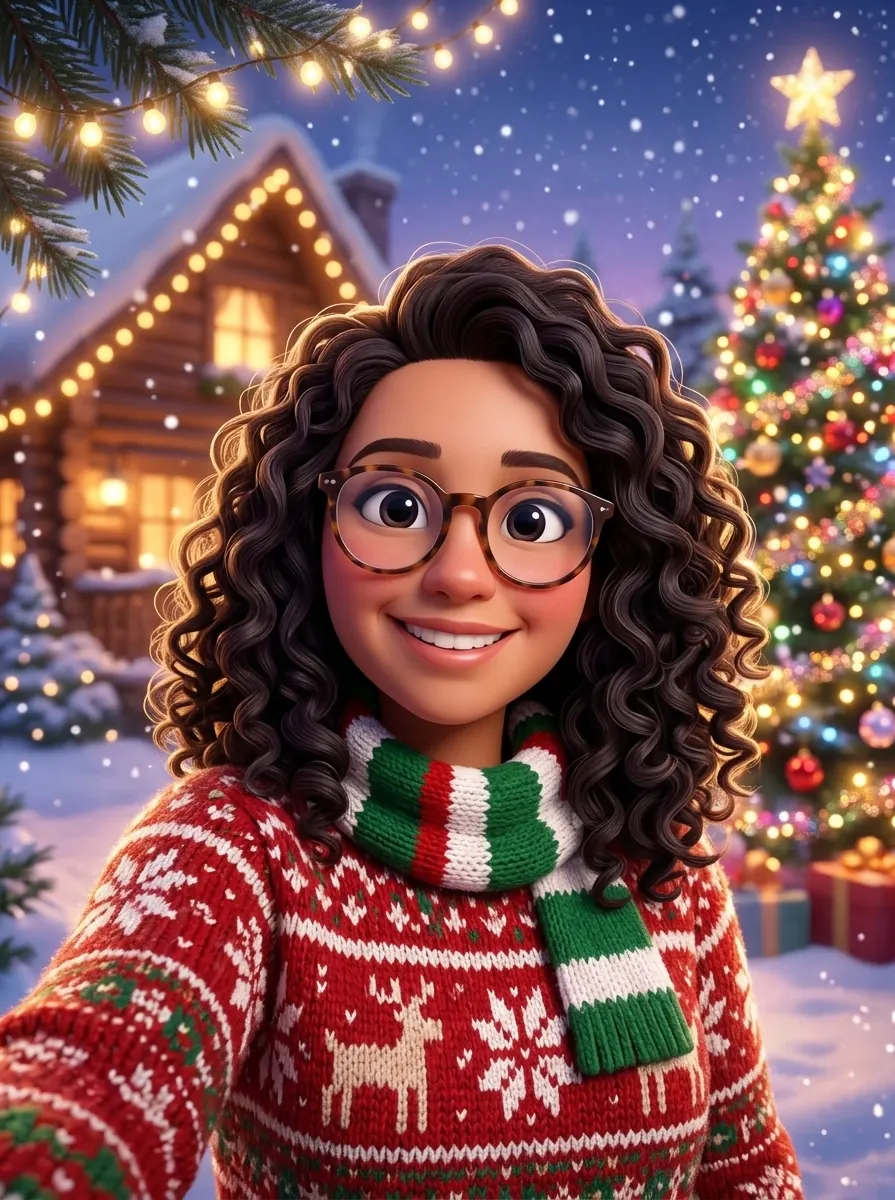
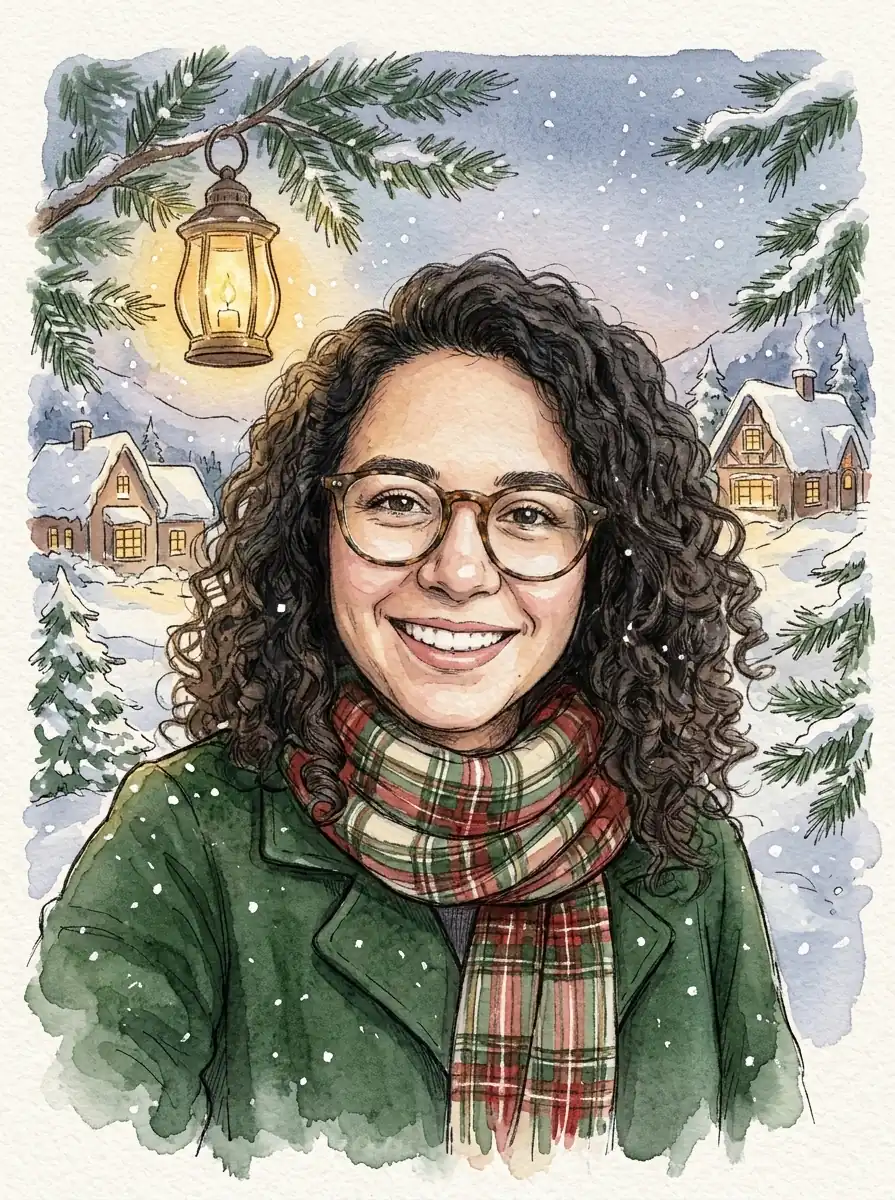
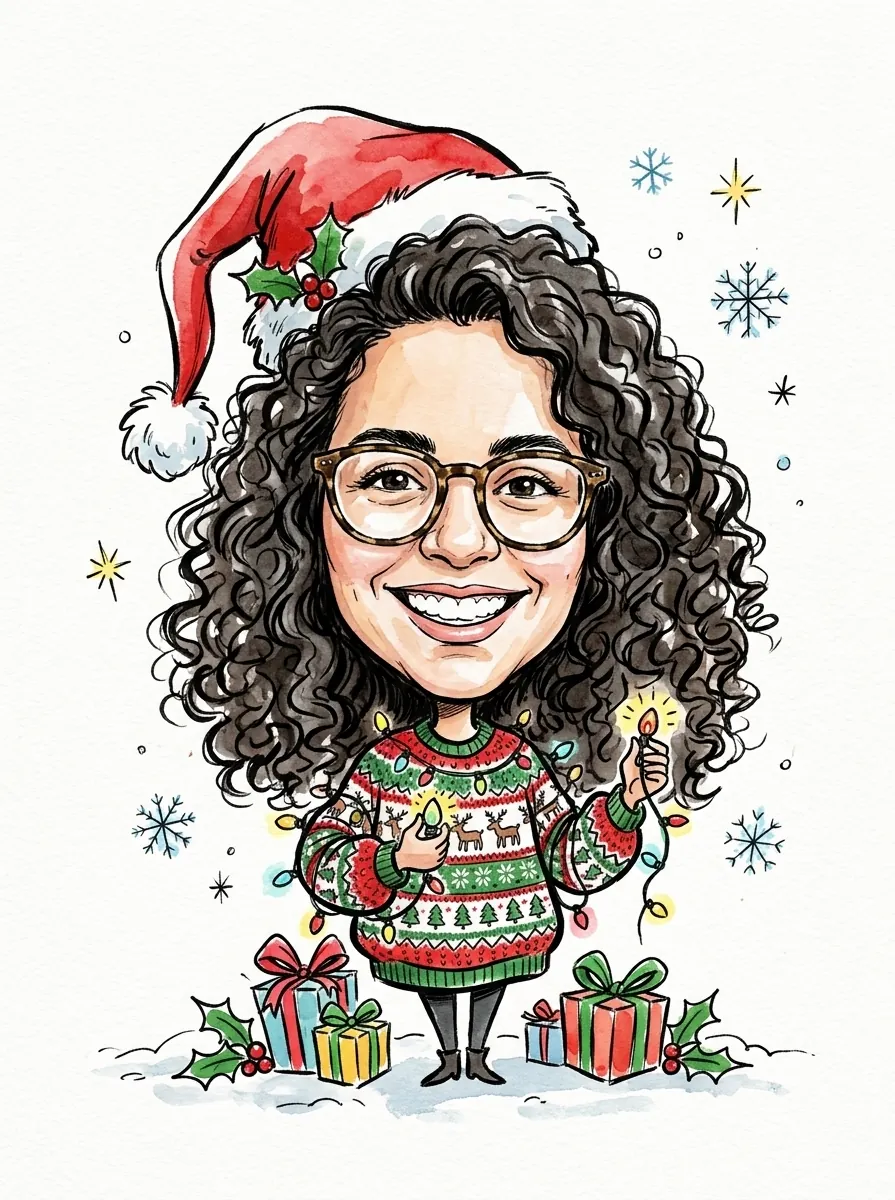
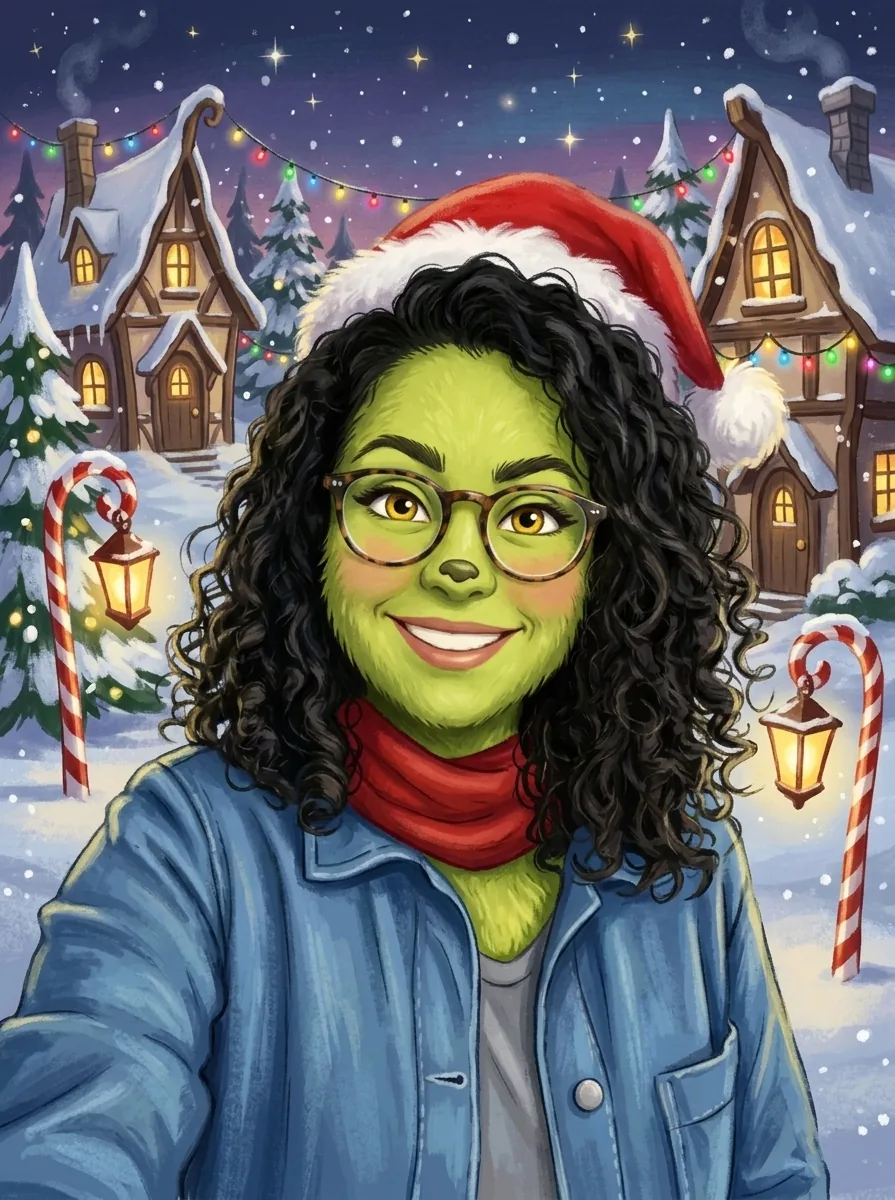
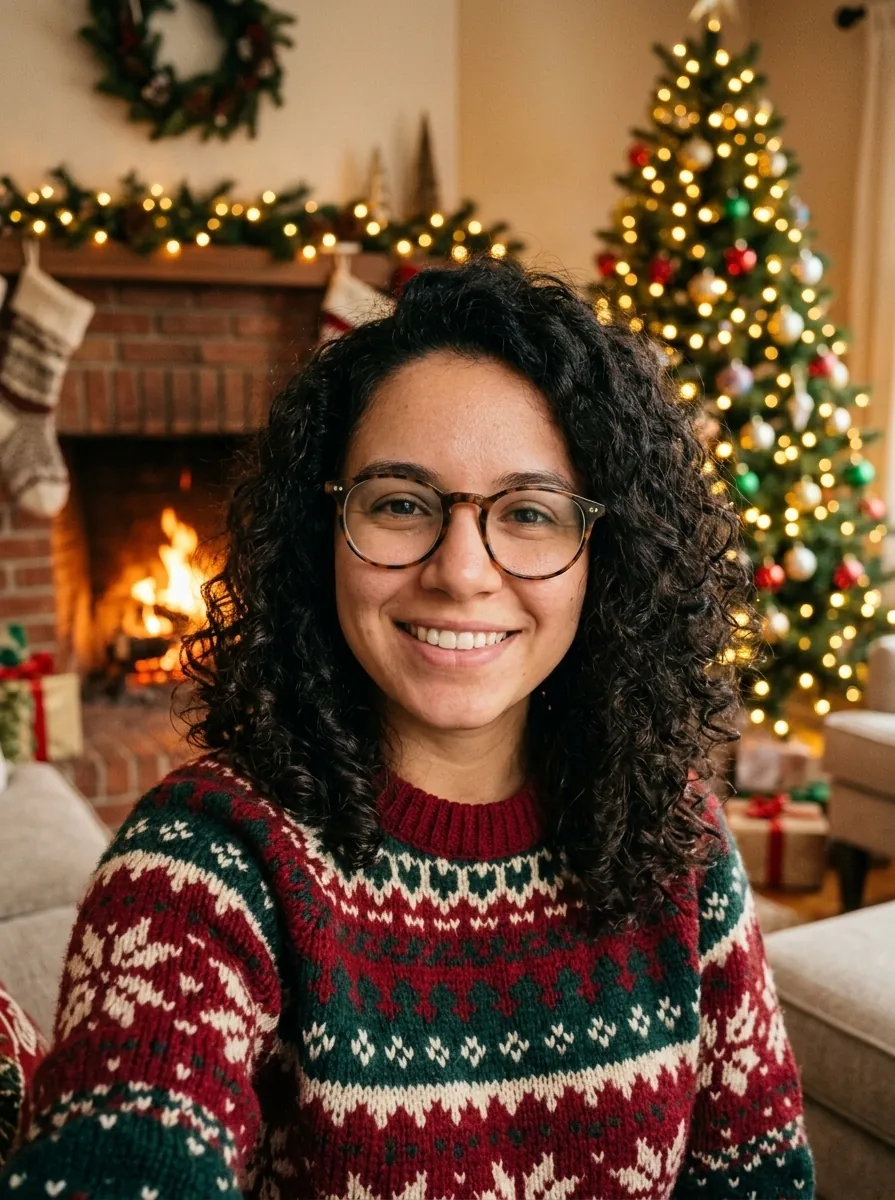
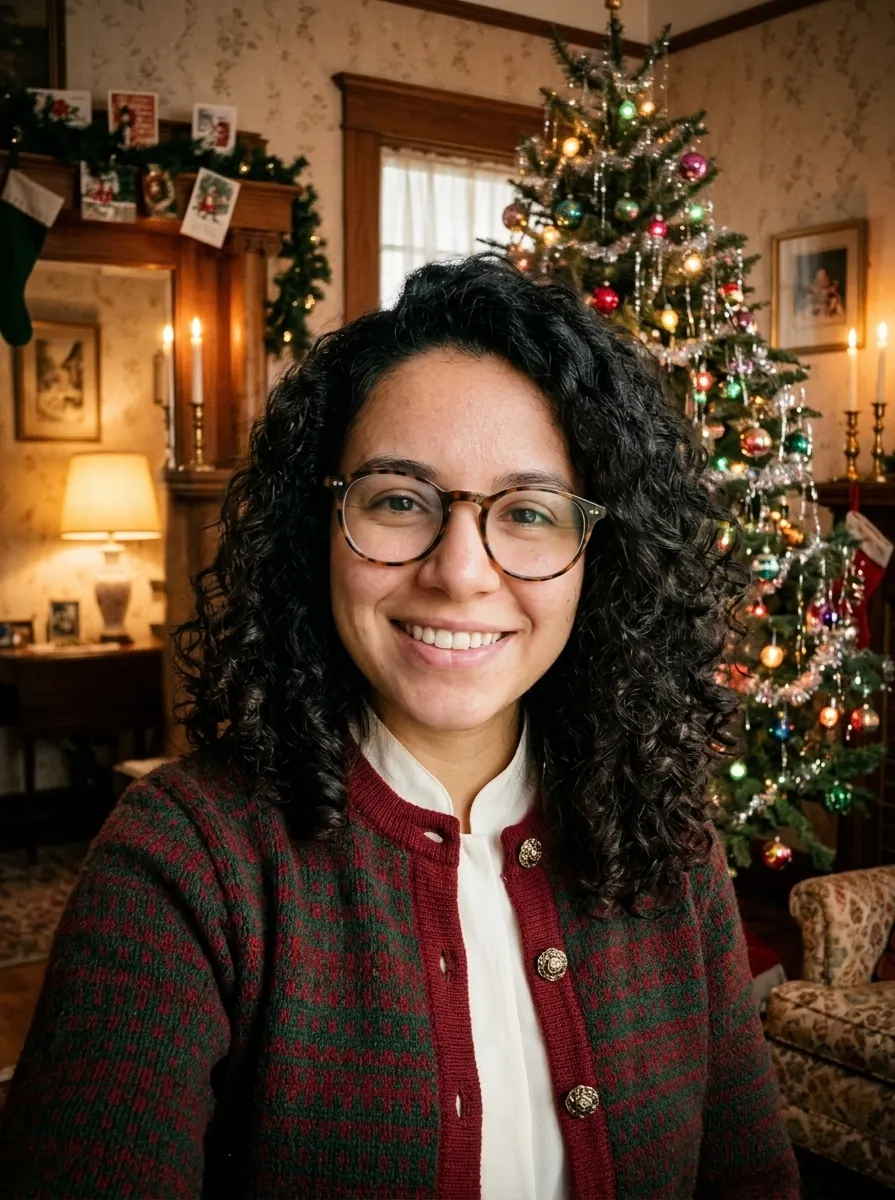
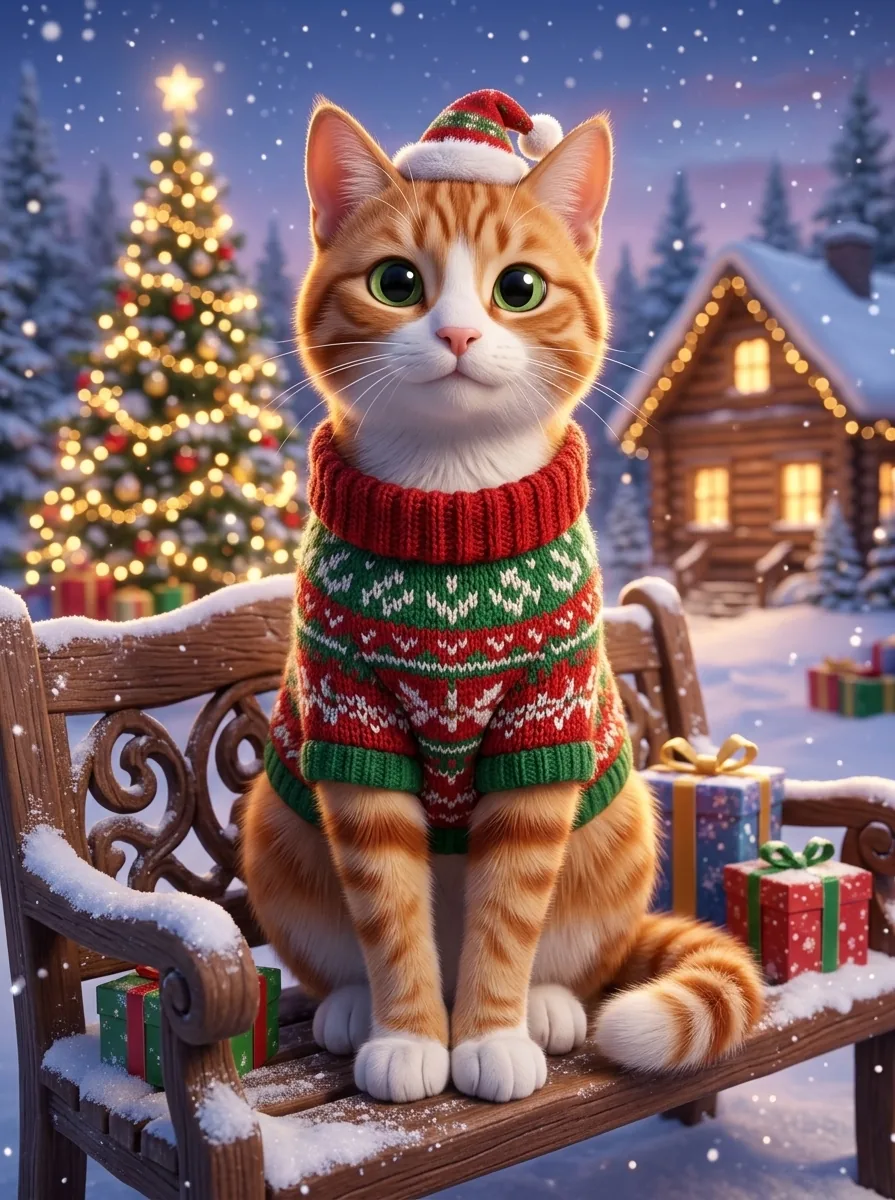
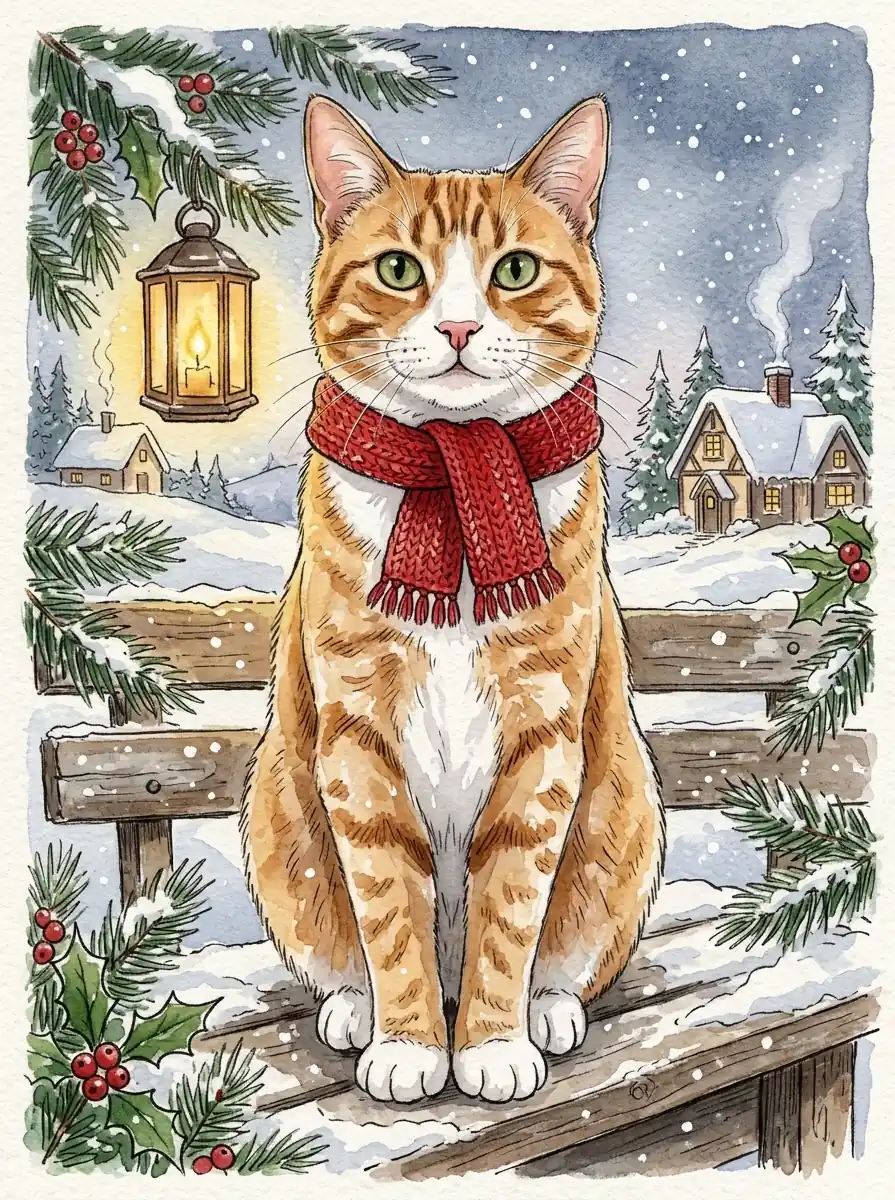
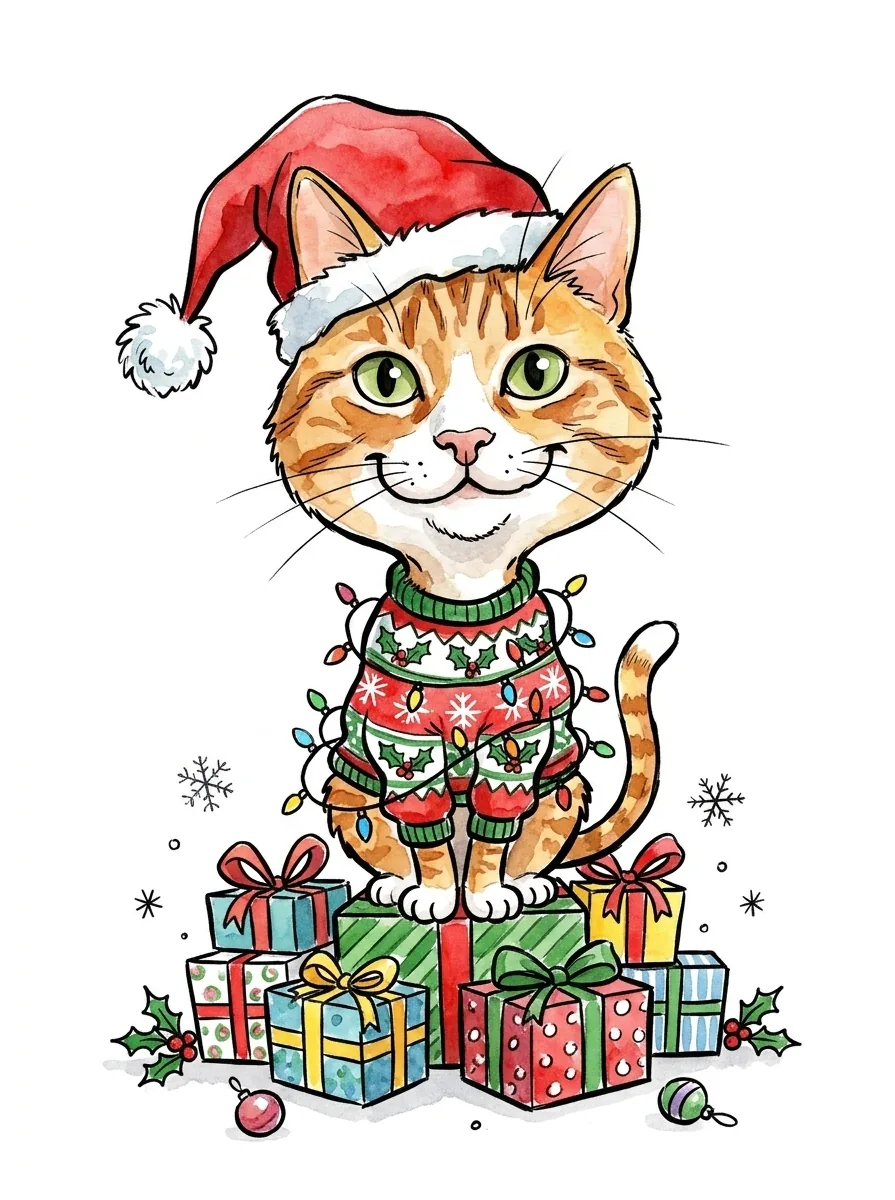
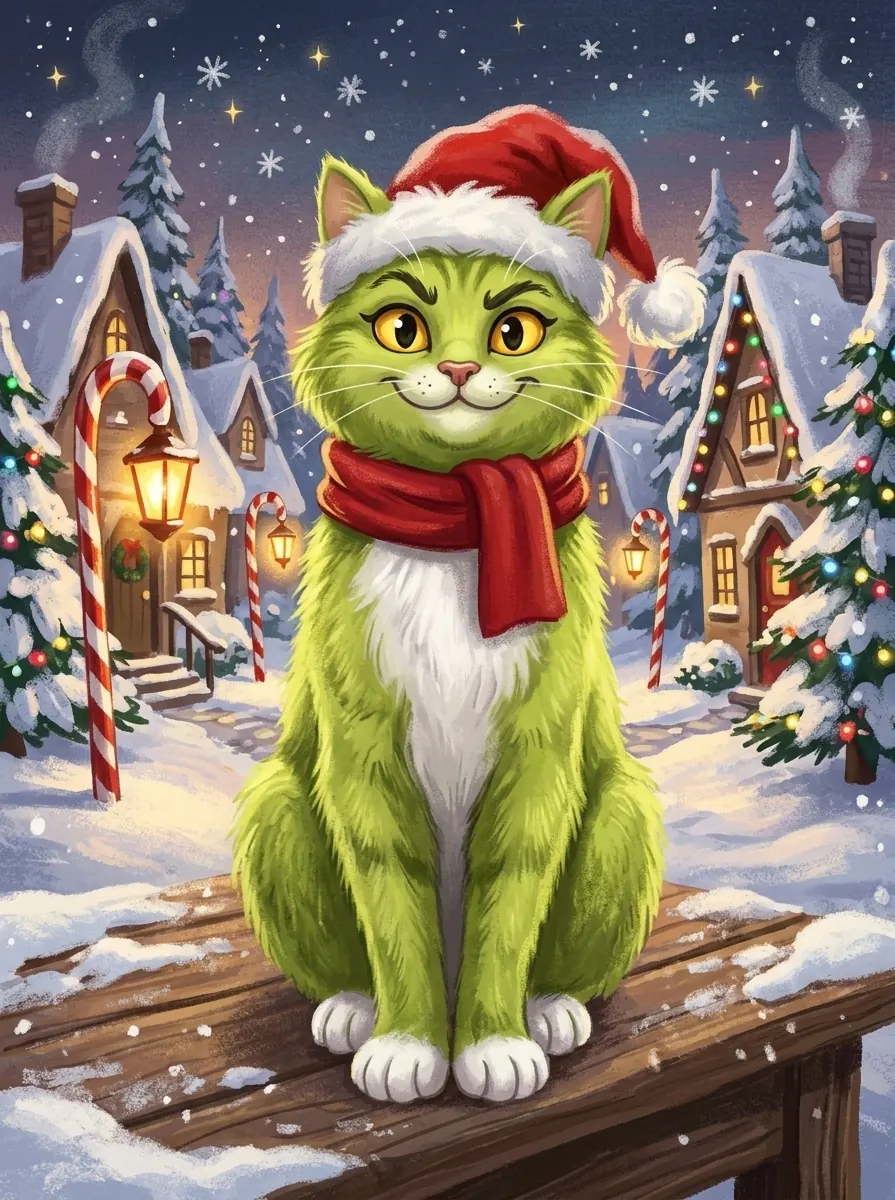
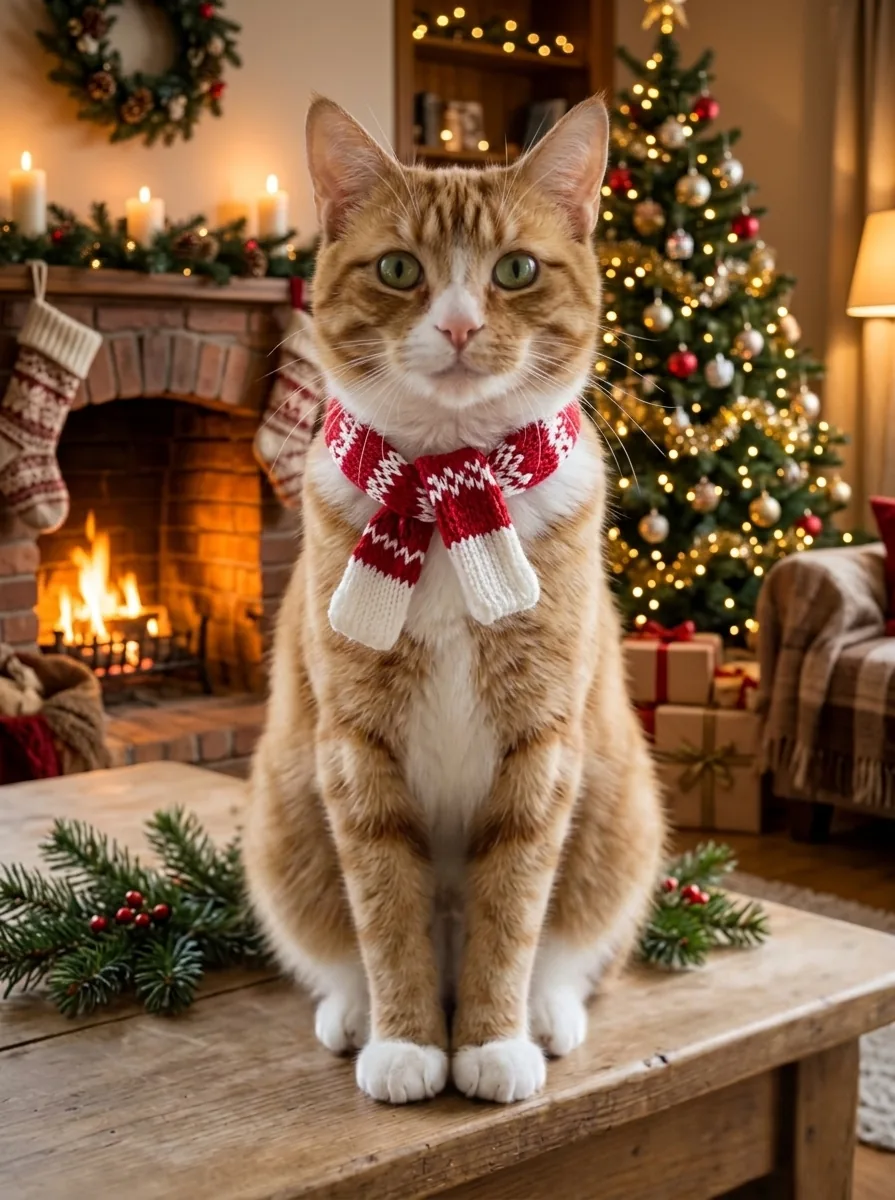
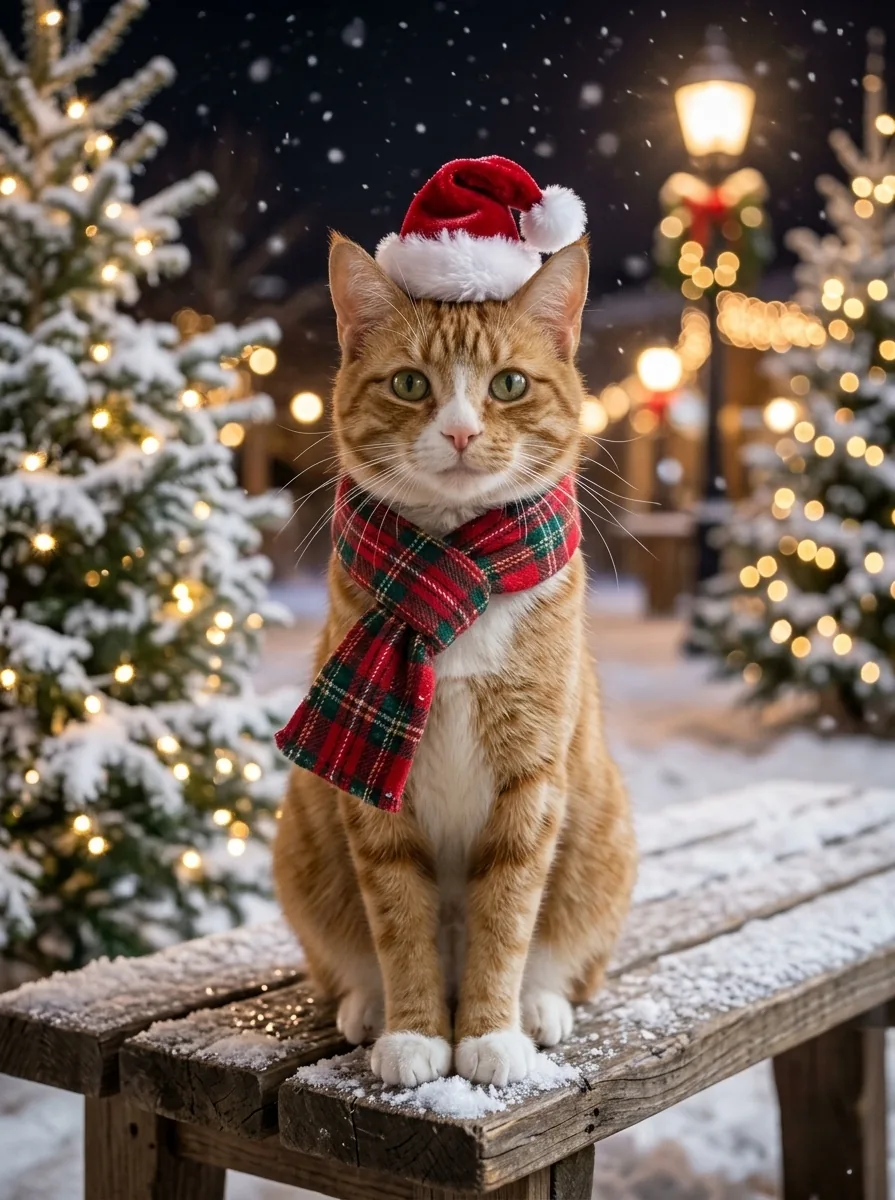
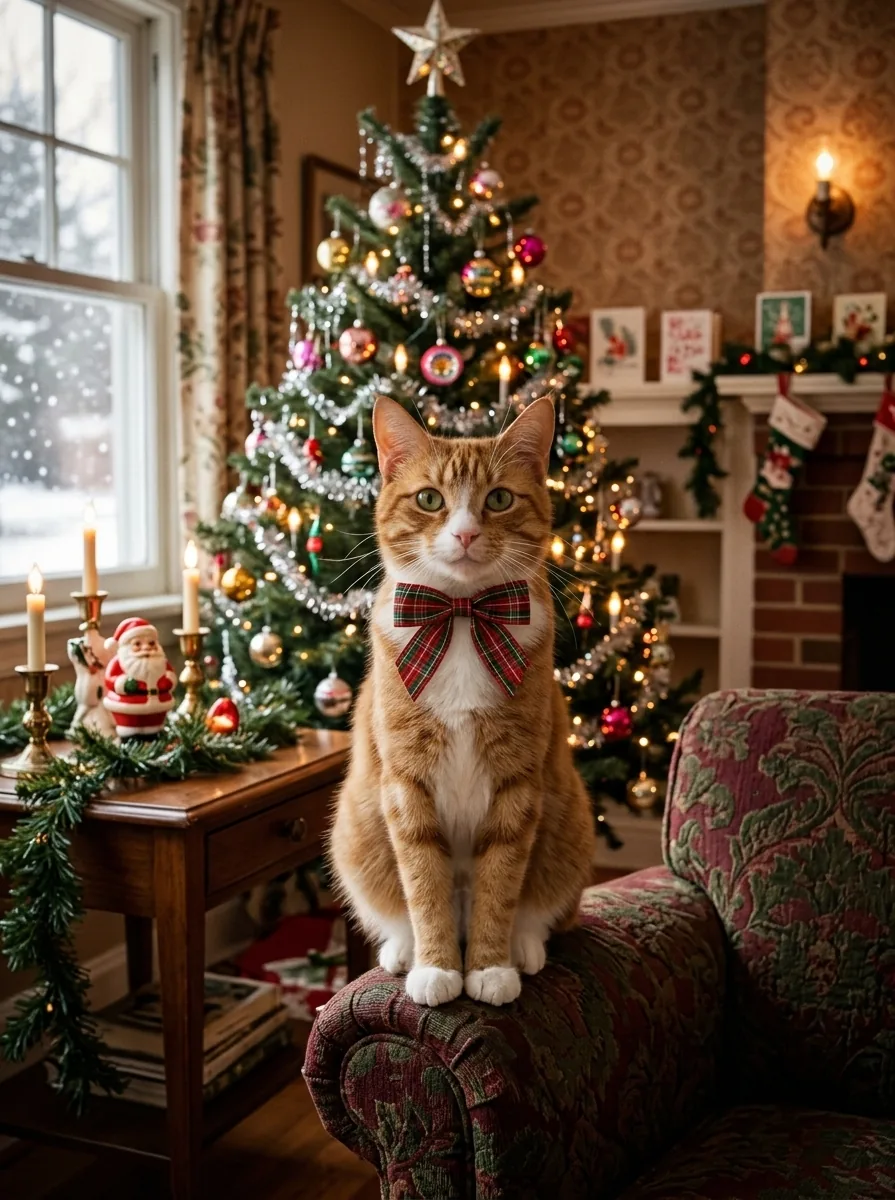
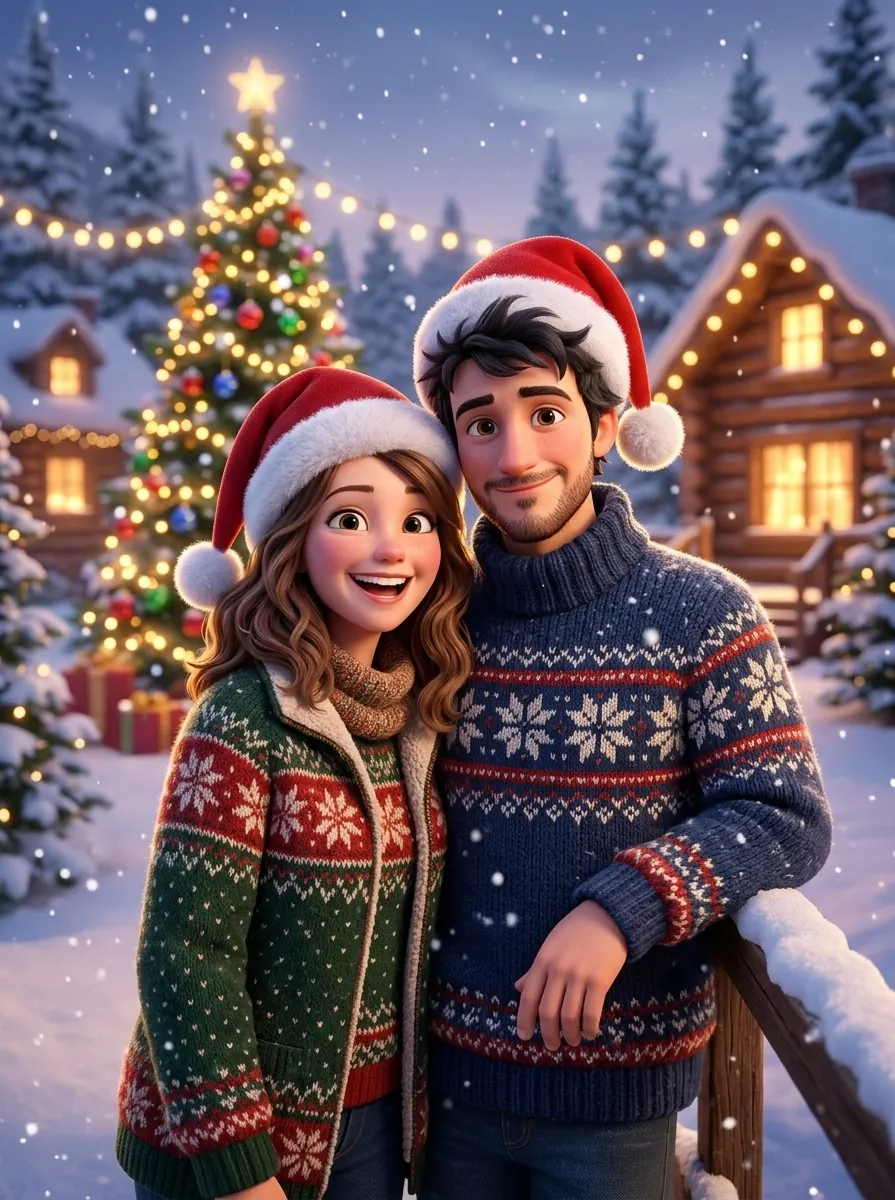
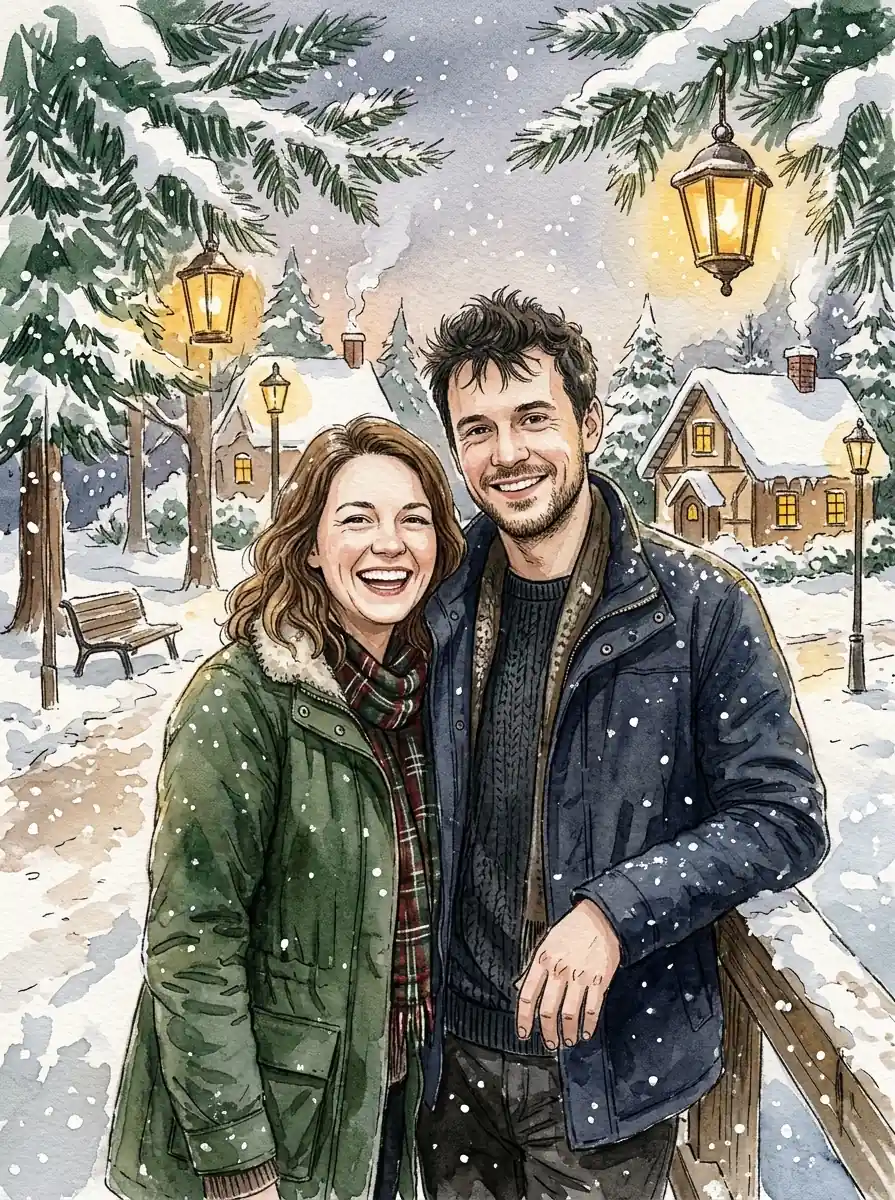
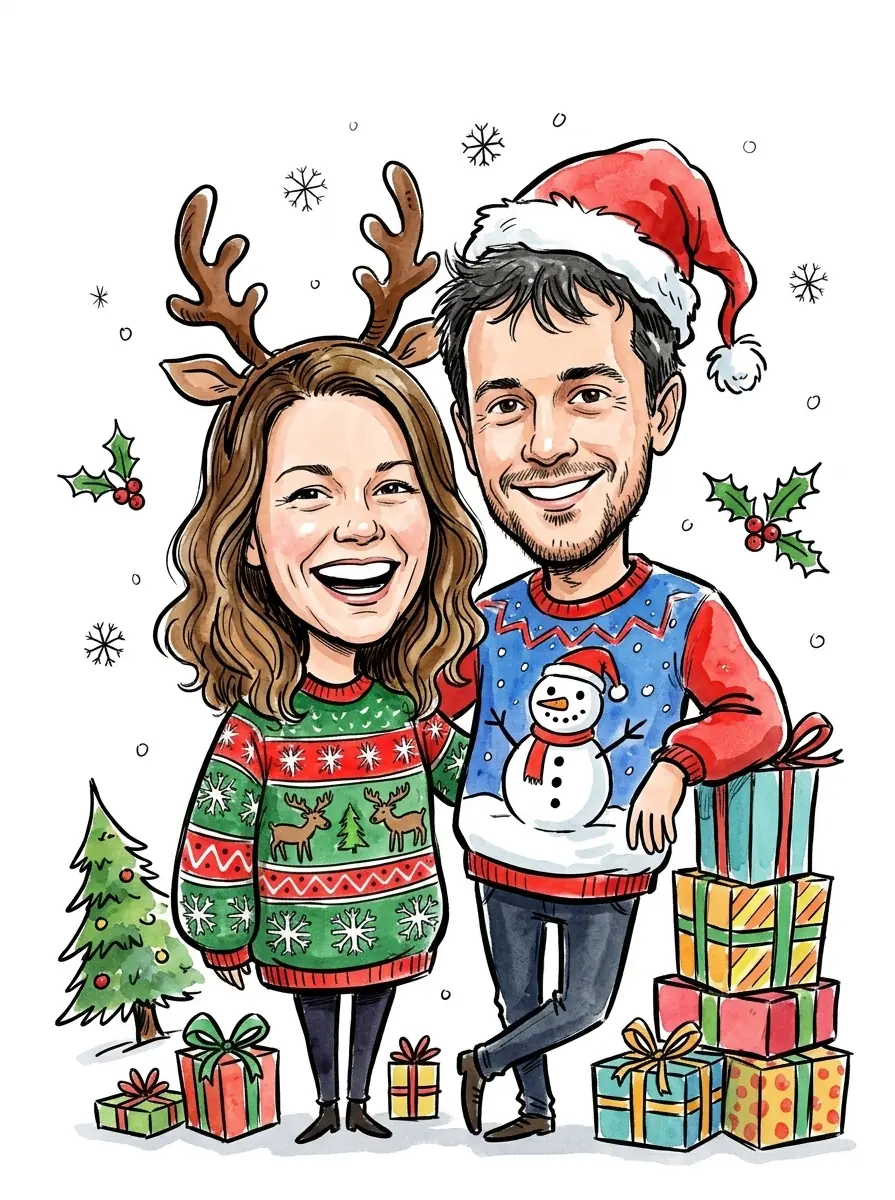
A couple with a golden retriever on a couch, a curly-haired portrait, an orange tabby cat on a table, and a couple by a park fence. Switch through all seven styles above to compare four illustrated looks and three studio holiday portraits on the exact same photos.


Cards, ornaments, and winter avatars
- Printed Christmas cards Every output leaves out baked-in greetings, so you can drop clean 2K or 4K art straight into Shutterfly, Minted, or Canva card layouts.
- Pet photo Christmas cards Turn a phone snapshot of your dog or cat into a watercolor card, a Santa-suited snow portrait, or a cheerful holiday caricature.
- Mugs, ornaments, and gifts Family caricatures on plain white paper and 3D cartoon portraits print cleanly on ceramic mugs, pillows, and holiday stockings.
- December profile pictures Use Grinch Style, Santa & Snow, or Vintage 1950s to update your December group-chat icon, Slack avatar, or social feed.
The same sofa trio in three different textures
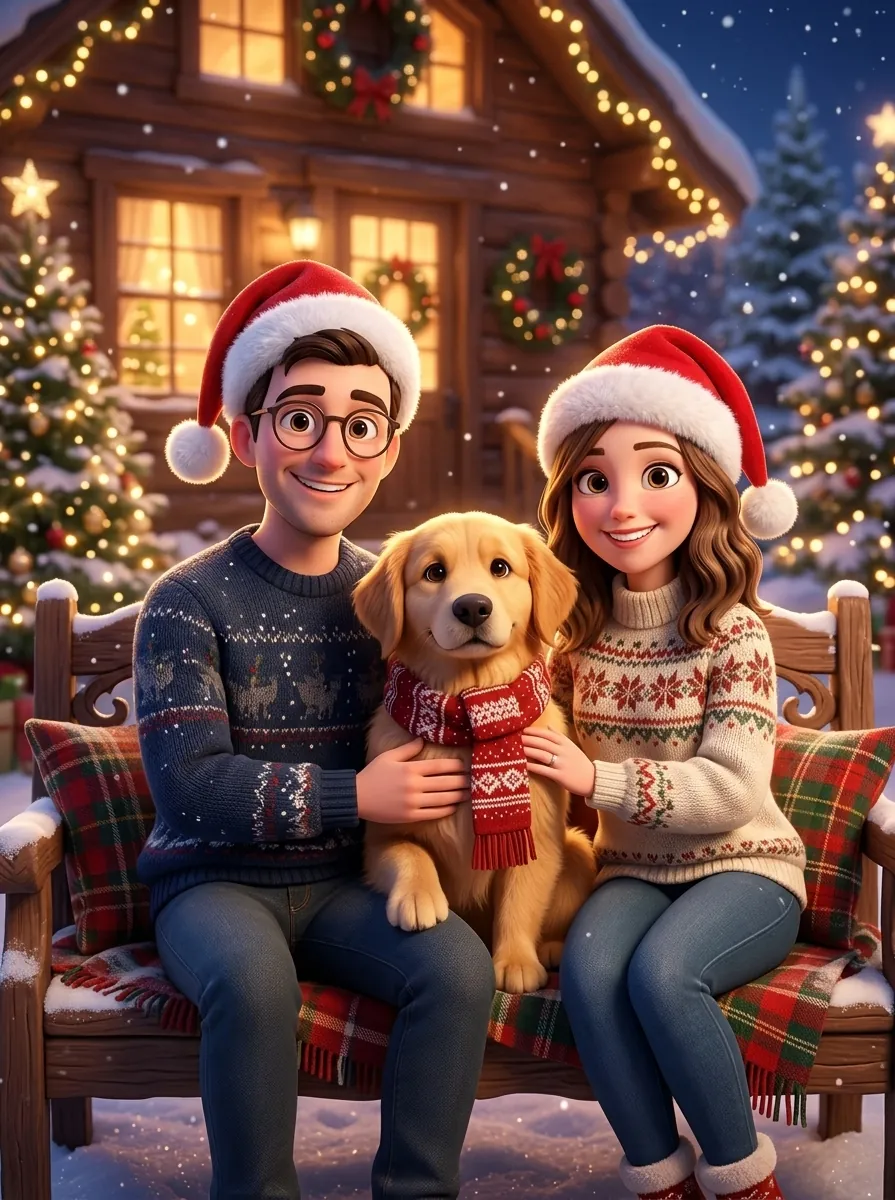
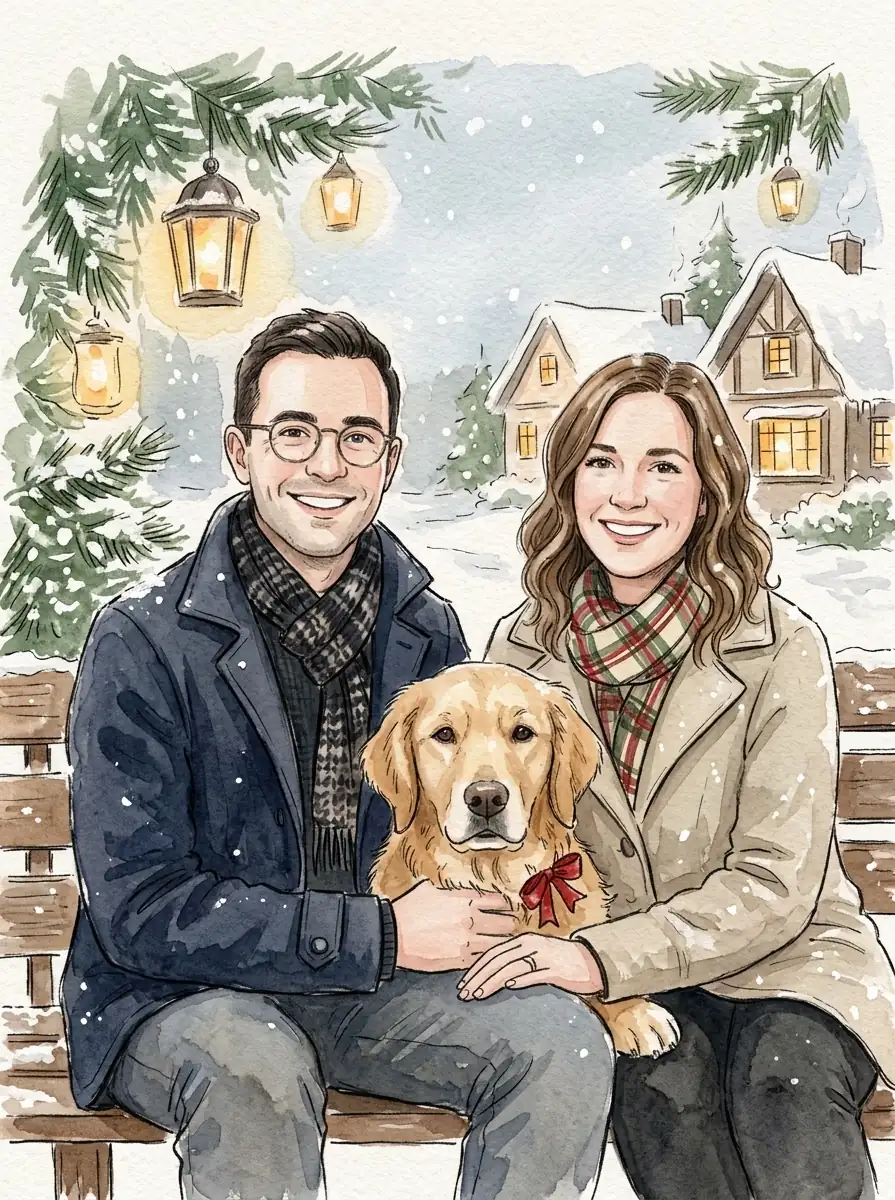
Look closely at the sweaters, the golden retriever scarf, and both hands across three runs of the same living-room snapshot. The pose and wedding ring stay steady while the rendering switches from 3D film lighting to watercolor paper or realistic wool knit.
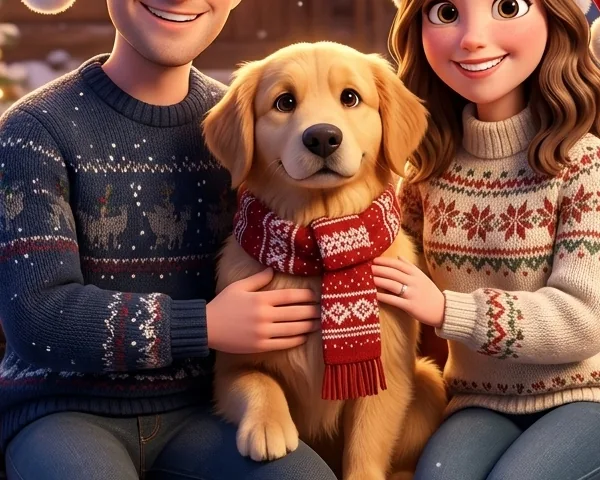
3D Cartoon wraps the dog in a fringed Nordic knit scarf and shifts both sweaters to animated snowflake patterns. 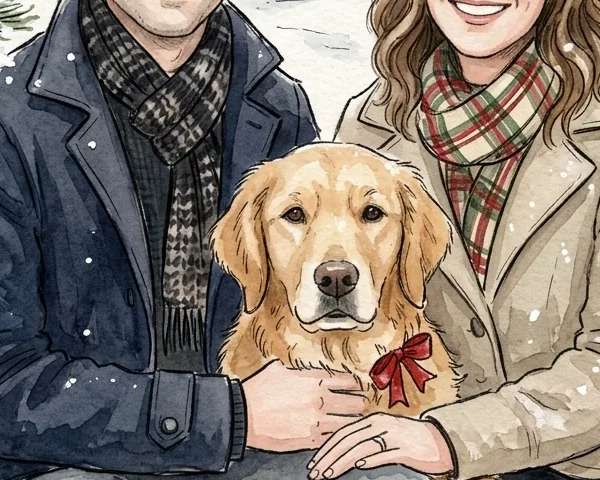
Holiday Card uses ink contours, watercolor washes, winter coats, and a red satin bow with painted snowfall. 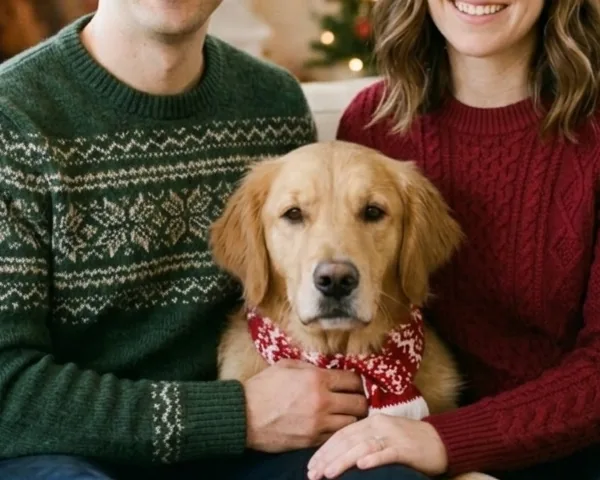
Cozy Fireplace keeps photographic fur and skin texture, trading everyday sweaters for forest green and burgundy knits.
Make an AI Christmas photo in three steps
- 1. Upload a clear photoA solo selfie, a couple, a family on the couch, or a dog or cat facing the lens.
- 2. Pick one of seven looksStart with 3D Cartoon, Holiday Card, Caricature, or Grinch Style, or choose Cozy Fireplace, Santa & Snow, or Vintage 1950s.
- 3. Choose a print sizePick 1K for chats and social feeds, or 2K and 4K for printed 5x7 greeting cards and framed gifts.
- Same shape as your photo
- 1K · 2K · 4K, from 1 credit
- PNG (4K as JPG)
- About a minute
- Kept 30 days
Photos that hold faces, hats, and pet markings
- Family and pet together
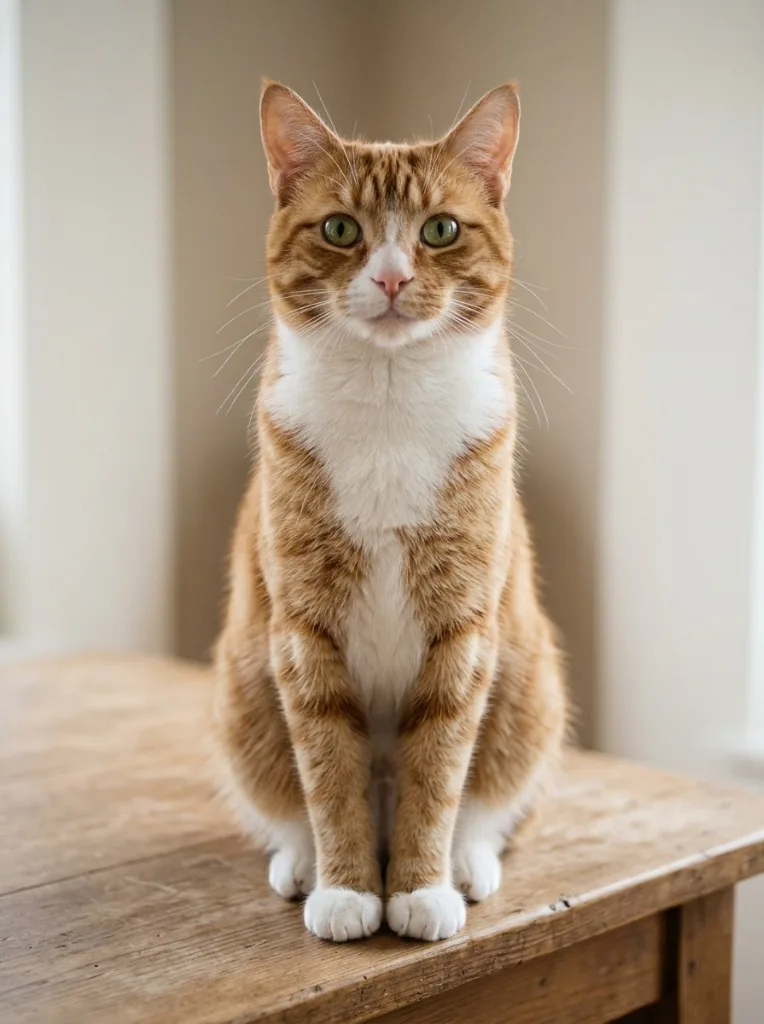 Pet sitting in daylight
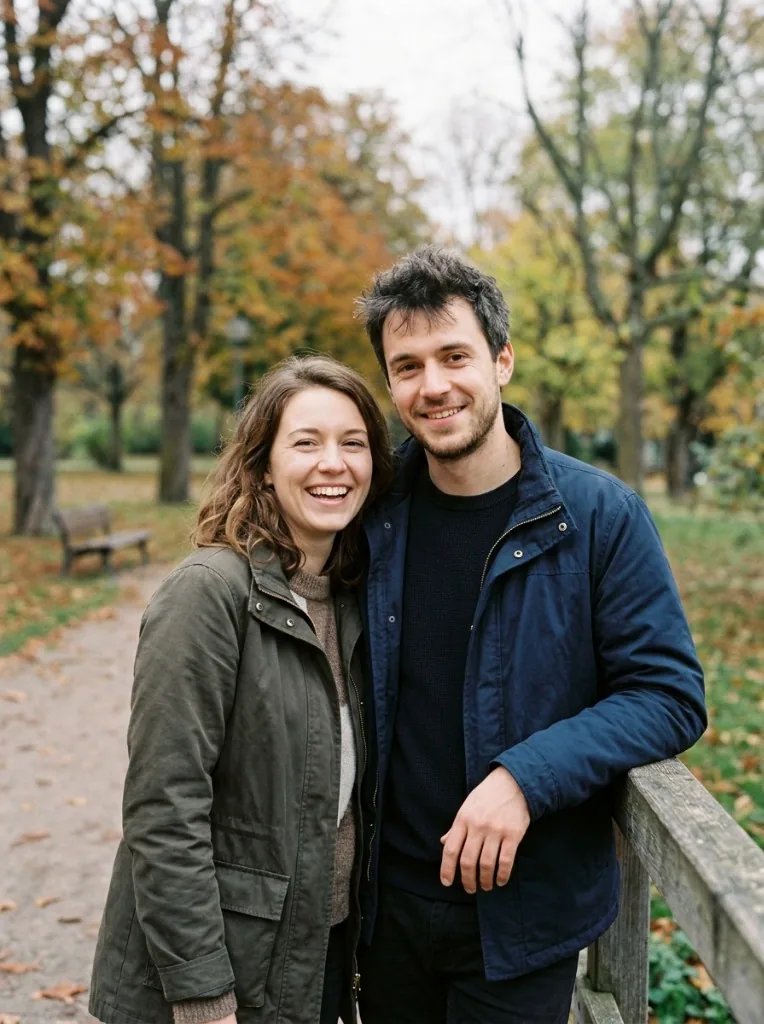 Headroom for Santa hats
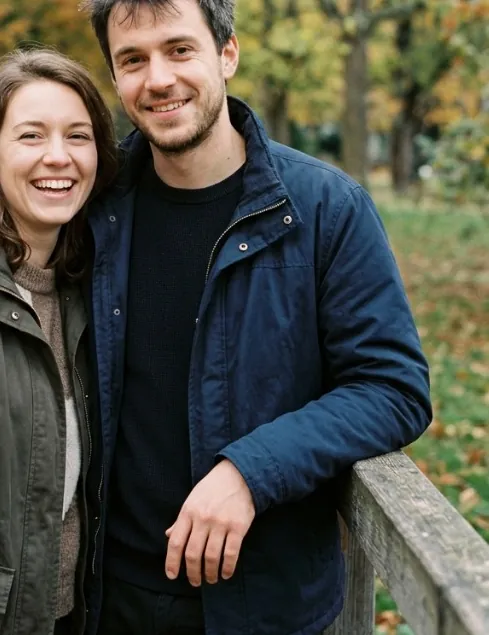 Top of head clipped
 Face lost in shadow
 Shaky or blurred shot
What can an AI Christmas photo generator make from one everyday picture?
An AI Christmas photo generator transforms an ordinary everyday snapshot of you, your family, or your pet into a finished seasonal illustration or winter studio portrait without renting props or writing prompts. CartoonPix brings four cartoon and illustrated holiday styles together with three realistic portrait backdrops on one page, keeping real glasses, smiles, hair, and pet coat patterns intact. Pick a single look per run and download clean, text-free artwork ready for cards or sharing.
Read more
Every November and December, people search under a dozen related names for the same seasonal job: AI Christmas photo, AI Christmas photo generator, Christmas photo filter, AI Christmas card generator, AI Christmas family photo, pet photo Christmas cards, Christmas caricature, Santa filter, and Grinch filter. Most households already have a sharp autumn park snapshot or living-room sofa picture on their phone, yet nobody wants to buy matching sweaters, wrangle a dog beside a tripod, or pay for a studio session just to mail holiday cards.
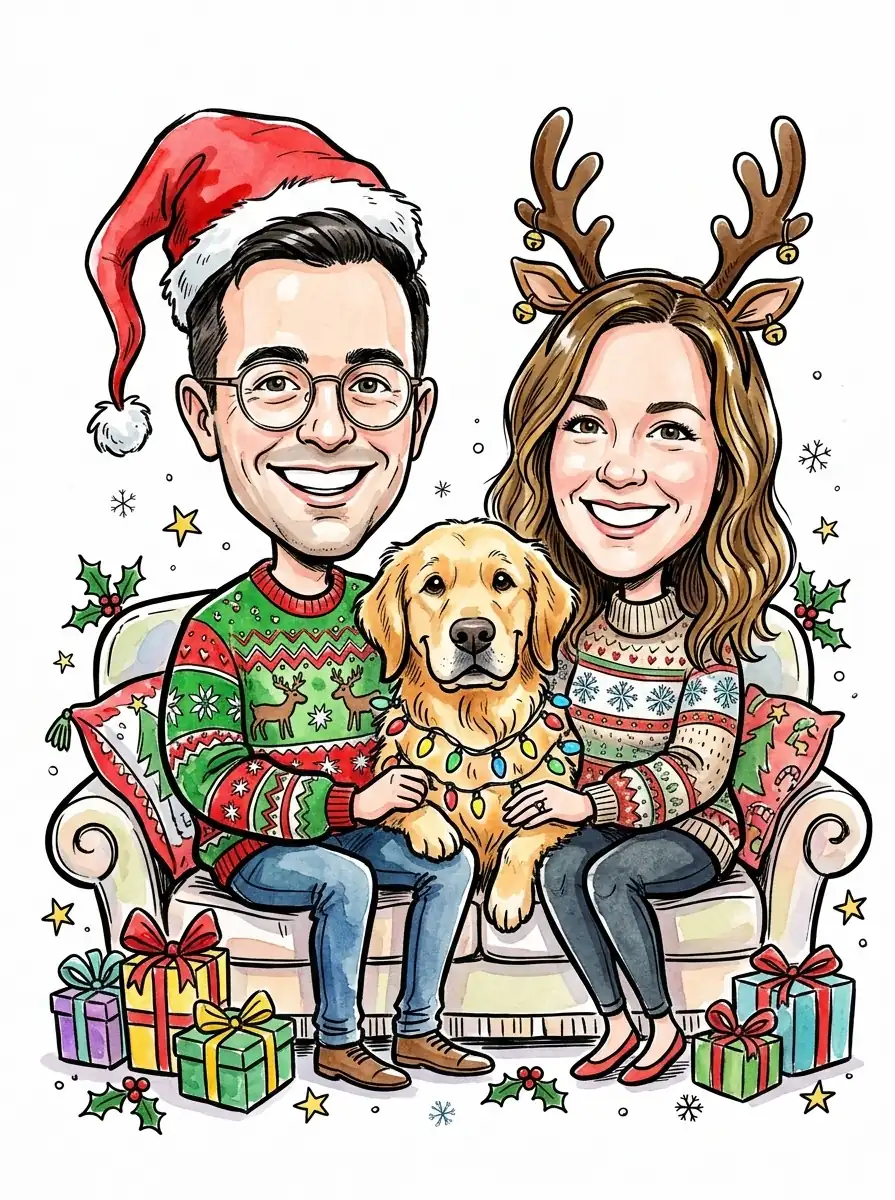
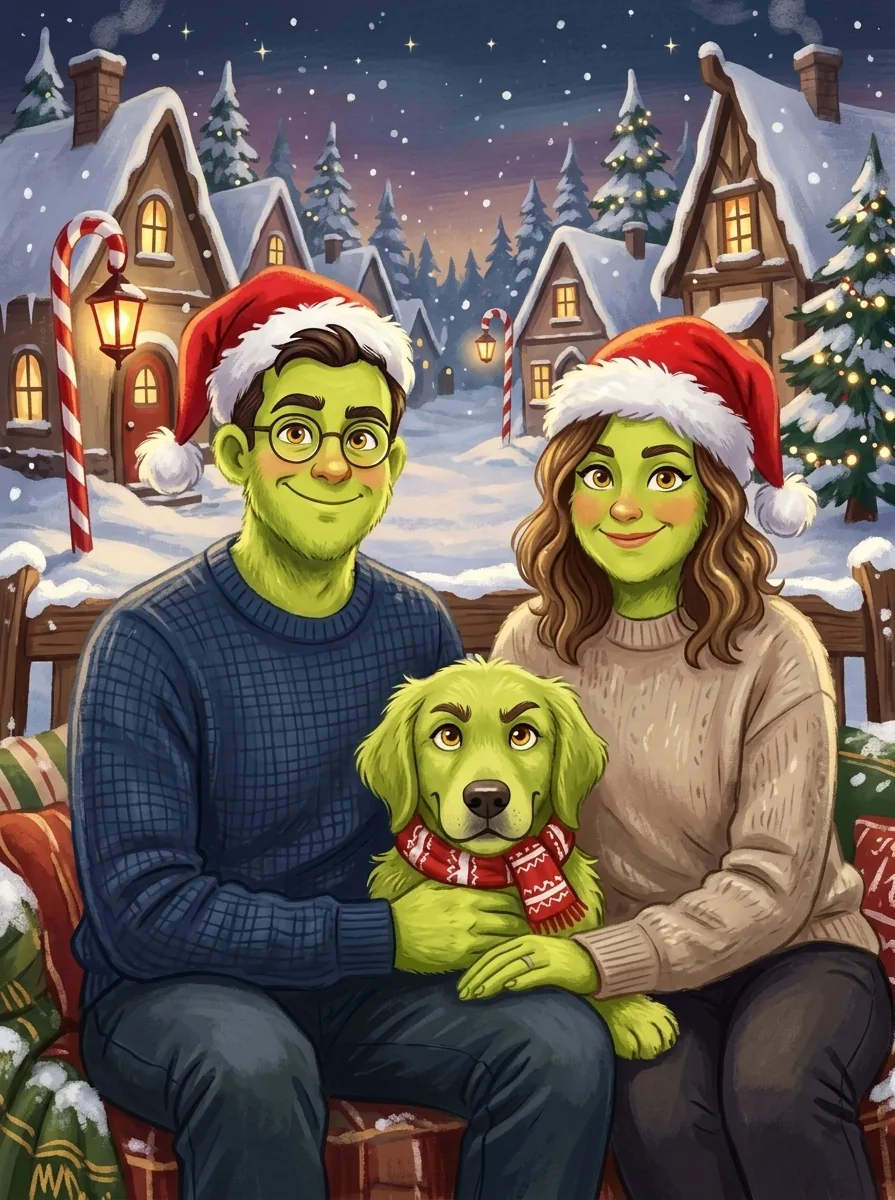
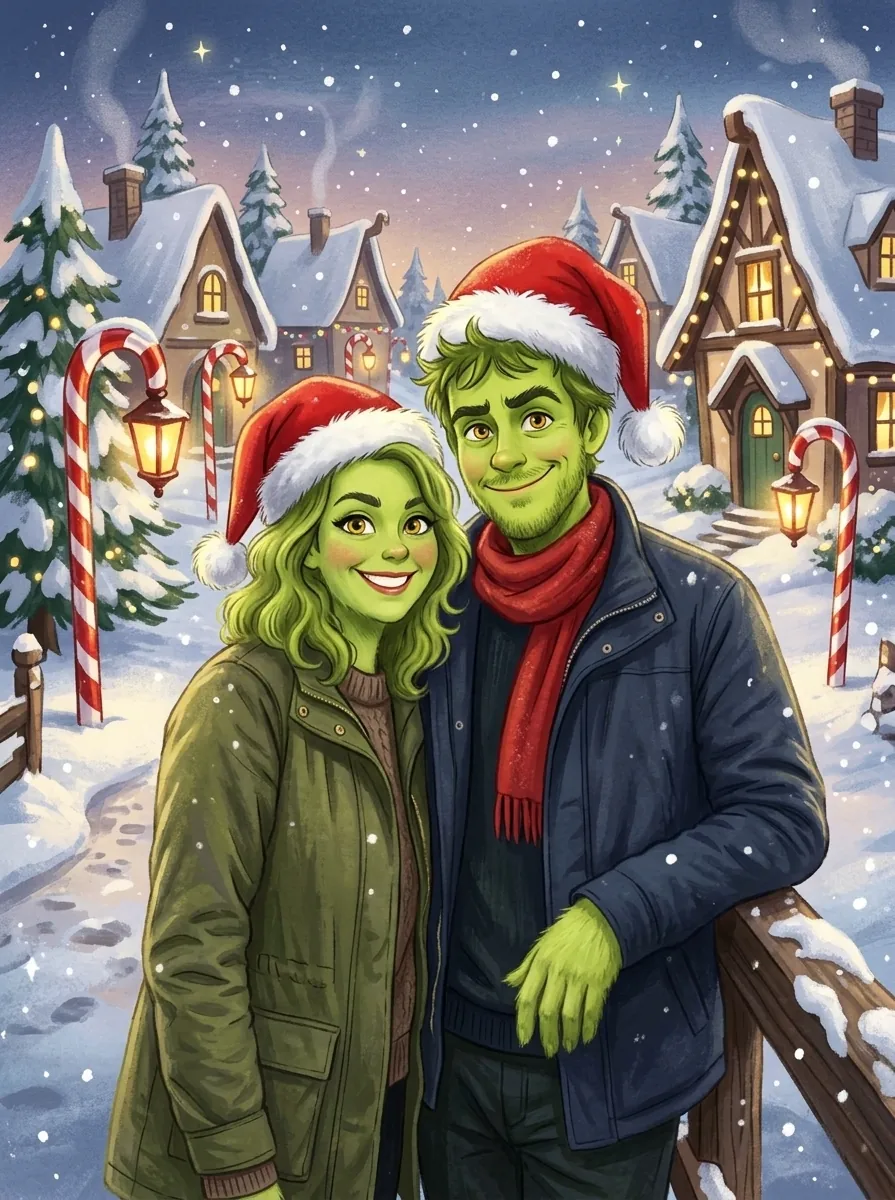
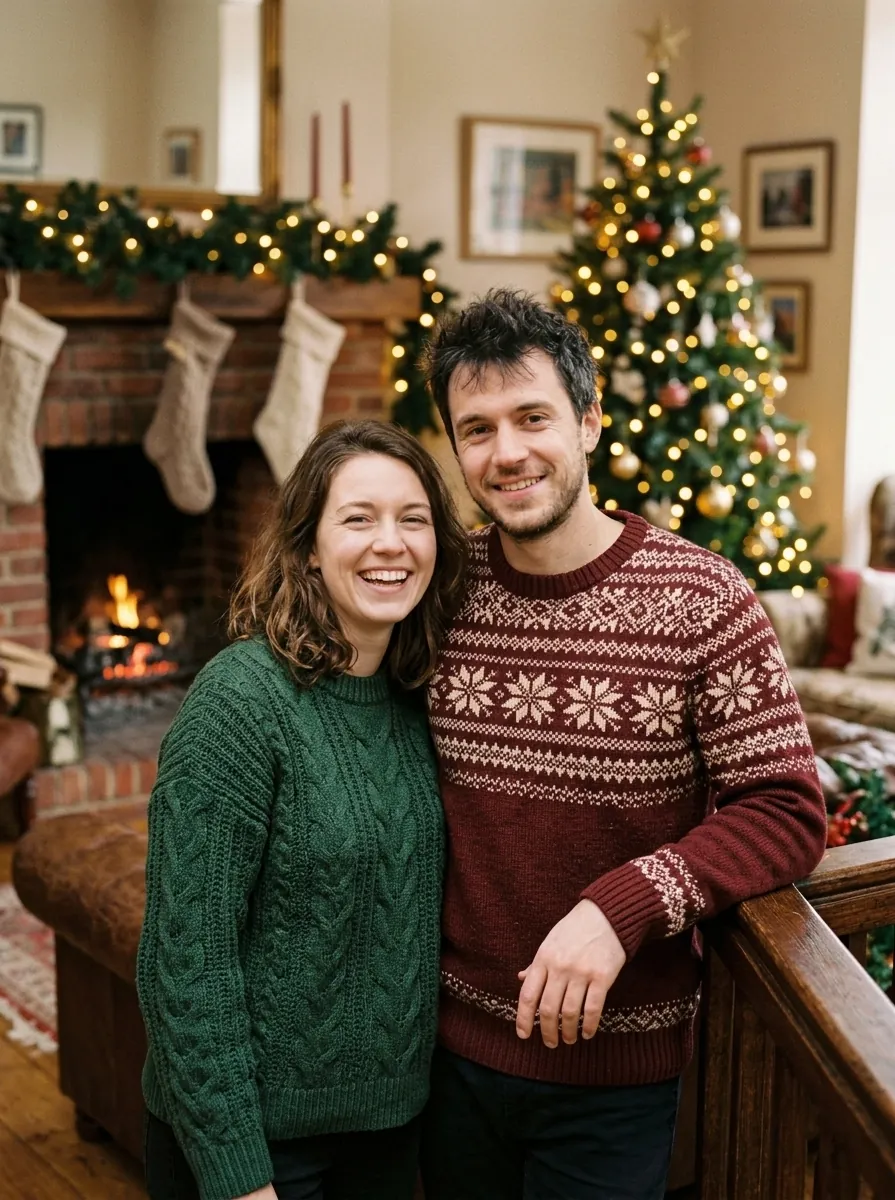
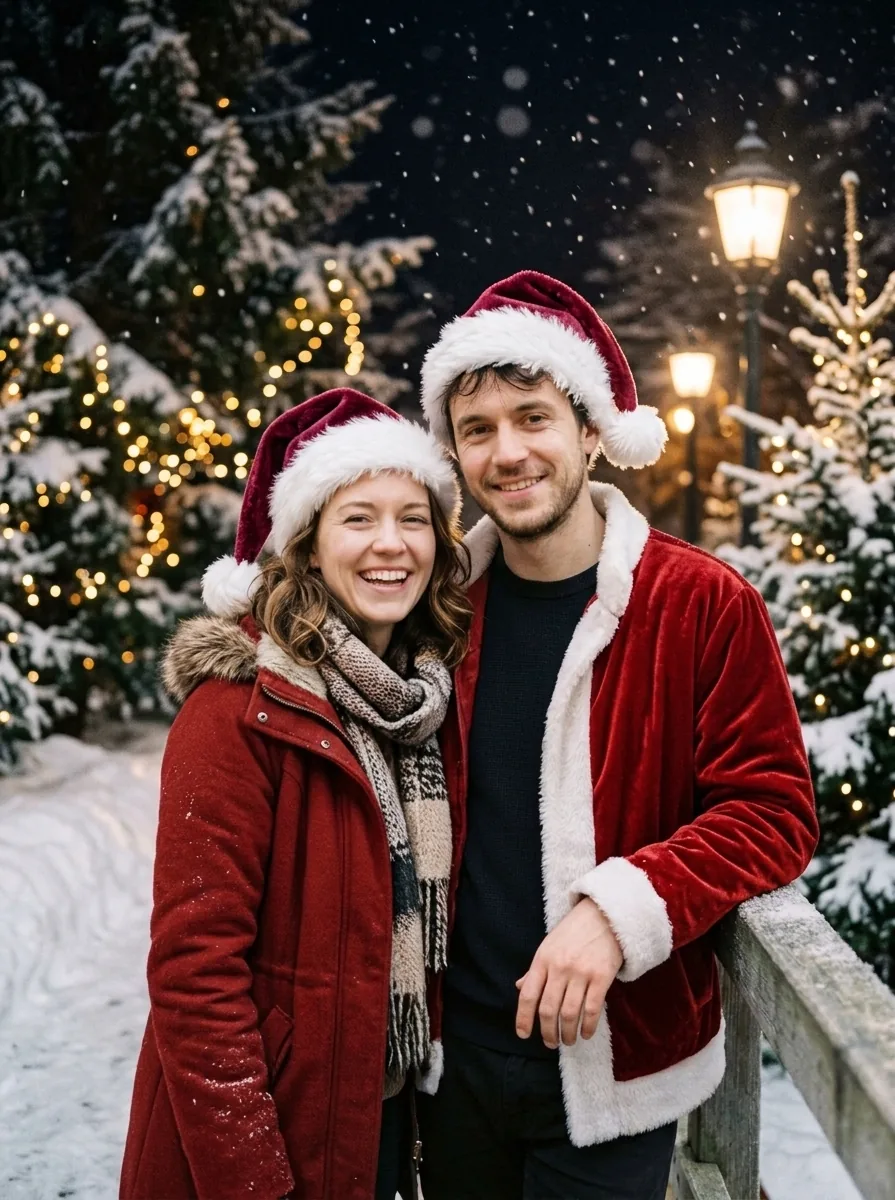
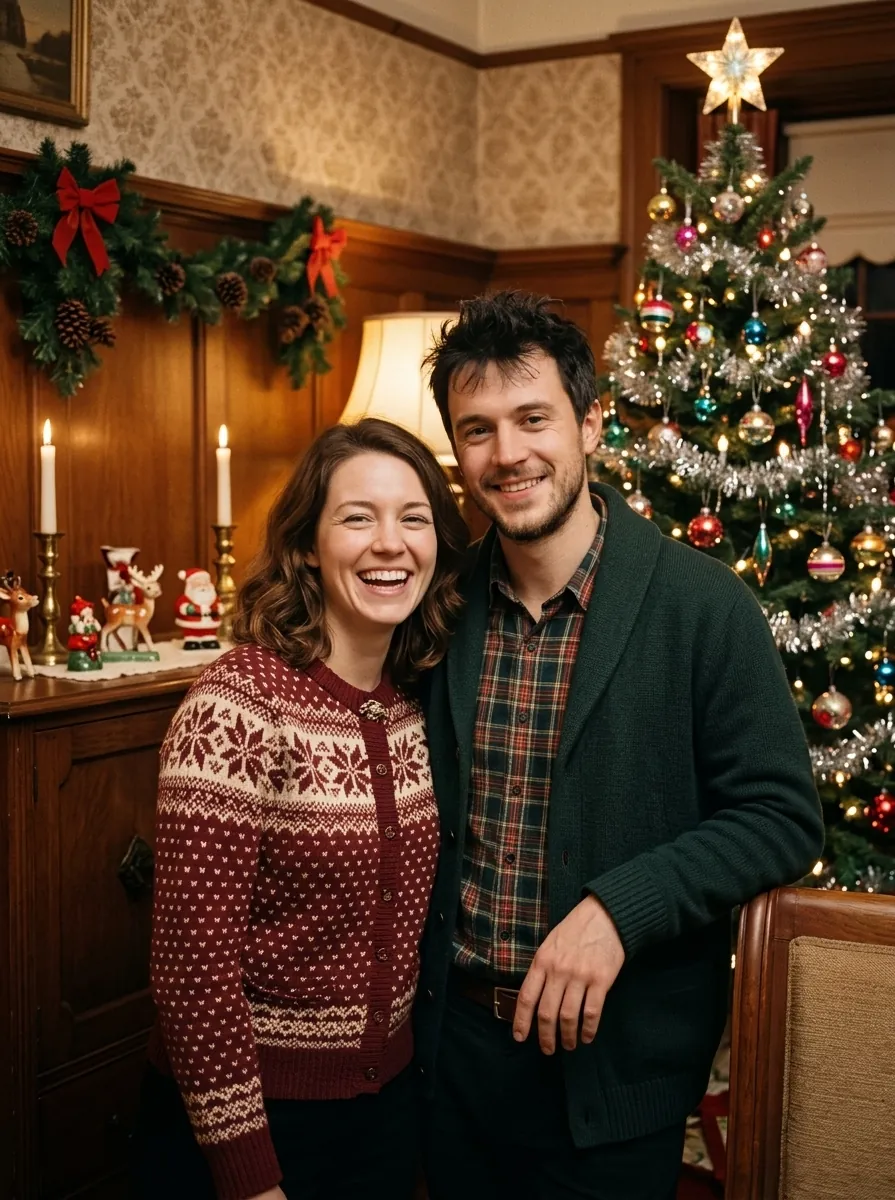
Putting seven locked recipes on one page lets you match the mood to the recipient instead of settling for one generic Christmas filter. The first four styles fit classic illustrated cards and playful gifts: 3D Cartoon turns people and pets into warm animated-film characters, Holiday Card paints ink-and-watercolor greeting artwork, Caricature creates a big-headed holiday drawing on crisp white paper, and Grinch Style gives everyone playful lime-green storybook fur in a snowy village. The other three styles produce lifelike winter portraits: Cozy Fireplace adds chunky holiday sweaters beside a glowing hearth, Santa & Snow dresses your subjects in plush red velvet under falling snow, and Vintage 1950s recreates a warm Kodachrome living room with silver tinsel and glass bulbs.
People also try pasting holiday prompts into general chat tools like ChatGPT or Gemini. Free-form chat prompting often drifts on key details: round glasses change shape, tabby cat markings get swapped for a different breed, a forearm resting on a park fence ends up hovering in empty air, or misspelled greeting words get stamped across the corner of the card. Each recipe on CartoonPix was tested on couples, solo portraits, pets, and outdoor poses before being frozen on Nano Banana 2.1, so faces stay recognizable, resting hands stay anchored on solid benches or railings, and the finished canvas stays free of accidental text.
Four illustrated looks: 3D Cartoon, Holiday Card, Caricature, and Grinch Style
Open the first gallery row to compare how the four illustrated looks handle the same sofa trio. 3D Cartoon keeps the couple seated side by side in Fair Isle snowflake sweaters while wrapping the golden retriever in a fringed red Nordic scarf under warm tree bokeh. Holiday Card redraws them in hand-inked contours and translucent watercolor washes, swapping casual knits for winter wool coats, plaid scarves, and a red satin bow on the dog with painted snowflakes drifting across the frame. Caricature enlarges their smiles on plain white paper, adds a Santa hat, jingle-bell reindeer antlers, colorful lights looped around the dog, and wrapped boxes beside the couch. Grinch Style keeps their exact glasses, hairstyles, and couch posture while giving every face and the golden retriever whimsical lime-green storybook fur on a snow-dusted bench outside glowing cottages.
Three photographic scenes: Cozy Fireplace, Santa & Snow, and Vintage 1950s
When you want an AI Christmas family photo or pet portrait that reads like a real camera shot, switch to the last three looks. Cozy Fireplace retains real skin tone, hair texture, and fur while trading everyday tops for forest-green snowflake knitwear and burgundy cable-knit wool beside a lit tree and warm hearth. Santa & Snow answers the make-me-Santa and Santa filter crowd by putting matching fur-trimmed red velvet coats and hats on people and pets outdoors on a snowy evening bench lit by a streetlamp. Vintage 1950s shifts the entire room back seven decades, pairing a dark-green cardigan, a brick-red knit with a vintage brooch, and a plaid dog bow tie against warm film grain, silver tinsel garland, colored glass ornaments, and fireplace stockings.
Why pet photo Christmas cards and resting poses stay grounded
Two details trip up ordinary holiday filters: animal markings and leaning arms. On the sitting orange tabby cat, every recipe holds onto the white chest blaze, green eyes, forehead stripes, and four white paws rather than inventing a generic ginger kitten. On the outdoor park couple where the man rests his left forearm on a wooden railing, every background-replacing scene builds a real surface right under that arm, from a frosted balcony rail in 3D Cartoon and Santa & Snow to a wooden banister in Vintage 1950s and Cozy Fireplace. That prevents floating limbs when an autumn walk becomes a winter card.
Text-free artwork built for Shutterfly, Minted, Canva, and home printers
An AI generated Christmas card is hardest to use when the model bakes crooked lettering into the illustration. None of the seven recipes add greeting banners, watermarks, or dates onto your picture. That leaves the edges clean so you can upload a 2K PNG or 4K JPEG straight into a 5x7 card template on Shutterfly, Minted, Walgreens, or Canva and type your family name and year in crisp real typography.
CartoonPix is independent and not affiliated with, endorsed by, or connected to Dr. Seuss Enterprises, any animation studio, or any greeting-card printer. Sources: holiday search phrases from Google Trends and our November 2026 keyword research, plus our visual analysis of the 28 approved CartoonPix gallery samples generated on November 24, 2026. Updated .
Cards, family shots, and Christmas photo answers
What styles are included in the AI Christmas Photo Generator?
You choose from seven fixed styles on one page: four illustrated looks (3D Cartoon, Holiday Card watercolor, Christmas Caricature, and Grinch Style) plus three realistic holiday portrait scenes (Cozy Fireplace, Santa & Snow, and Vintage 1950s). Each run generates one chosen style from your photo.
Can I use the AI Christmas Photo Generator as an AI Christmas card generator for printed 5x7 cards?
Yes. None of the seven styles stamp baked-in words or watermarks onto your picture, so the finished file drops cleanly into Shutterfly, Minted, Canva, or local photo-lab templates. Choose 2K (PNG) or 4K (JPEG) for crisp 5x7 or 8x10 holiday prints.
Does this work for an AI Christmas family photo with couples, children, or pets together?
Yes. Couples, families, and pets in the same frame stay side by side in their original poses, keeping glasses, hairstyles, and coat markings. Make sure every face is sharp and evenly lit, and note that any photo of a minor must be uploaded by a parent or legal guardian.
Can I make pet photo Christmas cards of my dog or cat by itself?
Yes. All seven looks were tested on standalone pets as well as pets sitting with owners. Dogs and cats keep their fur pattern, ear shape, and eye color while gaining festive details such as a red knitted scarf, a plaid bow tie, a tiny Santa coat, or colorful holiday lights.
How does the Grinch Style filter work, and is CartoonPix affiliated with Dr. Seuss?
Grinch Style redraws the people or pets in your photo as playful lime-green storybook characters wearing Santa hats in a snowy cottage village, keeping your real glasses, smiles, and seating pose. CartoonPix is independent and not affiliated with or endorsed by Dr. Seuss Enterprises.
Which style works best as a Santa filter or make-me-Santa photo?
Pick Santa & Snow if you want a realistic portrait wearing a plush red velvet Santa suit and white fur-trimmed hat outdoors in falling snow. Pick 3D Cartoon or Caricature if you prefer a playful animated or drawn Santa hat over festive knitwear.
Why use this AI Christmas Photo Generator instead of writing Christmas prompts in ChatGPT or Gemini?
Hand-written chat prompts often drift across retries, altering eye glasses, blurring pet markings, misspelling holiday greetings, or leaving leaning arms floating when backgrounds change. Every CartoonPix recipe is locked and tested on Nano Banana 2.1 for likeness, physical support, and clean text-free framing in one click.
Is there a free Christmas photo filter or free trial on CartoonPix?
No. CartoonPix gives no free credits and no watermarked trial because every picture runs the full Nano Banana 2.1 model. One 1K holiday image costs 1 credit; the Starter pack is $9.99 for 20 credits, and pack credits never expire across any style on the site.
What kind of input photo works best for Santa hats and holiday portraits?
Use a sharp, well-lit JPG, PNG, or WebP photo where faces are close enough to read clearly and there is a little open space above every head for a Santa hat or reindeer antlers. Avoid heavy motion blur, dark backlit rooms, or tightly cropped foreheads.
What file format do I receive, and how long are my Christmas photos stored?
Your download matches the aspect ratio of the photo you upload, delivered as a PNG at 1K and 2K or a high-resolution JPEG at 4K, usually in about a minute. Uploaded photos and generated pictures stay in your private library for 30 days before automatic deletion.