GTA 6 Style AI Photo & Poster Generator
GTA 6 Style AI redraws one photo of people or pets in six game-poster looks, from a GTA filter or loading screen to a sunset boulevard.
- Same shape as your photo
- 1K · 2K · 4K, from 1 credit
- PNG (4K as JPG)
- About a minute
- Kept 30 days
AI-generated results may change details of faces, hands or accessories and are not guaranteed to match the input photos exactly.
Start with one photo
Four photos across all six GTA 6 Style AI looks
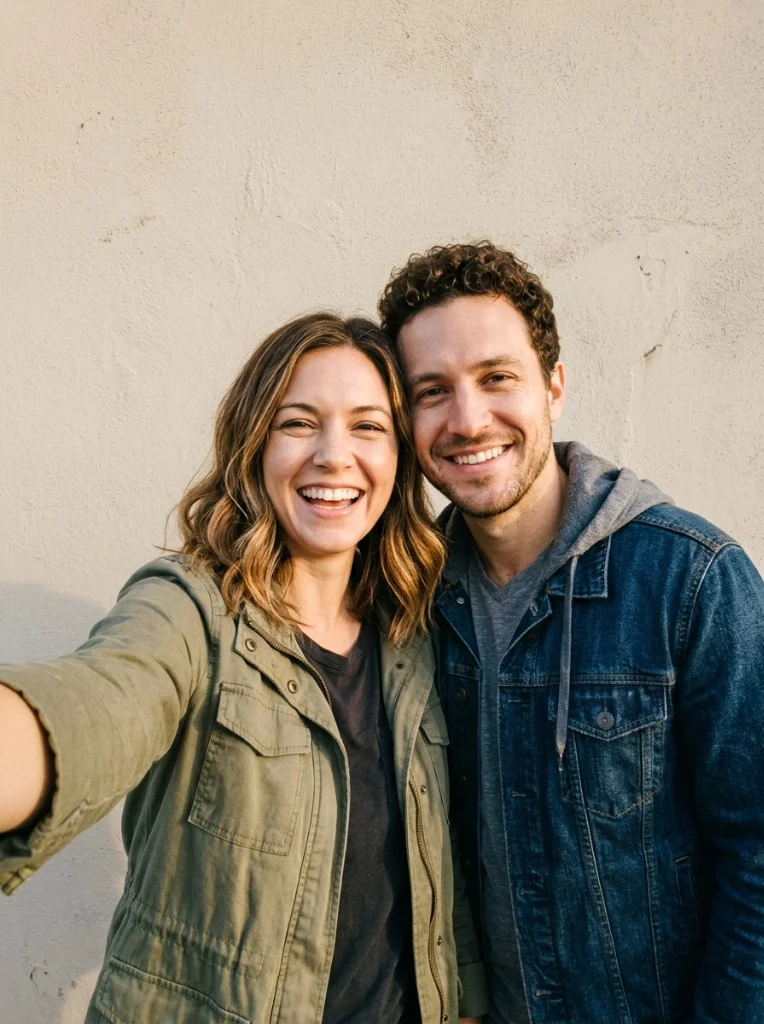
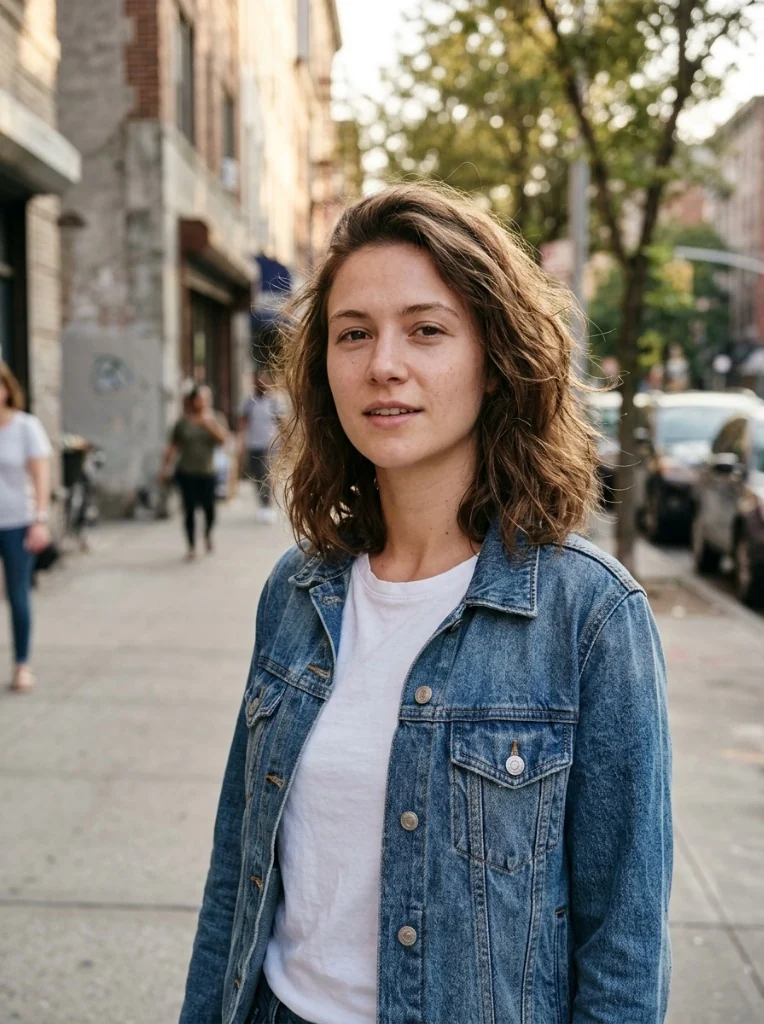
A couple against a blank stucco wall, a sidewalk portrait, a man leaning on a gray sedan, and a dog on a brick patio. Switch between the six looks above: GTA 6 Filter keeps the original setting, while the other five replace it.
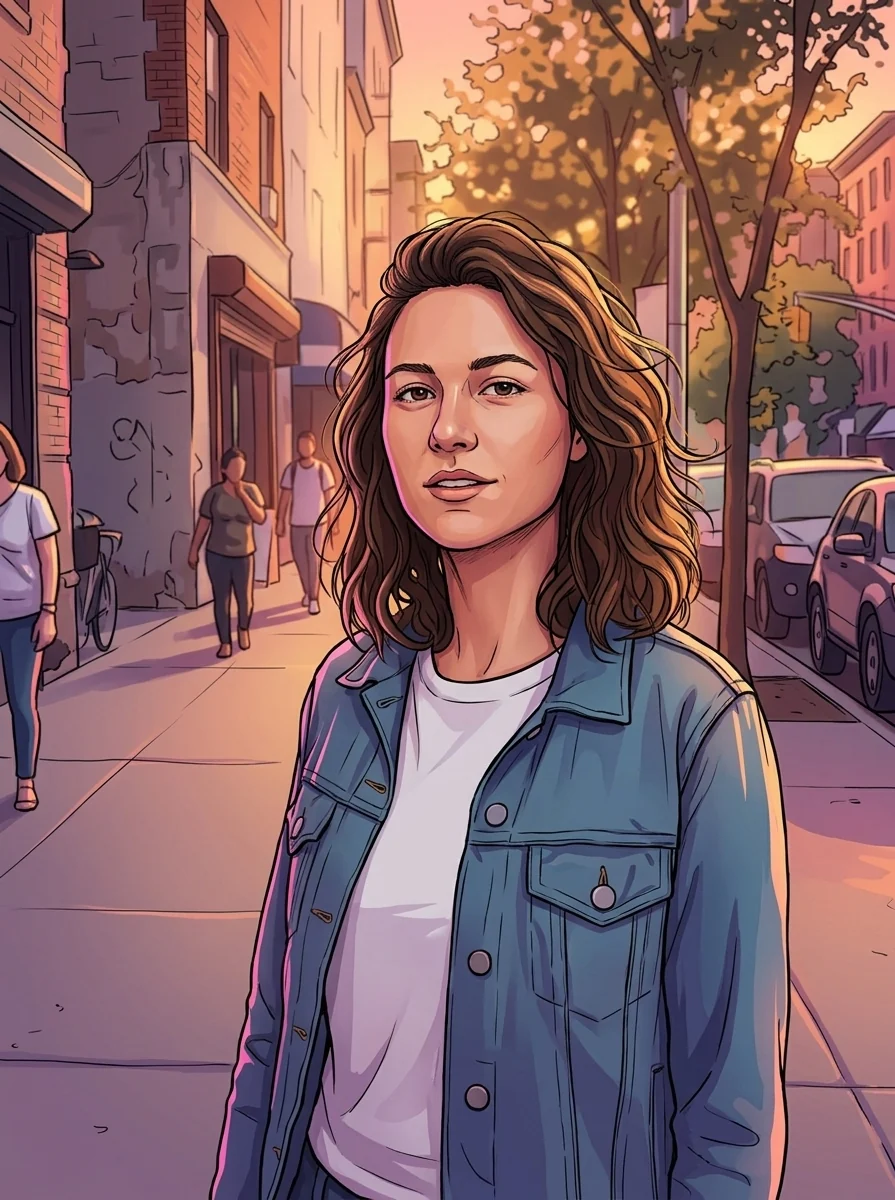
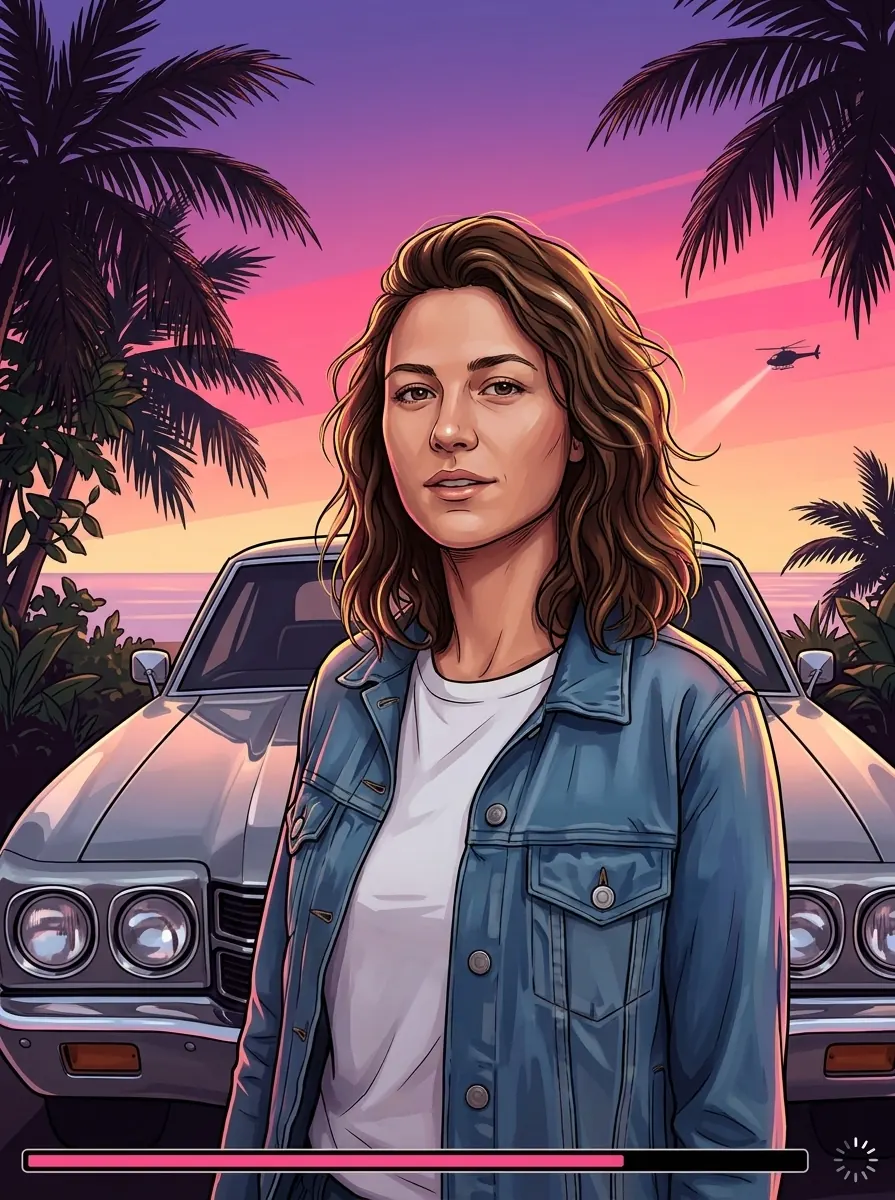
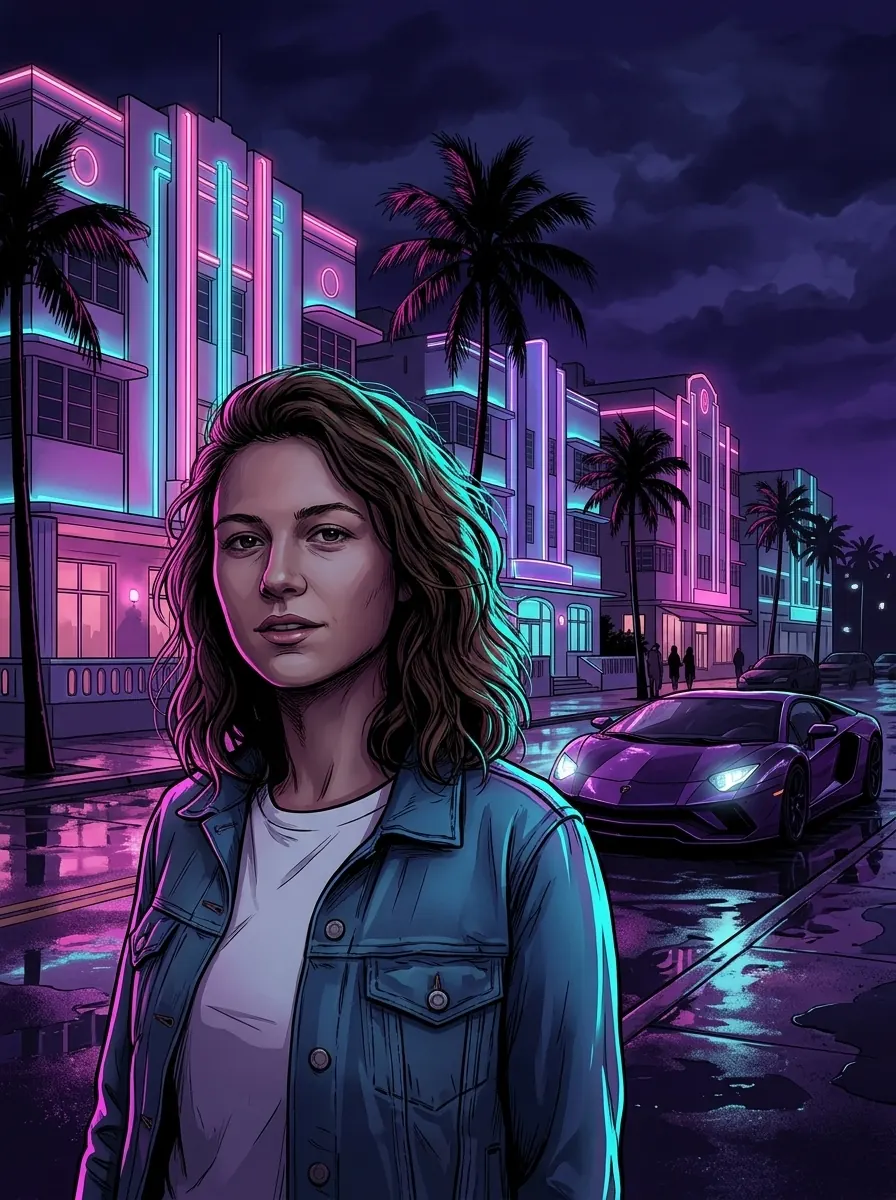
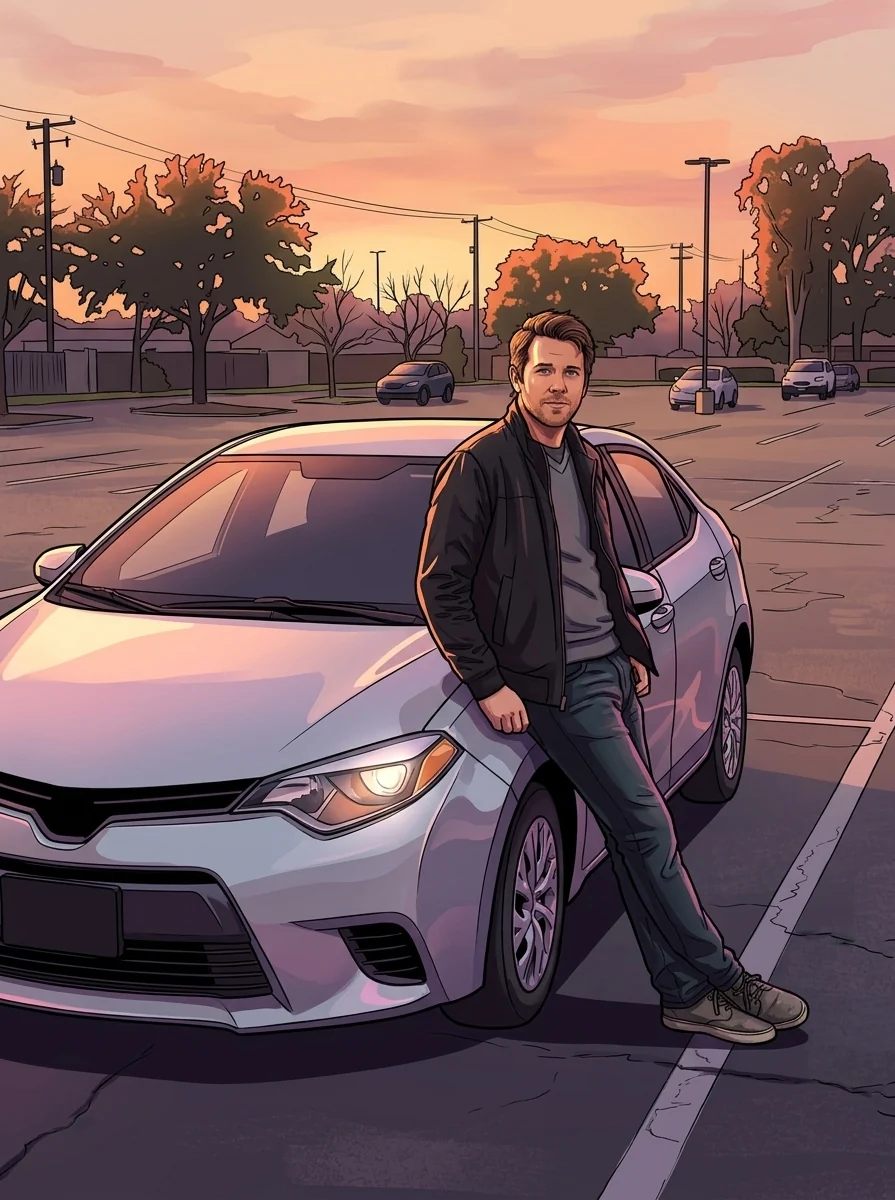
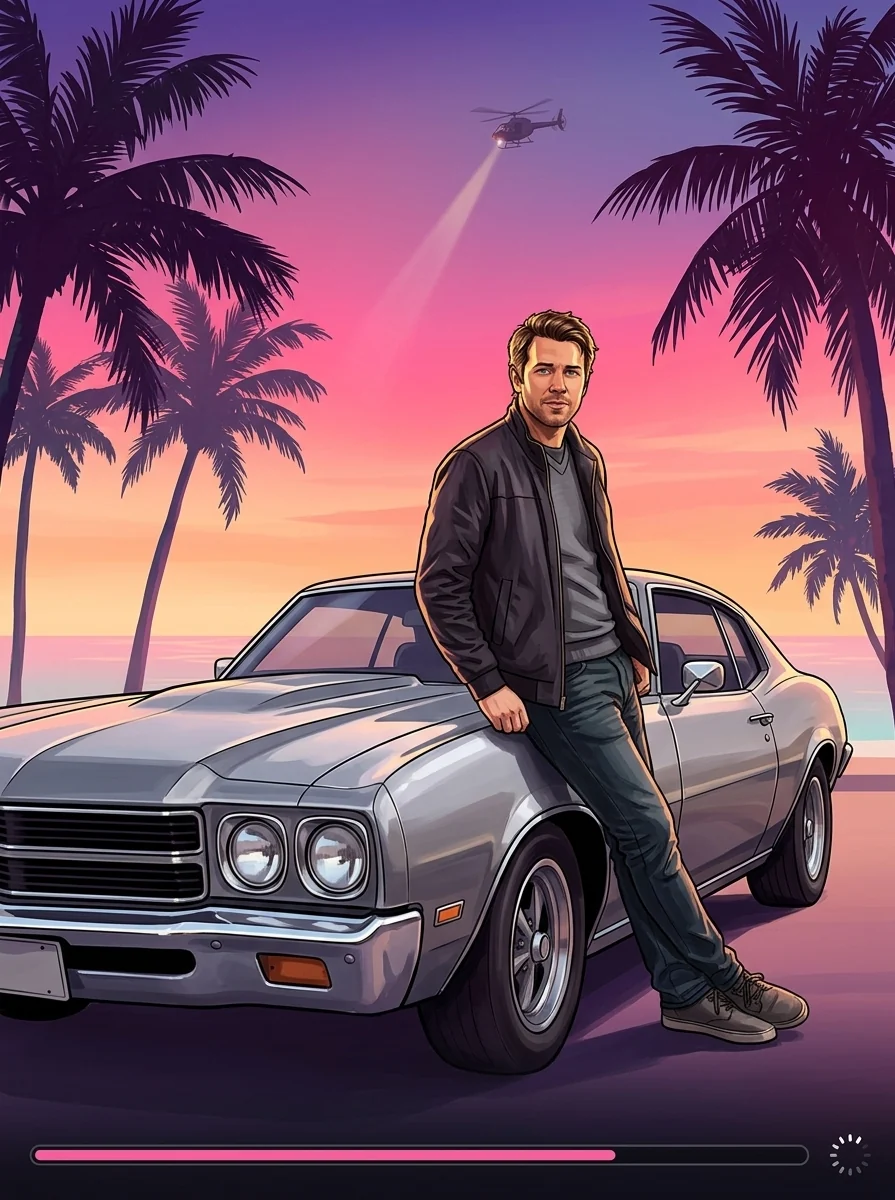
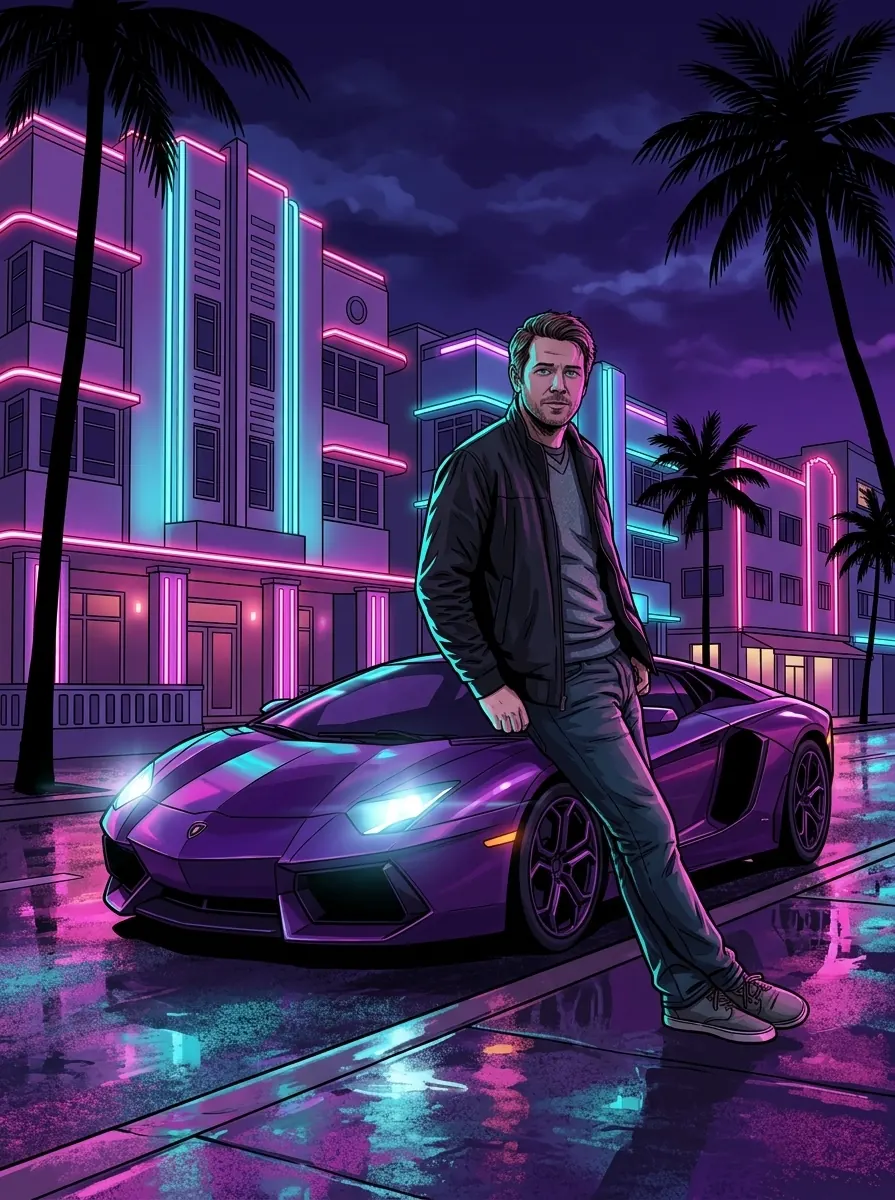
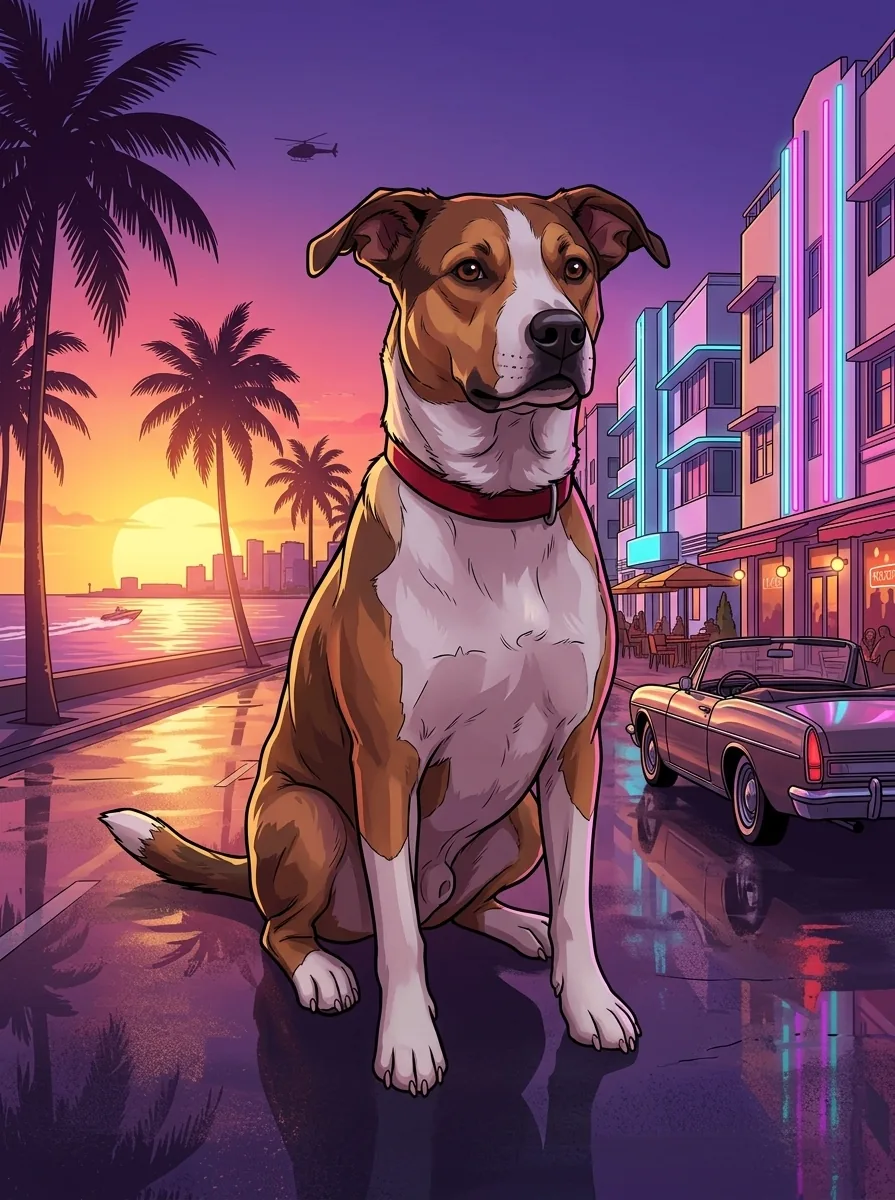
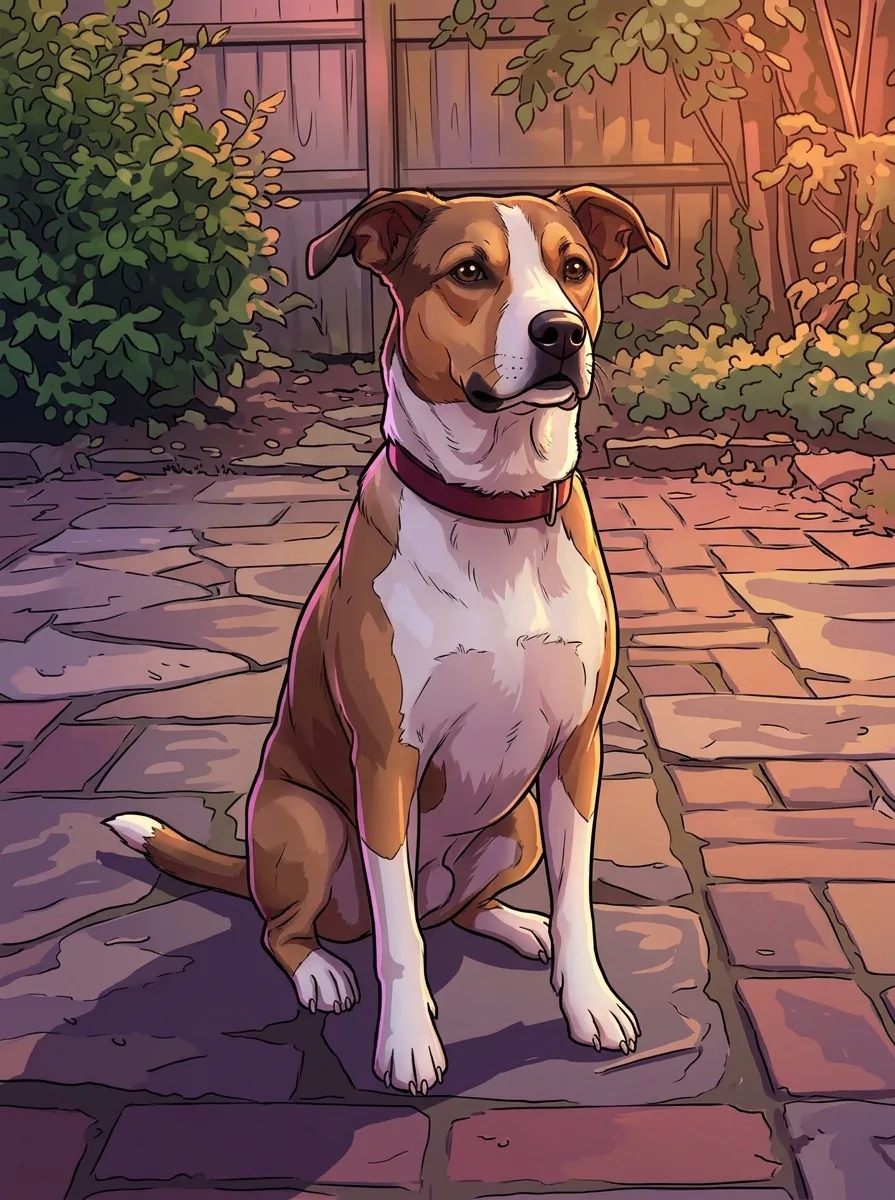
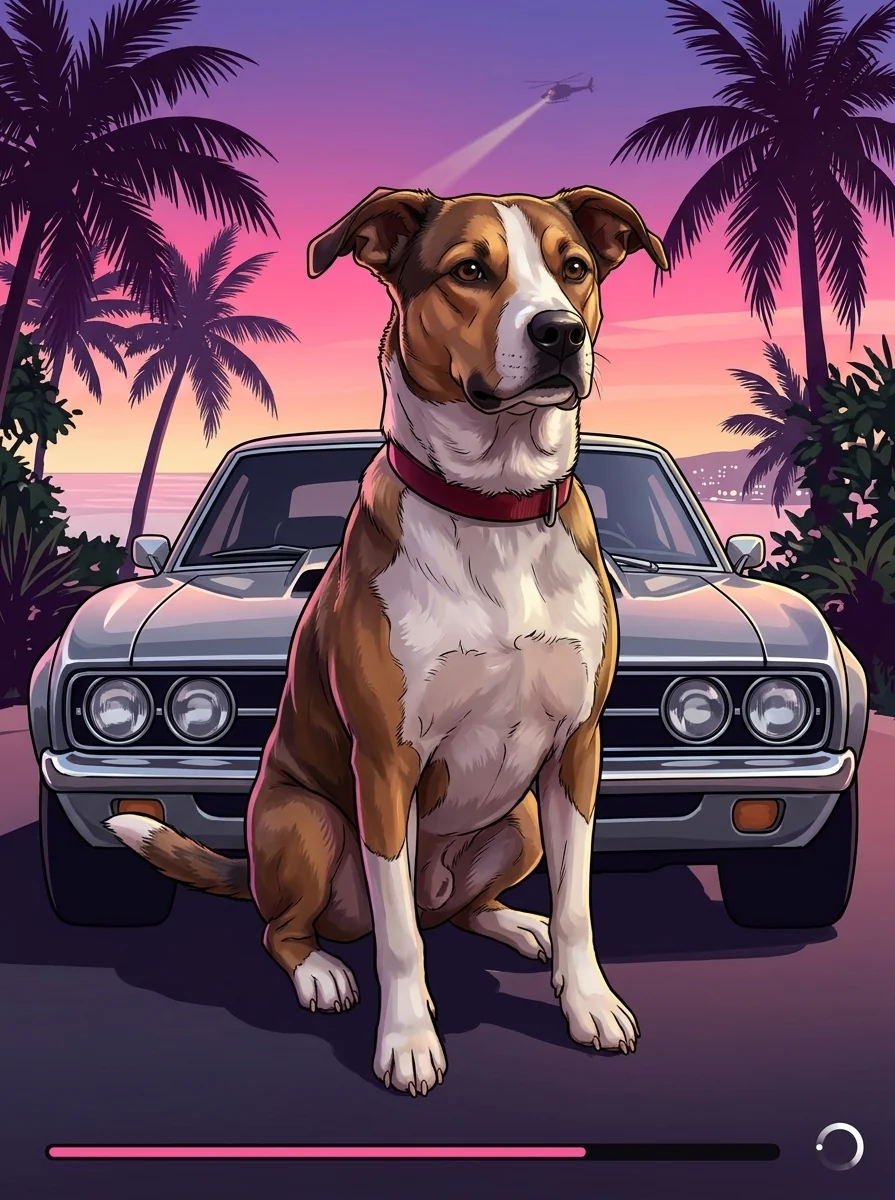
One car photo in three street looks
Look at the lower half of the parking-lot photo in three styles. One keeps the real car where it was parked; the other two swap the daytime lot for a game street.
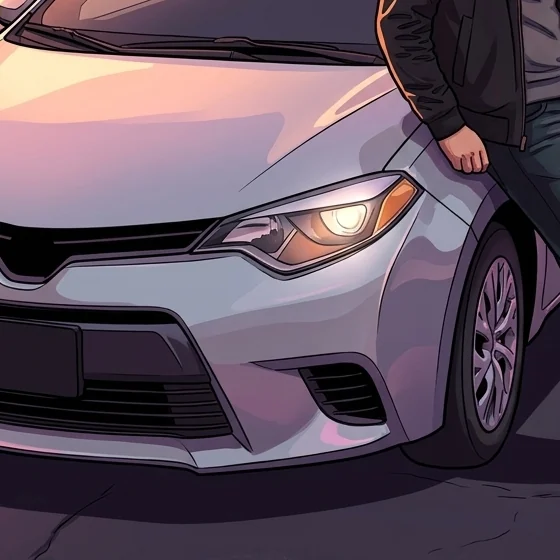
GTA 6 Filter keeps the real silver sedan and redraws its headlight in dark ink and warm sunset light. 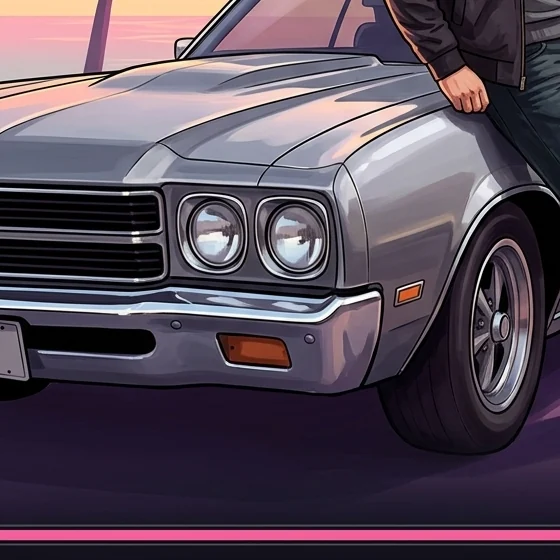
Loading Screen puts a wide chrome muscle car behind him and adds a pink progress bar at the bottom. 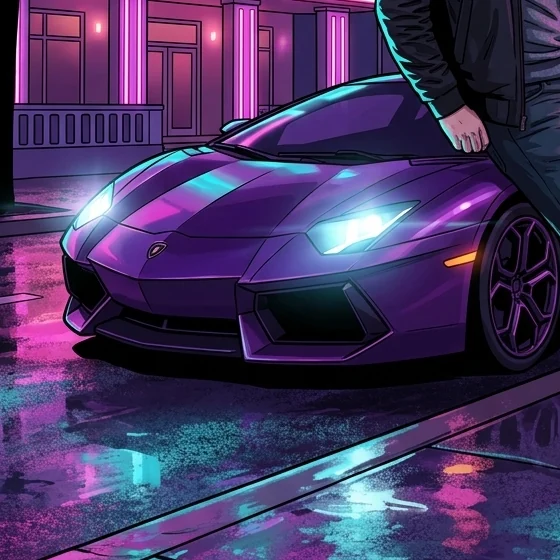
Neon Night swaps the lot for a purple supercar and wet pavement reflecting pink and cyan light.
Turn a photo into a GTA character in three steps
- 1. Add one clear photoA selfie, a couple, a full-body pose beside a car, or a pet looking at the lens.
- 2. Pick one of six looksUse GTA 6 Filter to keep your real street, or choose Sunset Boulevard, Loading Screen, Neon Night, 80s Synthwave, or Cover Collage.
- 3. Pick a size and save1K suits profile pictures and feeds; 2K and 4K hold sharp ink lines on desktop wallpapers and prints.
- Same shape as your photo
- 1K · 2K · 4K, from 1 credit
- PNG (4K as JPG)
- About a minute
- Kept 30 days
Photos that hold dark ink lines and hard shadows
- Couple at eye level
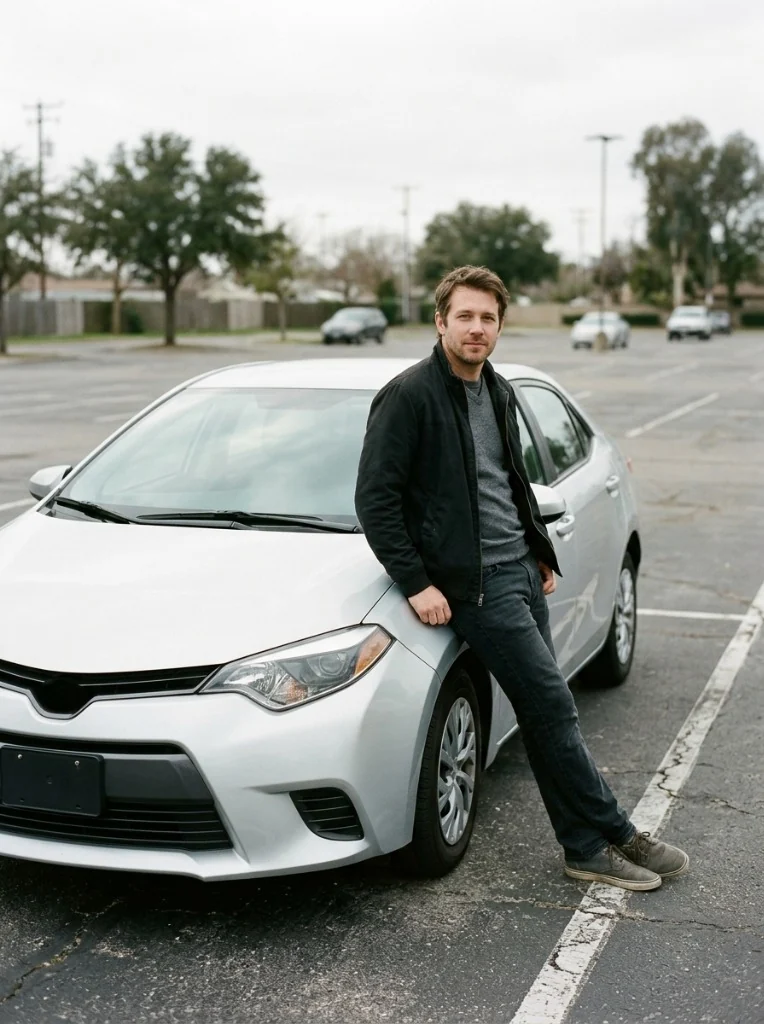 Full pose beside car
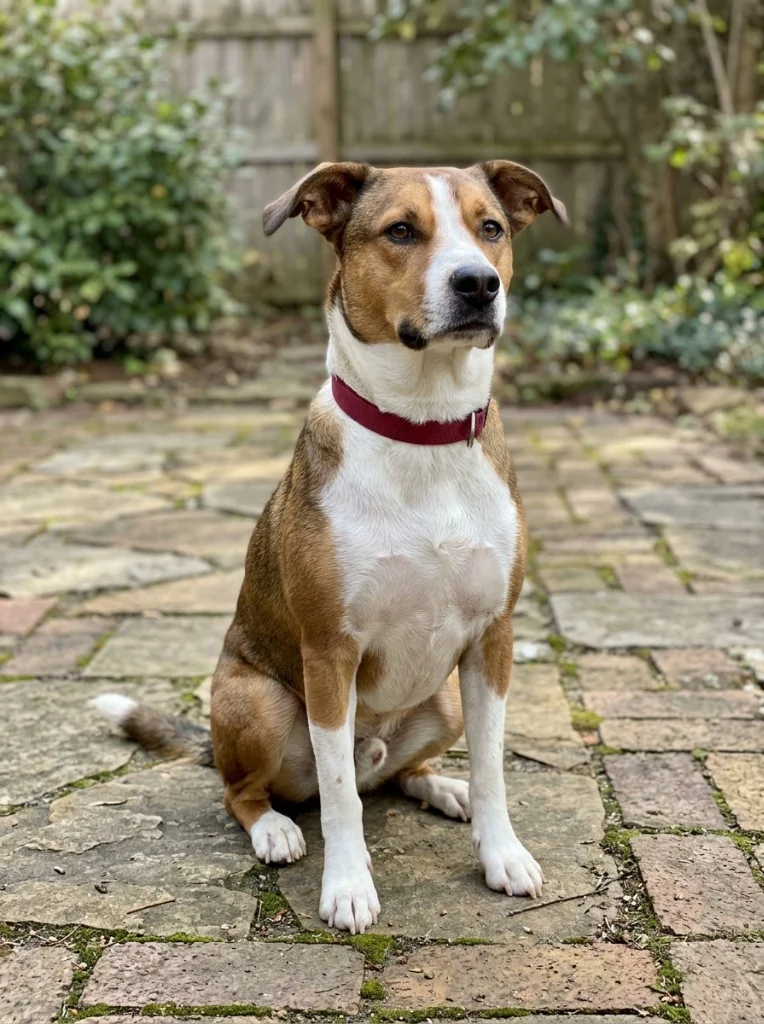 Pet facing the lens
 Subject lost in distance
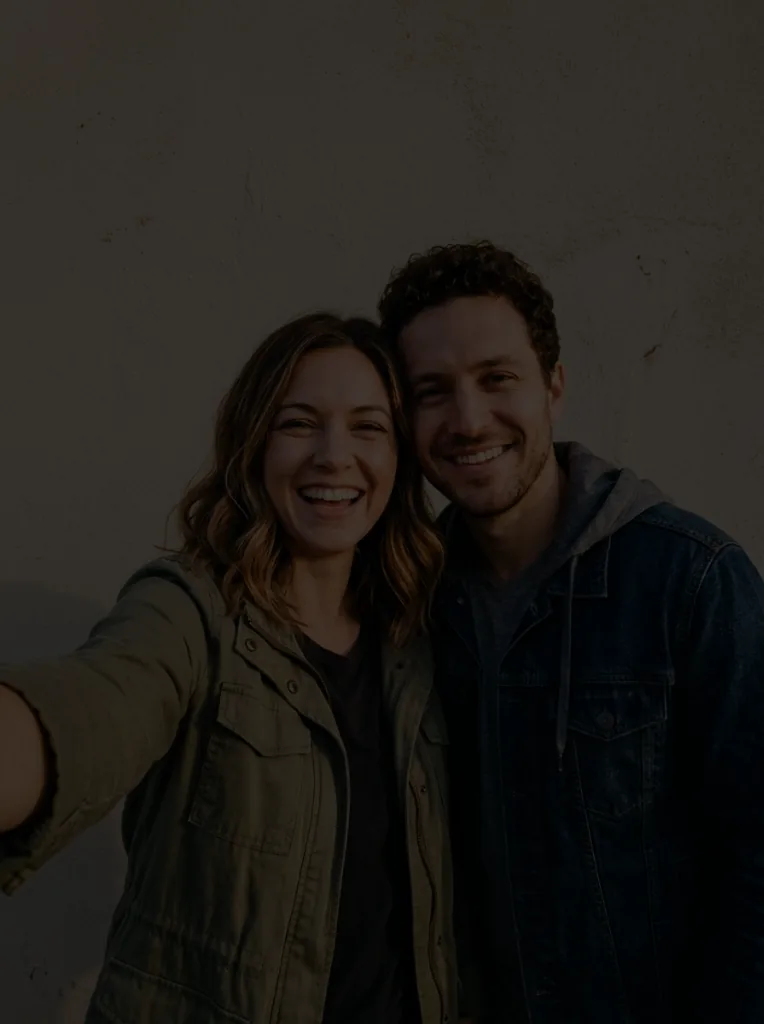 Underexposed night faces
 Out-of-focus street shot
Where a GTA-style portrait gets used
- Gaming avatars and channel banners A selfie redrawn with ink outlines and neon rim light for Twitch, YouTube, Discord, or Steam, with no game logos in the frame.
- Couple loading-screen posters A phone selfie against a blank wall placed onto Sunset Boulevard or in front of the muscle-car loading screen.
- Game-room prints and wallpapers A 2K or 4K download of 80s Synthwave or Cover Collage sized for a monitor or a framed poster.
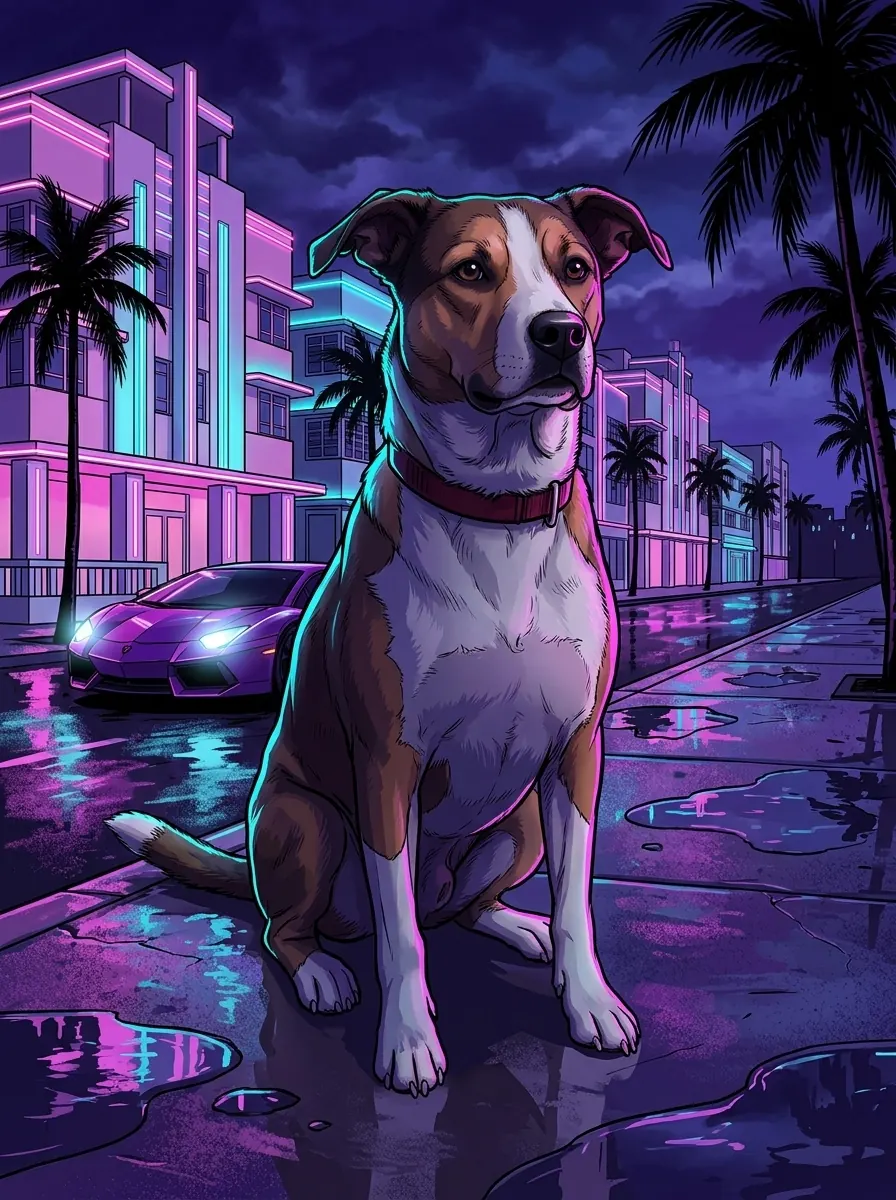
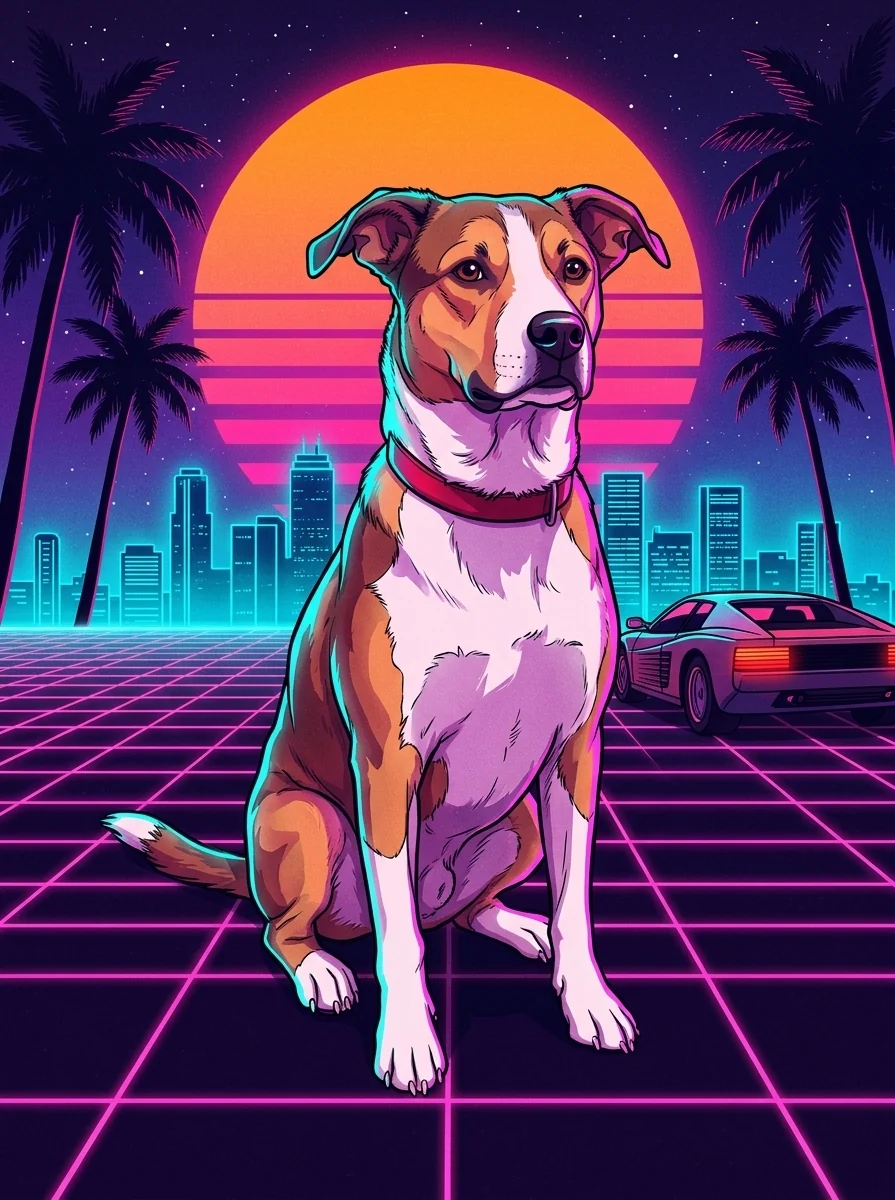
- Dogs and cats in cover art Your pet drawn in the same dark outlines and coastal colors, keeping its collar, ears, and coat pattern.
What is GTA 6 Style AI, and how do the six GTA filters and posters differ?
GTA-style cover art draws people, cars, and streets with heavy black ink outlines, flat cel-shaded color blocks, hard shadows, and pink-and-orange sunset or neon rim light. Whether you search for a photo to GTA converter, an AI GTA filter, or a GTA 6 loading screen maker, GTA 6 Style AI runs six fixed recipes on your photo with no prompt to write. Pick GTA 6 Filter to keep your own room or street, or choose one of the five poster scenes to replace the background.
Read more
People type half a dozen different phrases when they want this art style: GTA 6 style image generator, GTA 6 AI picture generator, AI GTA filter, turn photo into GTA character, GTA 6 loading screen AI generator, and GTA 6 cover art maker. Under all of those names, the visual style is specific. Unlike a phone comic filter that posterizes raw pixels or adds halftone dots, game key art is painted with clean black contour lines, stepped cel-shaded shadows on skin and fabric, specular highlights along hair and cheekbones, and warm pink, orange, purple, and cyan coastal lighting.
When we checked how people actually test these tools, we saw two opposite expectations. Someone standing beside their own car or on a familiar street expects an AI GTA filter to keep that exact car and street in the drawing. Someone uploading a mirror selfie against a plain drywall bedroom expects the wall to vanish and a Miami-style sunset bay, an Art Deco neon strip, or a muscle-car loading screen to take its place. Putting six separate, frozen recipes on one page solves that split: you decide up front whether your background stays or changes.
Many tutorials share copy-and-paste prompts for ChatGPT, Gemini, or Midjourney. Writing a prompt by hand works if you enjoy tuning it, but general chat models often alter facial bone structure, add weapons you did not ask for, or invent misspelled street signs and game logos. Here each recipe is already fixed and tested on portraits, couples, cars, and pets, so you upload one photo, click a look, and get a clean image without trial-and-error prompting.
GTA 6 Filter versus Sunset Boulevard and Loading Screen on the same photo
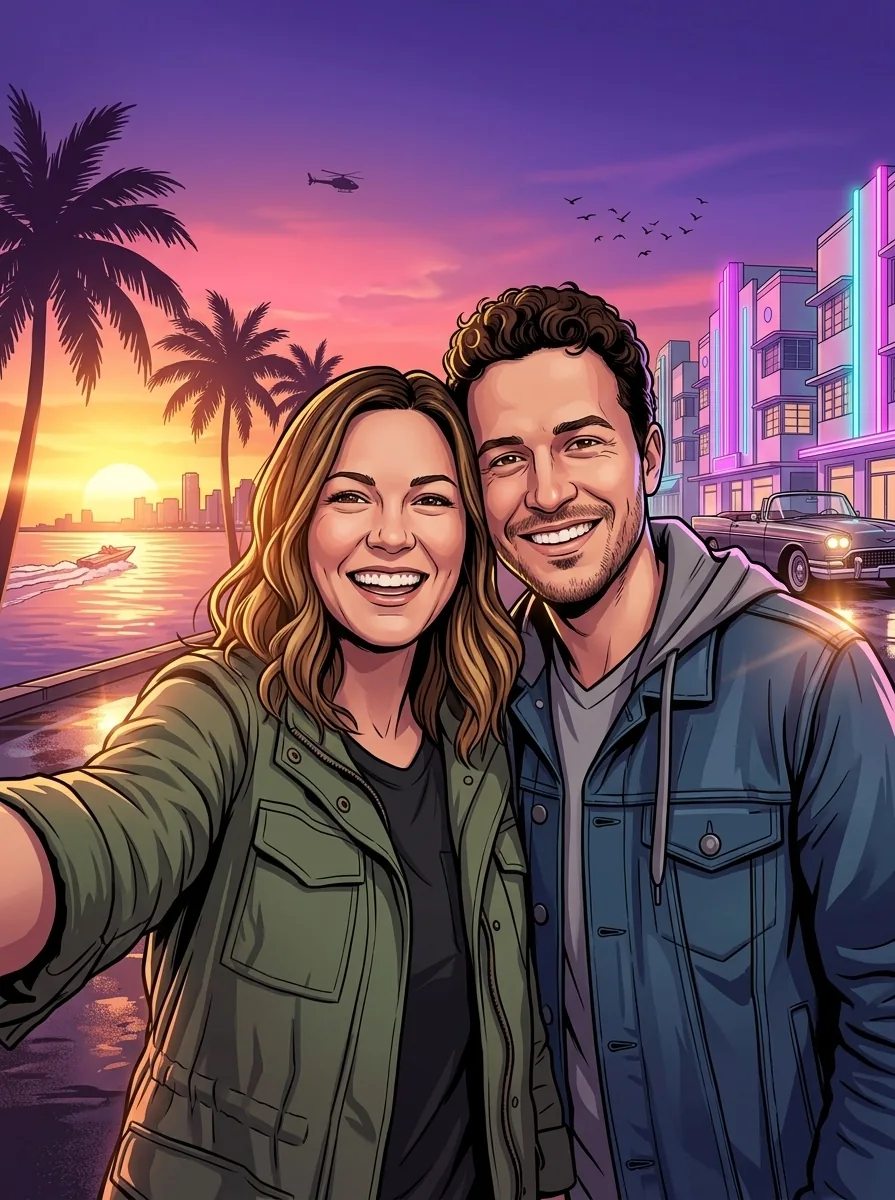
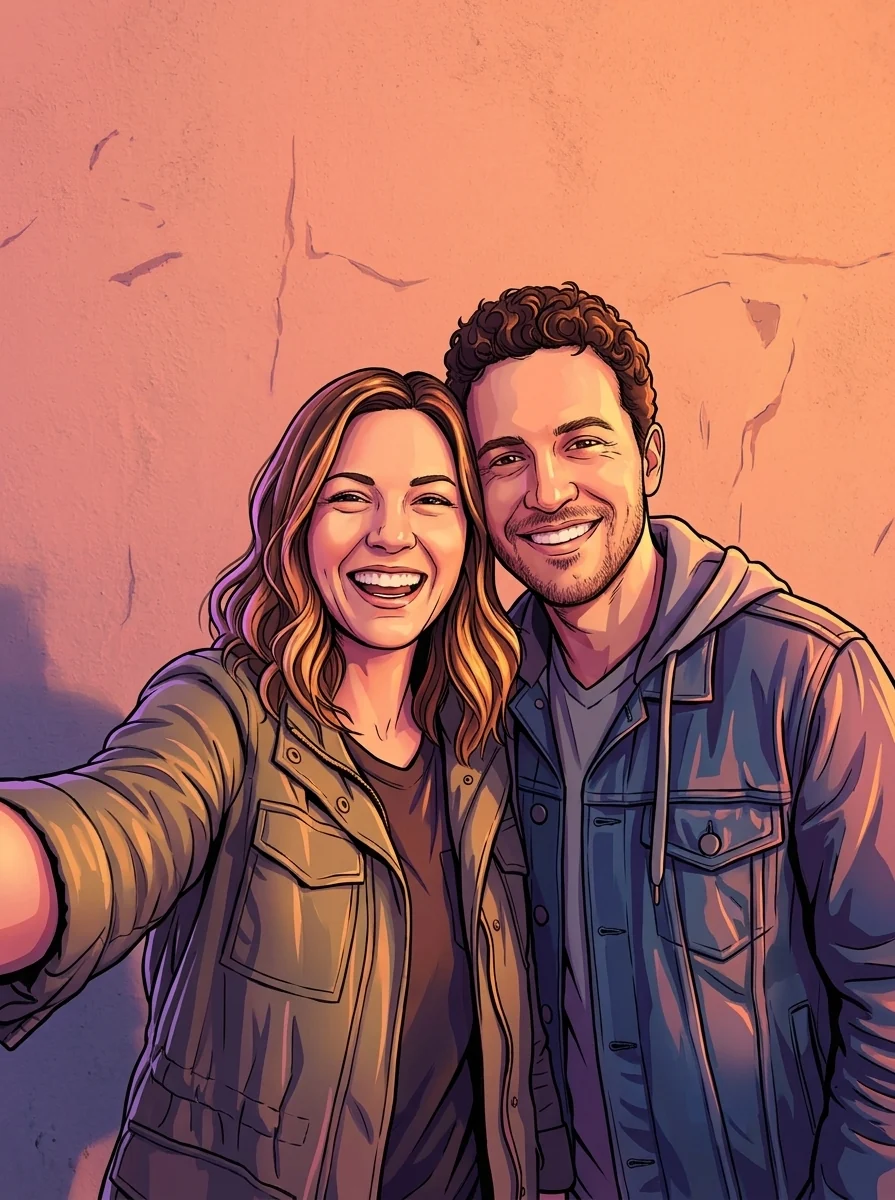
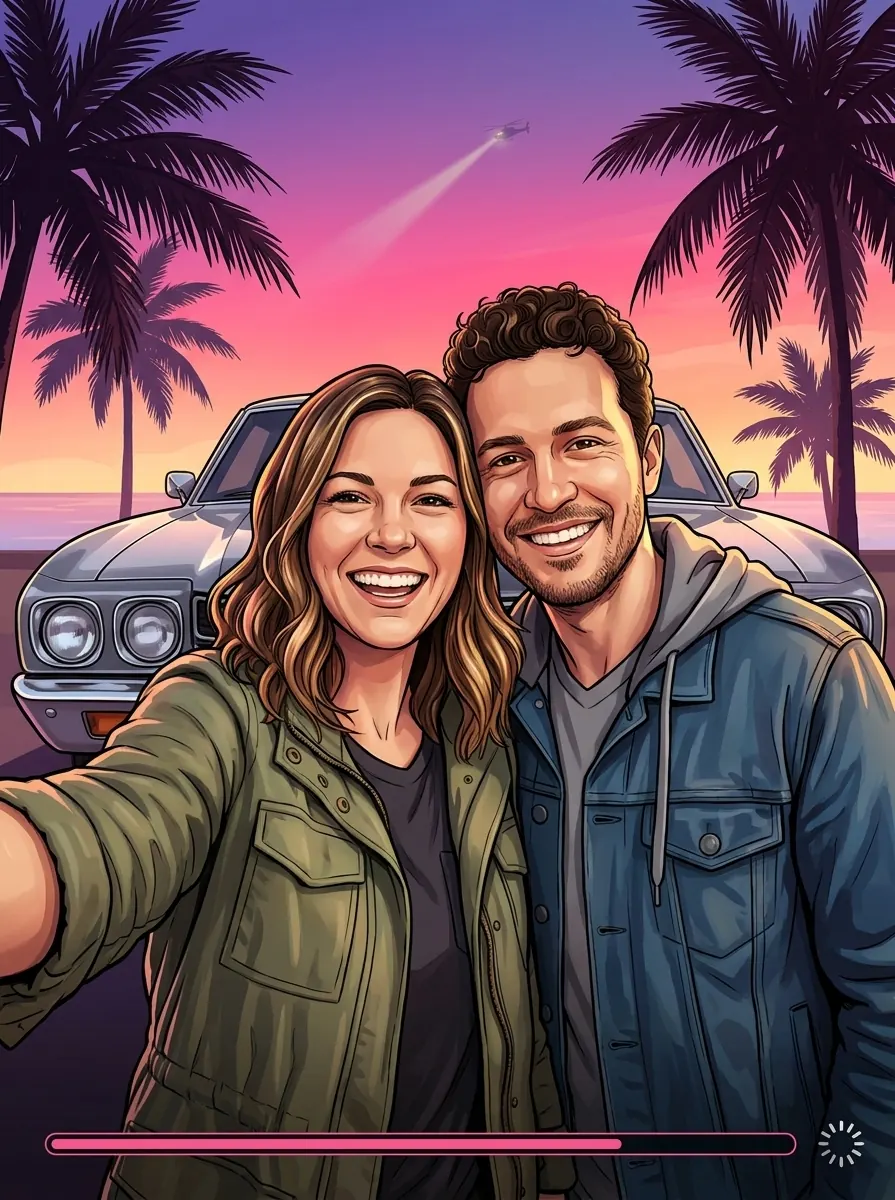
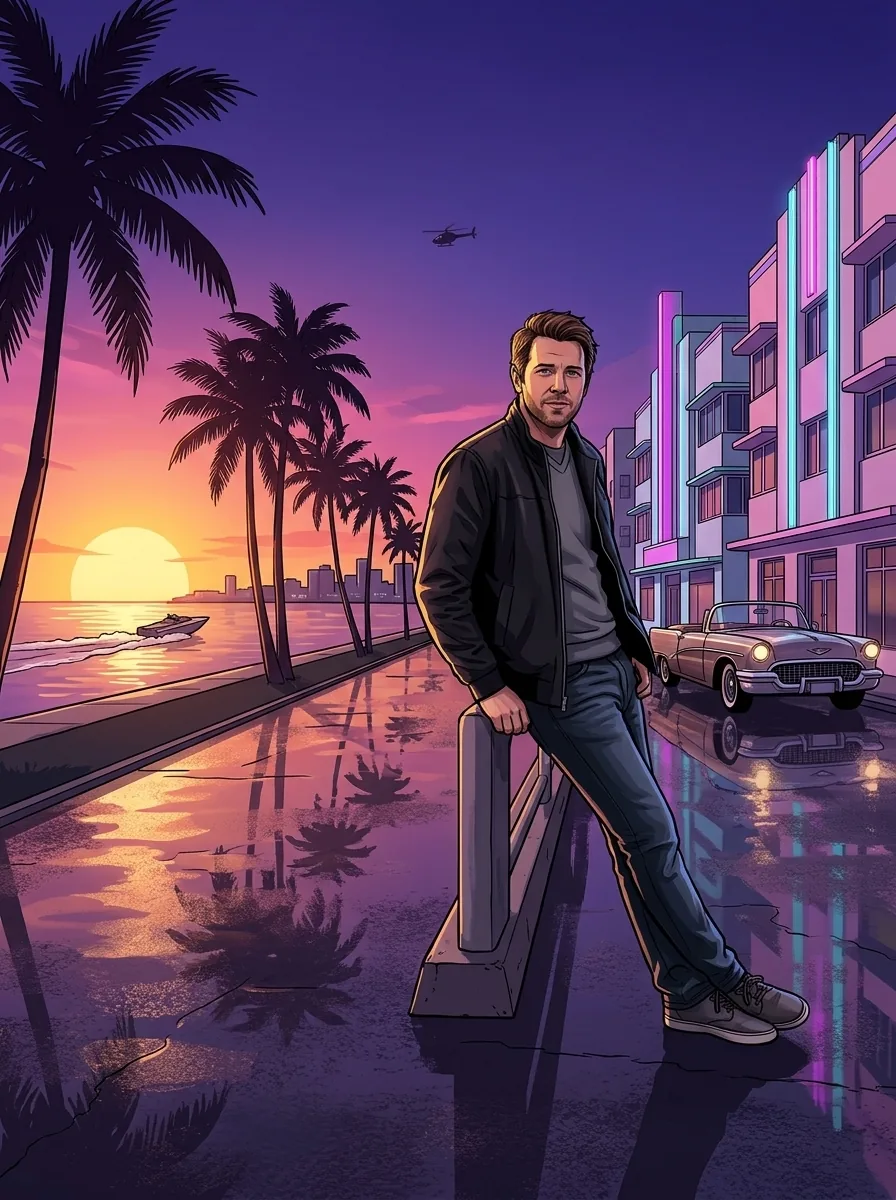
Compare the first and third photos in the gallery above. In the couple selfie, GTA 6 Filter keeps the rough white stucco wall and shifts the afternoon sun toward warm peach and violet. Switch to Sunset Boulevard and the wall is gone, replaced by bay water, a speedboat wake, palm silhouettes, pastel Art Deco hotels, and a parked convertible. Switch to Loading Screen and the scene uses the classic key-art framing: the silver-gray hood and quad round headlights of a wide-body muscle car right behind the subjects, palm fronds in both upper corners, a distant helicopter searchlight, and a clean flamingo-pink progress bar with a white corner spinner at the bottom.
How Neon Night and 80s Synthwave relight daytime selfies for night scenes
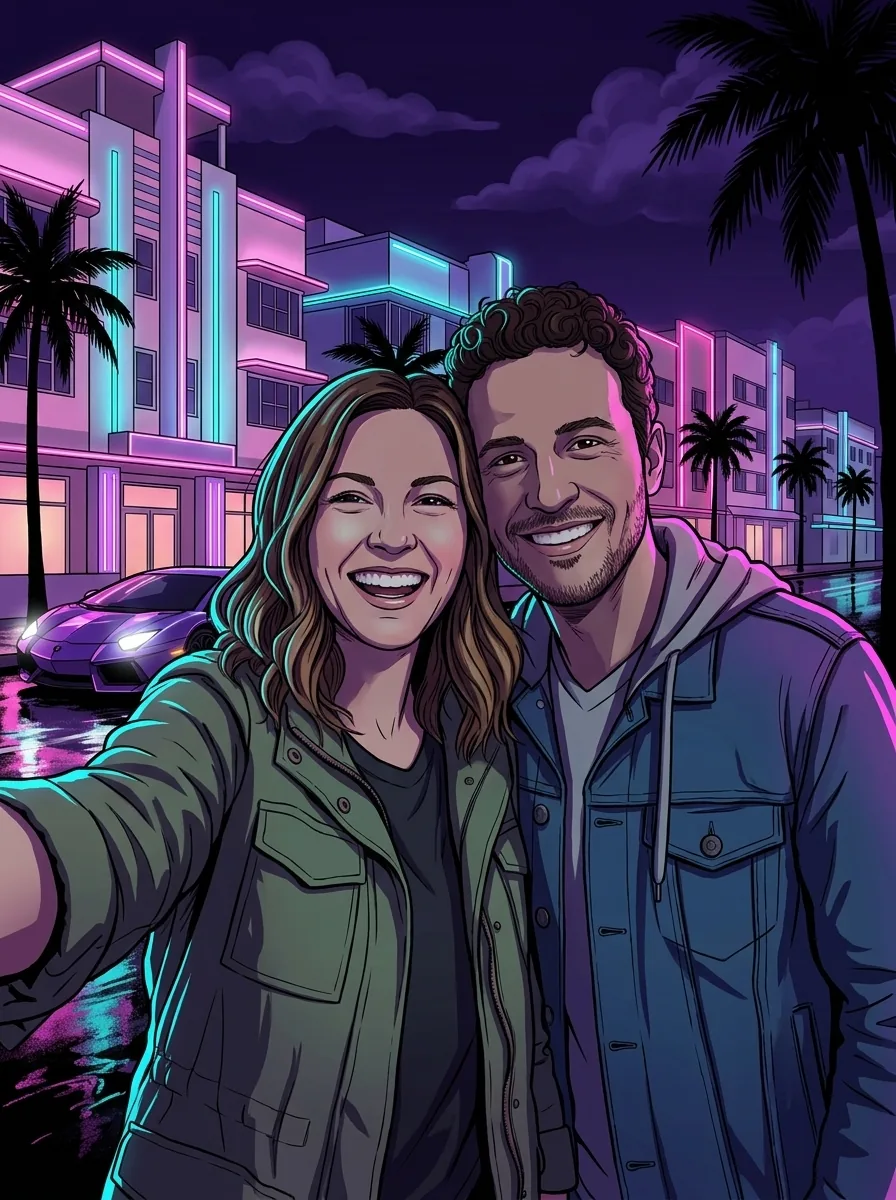
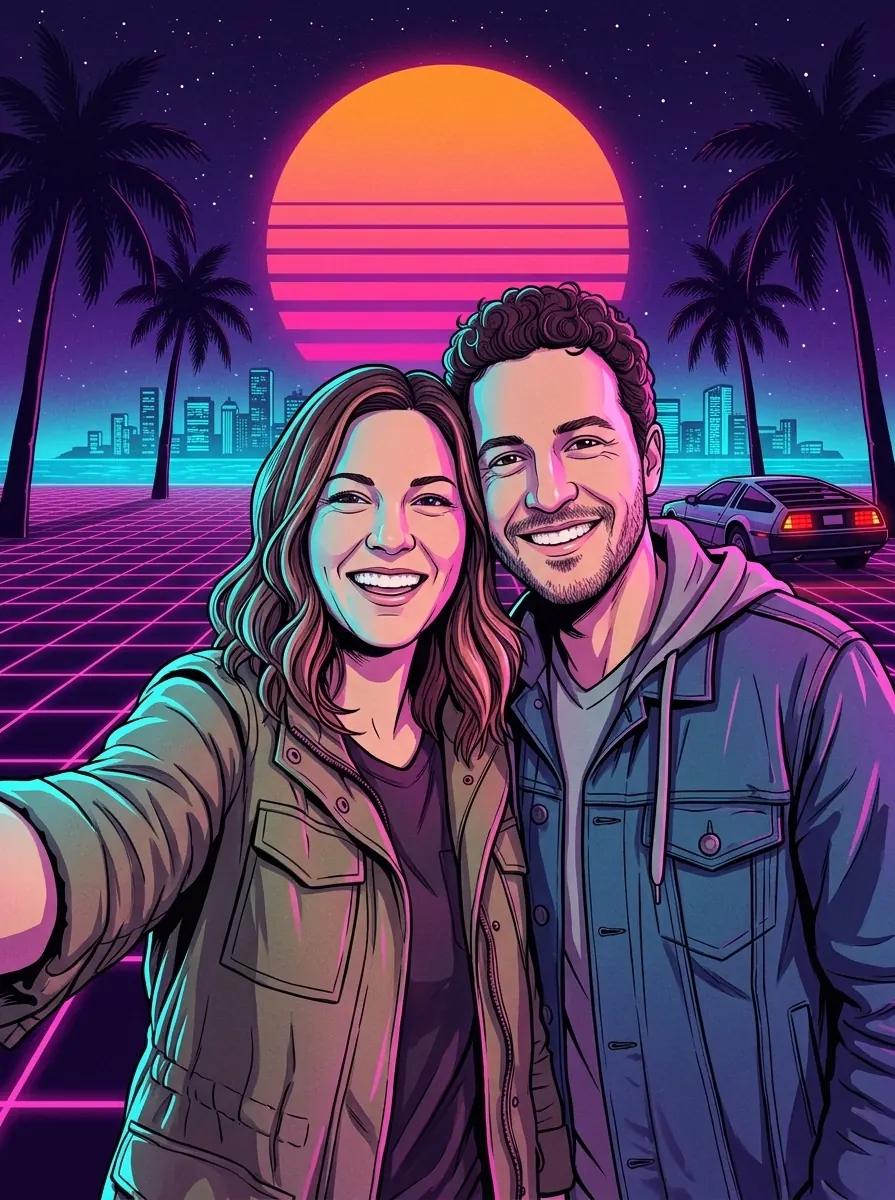
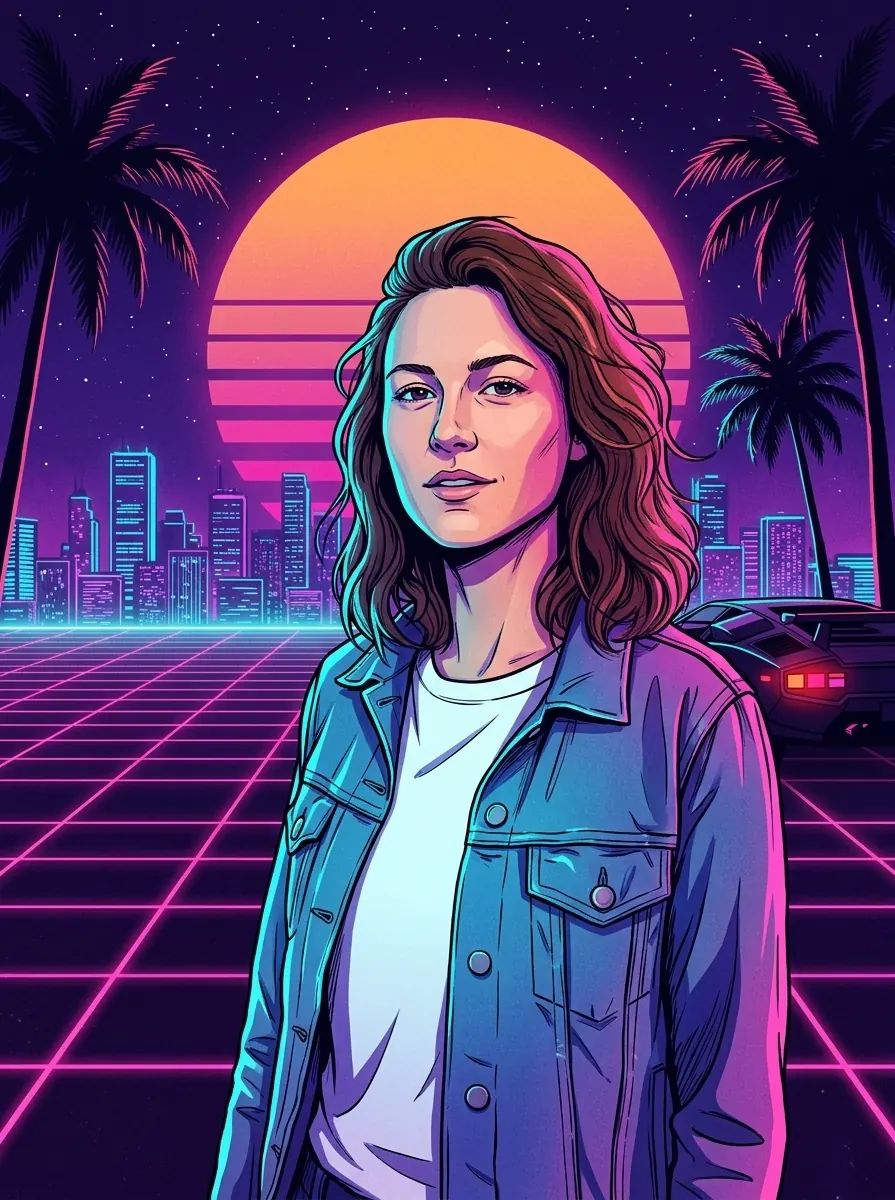
A daytime selfie pasted onto a dark street looks fake if the face stays evenly lit. Both night recipes redraw the lighting on skin, hair, and jackets to match the background. Neon Night places the subject on a rain-slicked Ocean Drive avenue lined with stepped Art Deco hotels lit by solid pink, cyan, and purple neon tubes, plus a purple supercar with bright headlights; one side of the face falls into cool night shadow while cyan and magenta rim light catches the shoulders. For older Vice City nostalgia, 80s Synthwave swaps the street for a segmented orange-to-magenta retro sun, a glowing pink perspective grid, a cyan 1980s skyline, and a wedge-shaped sports car.
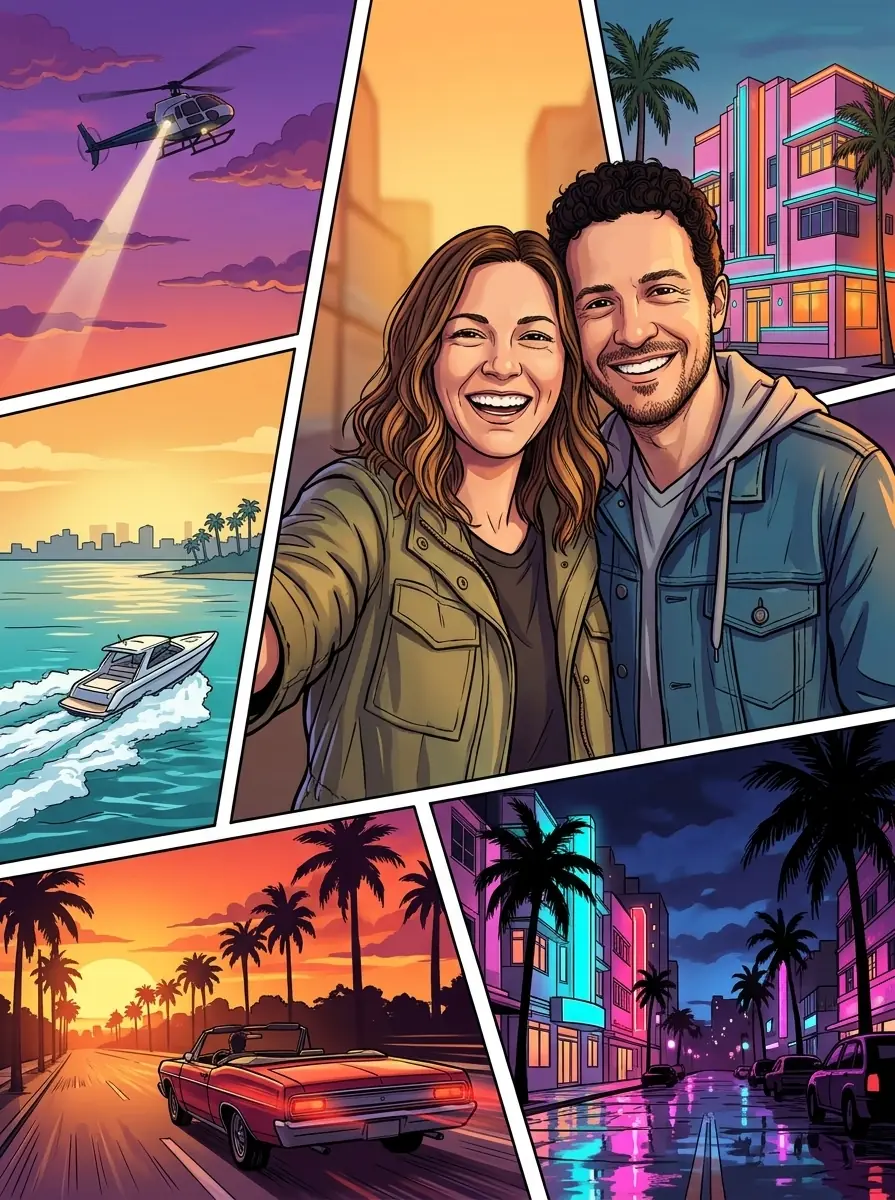
Six-panel GTA cover art and why our recipes leave out logos and street text
Classic open-world box art divides the cover into angled white comic gutters, traditionally putting a helicopter in the top-left corner, coastal action scenes around the edges, and a featured character near the center. Cover Collage builds that full six-panel grid around the people or pets in your photo. Across all six looks, the prompts exclude game titles, HUD words, and weapons: official wordmarks belong to Rockstar Games, and AI image models routinely garble small storefront lettering.
CartoonPix is independent and not affiliated with, endorsed by, or connected to Rockstar Games, Take-Two Interactive, or Grand Theft Auto. Sources: search phrases from Google Trends and our November 2026 keyword research, competitor format review, and our visual analysis of the 20 approved CartoonPix gallery samples generated on November 23, 2026. Updated .
Questions about GTA 6 Style AI
Which look in GTA 6 Style AI keeps my original background, and which ones replace it?
GTA 6 Filter is the only look that keeps your original room, street, trees, and parked car in place, redrawing the whole photo in dark ink outlines and warm sunset lighting. Sunset Boulevard, Loading Screen, Neon Night, 80s Synthwave, and Cover Collage remove your background and build a new coastal scene.
Does the GTA 6 Style AI loading screen generator add logos or text on the image?
No. Official logos are trademarked, and image models often misspell small HUD text. Loading Screen places you in front of the muscle-car and palm-tree key-art backdrop and adds a clean graphic pink progress bar and corner spinner at the bottom, with no words.
How do I make myself, a couple, or my pet look like a GTA character?
Upload one sharp, front-lit JPG or PNG photo where every face or pet head is clearly visible, pick one of the six looks, and select 1K, 2K, or 4K. Couples, friends, dogs, and cats stay in the frame with their real hair, clothes, collars, and coat markings.
Why use this instead of typing a GTA 6 photo prompt into ChatGPT or Gemini?
General chat prompts often take several retries to stop the model from changing your face shape, adding unwanted props, or writing garbled letters on neon signs. Here all six recipes were tested and locked on Nano Banana 2.1, so one upload and one click run the exact style.
What is the difference between Sunset Boulevard, Neon Night, and 80s Synthwave?
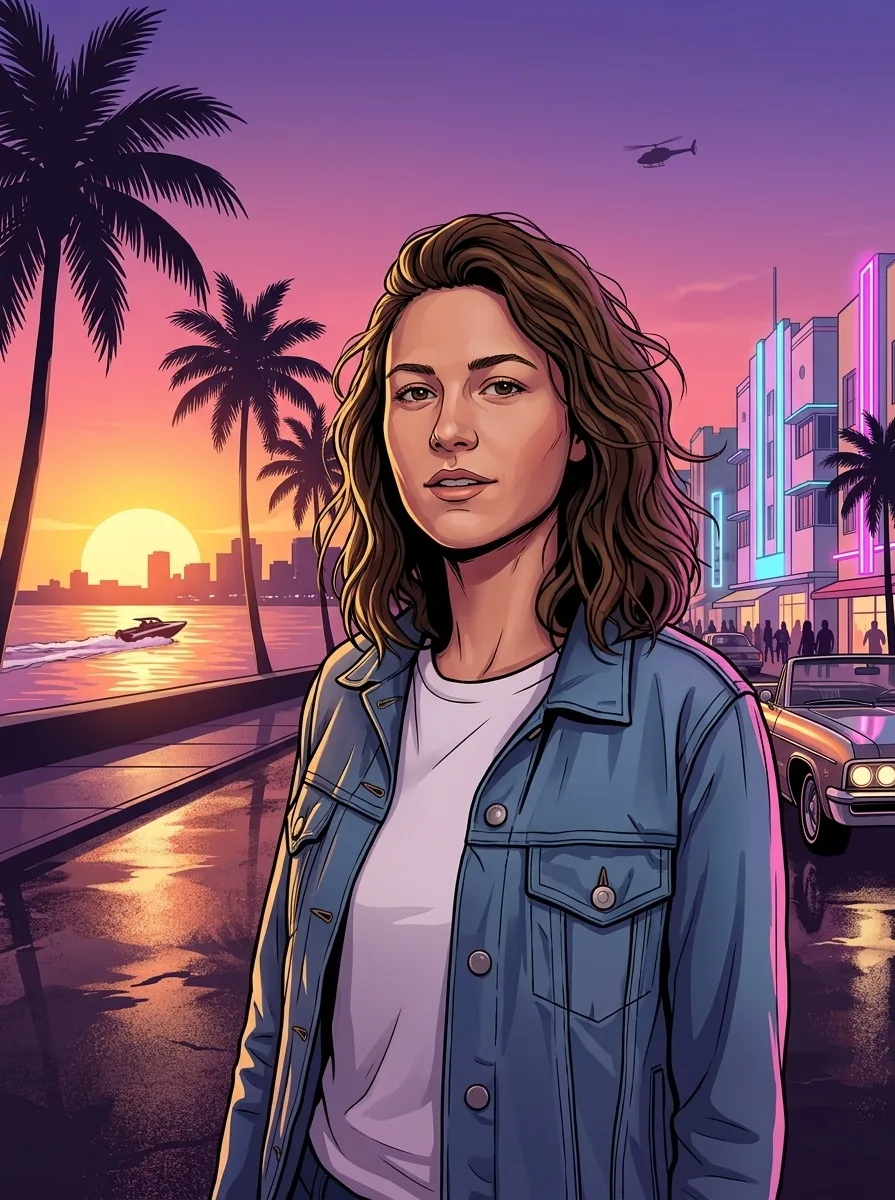
Sunset Boulevard is a warm golden-pink dusk bay with a speedboat, palm trees, pastel hotels, and a chrome convertible. Neon Night is a wet nighttime Art Deco street with a purple supercar and cyan-pink rim light. 80s Synthwave uses a retro segmented sun and a glowing pink laser grid.
How does Cover Collage arrange my photo into a six-panel GTA cover art poster?
It divides the canvas with angled white comic borders into six panels. The people or pets from your photo fill the largest central-upper panel, while the five surrounding panels show matching cel-shaded coastal scenes: a helicopter searchlight, speedboat, neon hotel, sunset convertible, and night palms.
Can I upload a photo of myself standing next to my own car?
Yes, and the look you choose decides what happens to the car. Pick GTA 6 Filter to keep your actual car, wheels, and headlights redrawn in game-art ink. Pick Loading Screen, Neon Night, or Sunset Boulevard if you want the scene to swap in a classic muscle car or supercar.
Is there a free GTA cartoon filter or free trial on CartoonPix?
No. CartoonPix has no free credits or watermarked trial, because every picture runs the full image model. A 1K image costs 1 credit; the Starter pack is $9.99 for 20 credits, and pack credits never expire across any style on the site.
Which size should I choose for a 4K gaming wallpaper or printed GTA poster?
Every result keeps the aspect ratio of your uploaded photo: upload a 16:9 horizontal photo for a desktop wallpaper or a vertical photo for a phone lock screen or wall poster. 1K (1 credit) and 2K download as PNGs; 4K downloads as a high-resolution JPEG.
Is CartoonPix affiliated with Rockstar Games, and can I use the pictures on streams?
CartoonPix is an independent web app and is not affiliated with Rockstar Games or Take-Two Interactive. Because the generated illustrations contain your own likeness and original coastal art with no official logos or characters, you can use them on streams, social profiles, and personal or commercial projects.